Invention and ideas cannot be easily invoked with the help of any aid, but more than a few good results can be accomplished with the help of a good selection of apps. The art of mix and match is not as easy as it could seem: it takes invention and ideas to effectively use different images to make something new.
Diptic for iPhone by Peak Systems doesn’t provide you with extraordinary invention skills, but it does give you a few neat tools that will let you use your pictures in new ways.
Main Features
- Full resolution available;
- Restore from previous sessions;
- Nineteen different layouts;
- Expand layouts (in-app purchase);
- Mirror, pan, rotate by 90°;
- Adjustable brightness, contrast and saturation;
- Adjustable colored border;
- Possibility to share via email.
Appotography Opinion
Diptic is a nice little app that allows the user to mix multiple photos – from the camera roll or taken on the spot – to create something new and different. The geometric layouts available cover a variety of possibilities: you can combine from just two to up to four different photos to create your new picture. Diptic is very easy to use.Whether you want to tell a simple story or you simply want to showcase more than one photo at once, Diptic really comes in handy. You just have to pick your layout of choice, add the pictures and adjust a very few parameters, if you need to. You can alter the border’s color and width, making it thicker or totally invisible; you can modify the photos by enlarging them, moving them around or making them brighter, more saturated, etc. Then you can save, send by email or share on the Diptic group on Flickr.
With a little invention you can create very eye-catching compositions with Diptic, especially if, for example, you use it in combination with other photo editing apps.
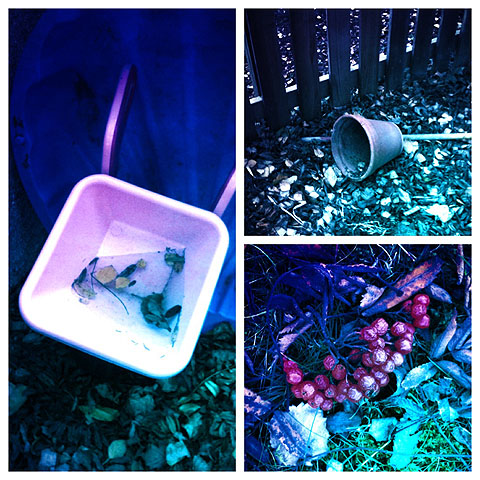
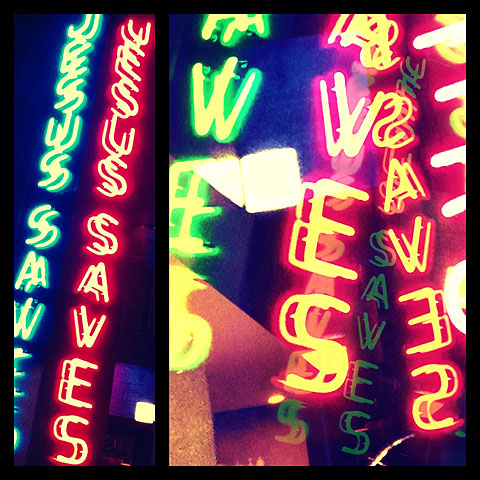
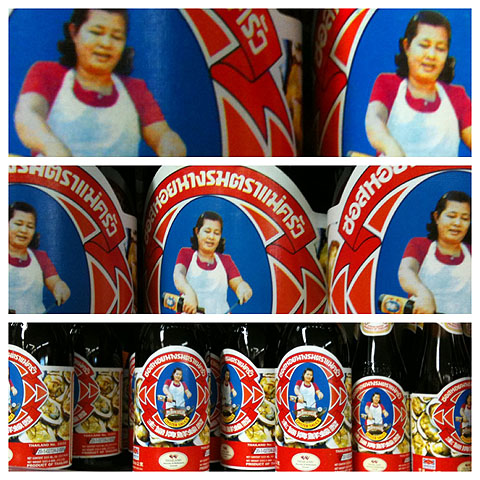
My only complaints are about the resolution, which should definitely be improved, and about the rotation feature, which should in my opinion allow the user to rotate not only by 90°, but be more flexible in order to adapt the photos more easily to the ready-to-use layouts. It would be useful also to add a feature enabling to swap the photos’ positions when needed.
UPDATE: after a important update, Diptic now allows saving at full resolution; the layout system was also improved, letting the user “expand” each layout from a 1:2 to a 2:1 aspect ratio — the original 1:1 square is also still selectable — significantly widening the available choices. Therefore, our original score was also revised.
Overall
Name: Diptic
Developer: Peak Systems
Compatibility: iPhone, iPod Touch, iPad. iOS 3.0 or later.
Price: £1.19||$1.99||€1.59
Vote: 4/5


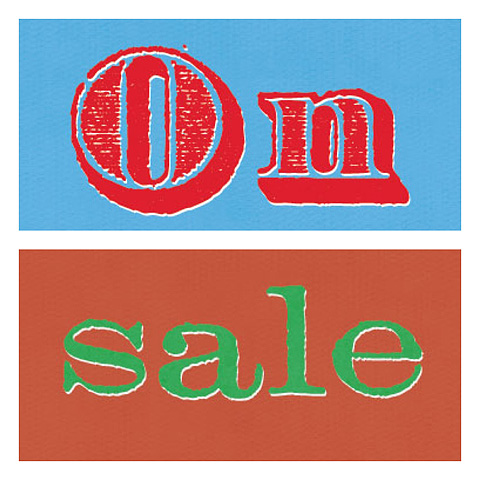 Diptic by Peak Systems is a universal app that allows to combine photos to create visual mishmash both on iPhone and iPad devices. Diptic comes with a rich selection of customizable templates to mix up to four images together. The offer for Diptic is valid until August 31.