New VSCO Cam Preset Pack Out

VSCO – Visual Supply Company released a new film preset pack for their iOS and Android apps, VSCO Cam. The latest preset collection, named Essence / Archetype, is a matching release to their VSCO Film 05 for Lightroom and Photoshop, which was released earlier this year.

VSCO Cam Essence / Archetype
Processed with E1 Preset

The Essence / Archetype preset pack includes eight new film effects reminiscent of popular consumer film stock. The presets in the pack were designed to meet the needs of photographers in a variety of situations and they are characterized by vibrant warm colors and rich contrasts.

VSCO Cam is a free photography app featuring extra film effects as in-app purchases. The Essence / Archetype presets are available directly from the VSCO Cam store for $1.99/€1.79.
Mextures 2.0: More Textures, More Formulas, More Features

Mextures has been for some time one of the apps I frequently use when I want images with mood but without overpowering processing. The app, whose simple and yet effective concept many iPhone photographers found appealing, was updated to version 2.0. The latest release brings to a new level the possibilities of the app, adding several new features and textures.

Mextures 2.0
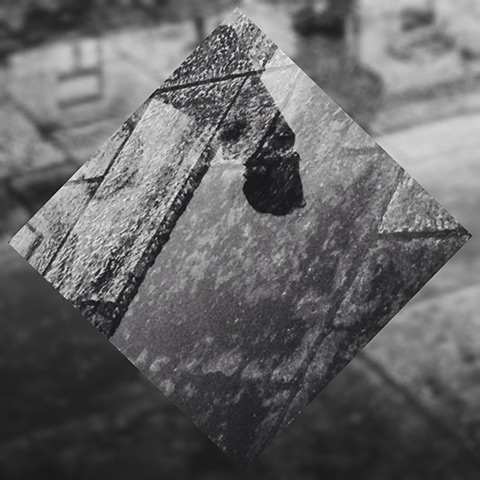
Despite my appreciation for the app, I previously in many occasions I felt it needed badly advanced controls for image tuning, like basic contrast, exposure and saturation. Most of the times, the photo had to be adjusted in another app before being imported into it. This was especially bothersome since I do a lot of monochrome, which was impossible to achieve in-app in the previous versions. Mextures 2.0 comes with a mini-lab Continue reading “Mextures 2.0: More Textures, More Formulas, More Features”

The Black Night of The Frugal Photographer

Whenever I am asked, “Why did we reach this absurd, that photographers with expensive equipment decide to ditch it and just get a camera phone? Isn’t that supposed to be the other way round?” I feel my eyes rolling of their own accord. It’s not that I don’t understand why people are so attached to the “traditional” notion of “upgrading”, I just don’t get why it should matter so.

The eye-rolling is even more intense though when I see art galleries and specialized publications insisting on specs — analogue vs digital, megapixels, DPI and all that jazz. Even in this case, I understand that since they have to sell something to someone else, and sell it for good money, they don’t want to deal in supposedly defective goods. But is art about material perfection? Indeed, equipment and specs make a difference. Jackson Pollock used household paint and now his works are falling apart. But what would have happened if back in the days he went for the “right” paint instead? Perhaps he would have produced different art. Maybe his works would be better preserved, but we wouldn’t care all that much about them.


Continue reading “The Black Night of The Frugal Photographer”

Mobile Masters PROOF Call for Entries

All mobile artists and photographers are invited to take part in the upcoming Mobile Masters PROOF, a contest aimed at the promotion mobile photography as an art form and at assessing its most distinctive potential. Mobile Masters was born as one of the several projects of designer, author and photograher Dan Marcolina, also known for his other mobile-oriented feats, AppAlchemy and iObsessed.

Mobile Masters PROOF 2014

The previous edition of Mobile Masters was by invitation only. The juried contest format was adopted for the second edition to embrace a wider range of photographic and artistic influences and visions. The most deserving artists will earn a feature spread in the upcoming Mobile Masters iTunes app. Winners will be announced in the course of MacWorld in San Francisco on March 26. Continue reading “Mobile Masters PROOF Call for Entries”

Fragment Review

The makers of Tangent are giving iOS users their newest app, Fragment. Like Tangent, and even more than that, Fragment is an app conceived to transform pictures into something completely different from the original. I was kindly given a promo code to preview the app hours before the official release, and this is the result of my brief experience with it. Even though I didn’t get much time to spend with Fragment, the app is so hassle-free that it didn’t take long to learn how to use it.

Fragment iPhone
Main Features

  • Full resolution saving;
  • 4 crop ratios;
  • 45+ geometric designs;
  • Randomize option;
  • Adjust brightness and contrast;
  • Add colored filters;
  • Invert and desaturate;
  • Blur;
  • Open in Tangent and LoryStripes;
  • Share to Twitter, Facebook and Instagram.

Continue reading “Fragment Review”

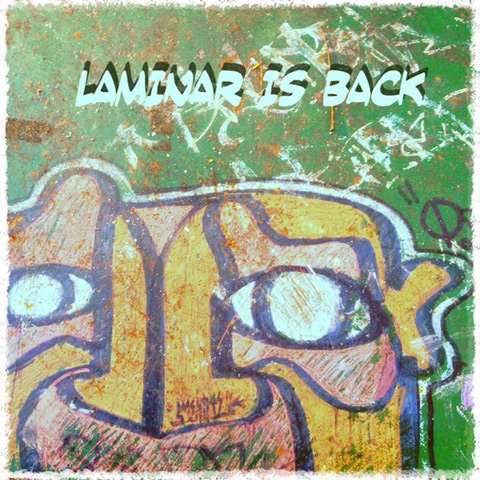
Laminar Back to App Store

It’s not without some excitement that we aknowledge the recent return of Laminar after a long absence from the App Store. As many will remember, Laminar was withdrawn from the Store in late September for serious problems with iOS 7. At the time, no official statement or detailed explanation had been divulged by the developer, making some assume the app was gone for good.

Laminar Back to App Store

Being the image editor by Pranav Kapoor one of the most complete on iOS, its prolonged absence was experienced as a huge loss by those iPhone users who made it the go-to app for throughout photo retouch on the device. Continue reading “Laminar Back to App Store”

Summer, Fall, Winter… And Winter Again

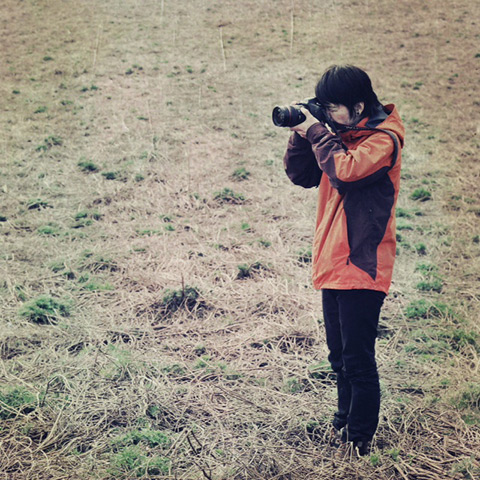
You’ll excuse me for the quote in the title. I once had a friend from South Korea. I met him in Iceland, while he was writing his second travel book. At first he didn’t bother to inform me, but he was a rather successful writer in his home country. In addition to writing, he was a plethora of other things — photographer, drummer, DJ, among the others. Recenty he started painting and managing a cafe in Seoul. I have no idea about what he will do next, but I hope for him he will never feel the urge to settle down and become a respectable grown-up.

Fish in Iceland
It’s hard to keep track of the explosive South Korean culture these days. Like my friend, the South Koreans seem to be everywhere, and they’re doing pretty well in many fields, from technology to fashion, from movies to pop music. Continue reading “Summer, Fall, Winter… And Winter Again”

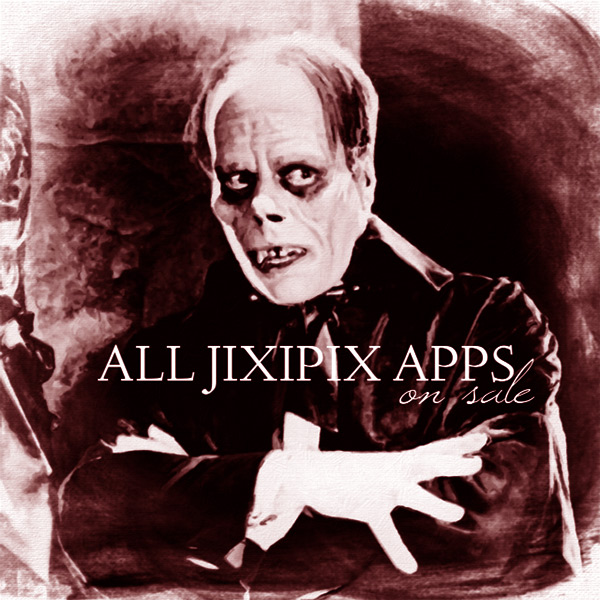
All Jixipix Apps Now On Sale

As a Black Friday and Cyber Monday offer, all apps by JixiPix Software are on sale for a limited time. The current offer doesn’t only include apps for iOS devices, which are all dowloadable for the special price of $.99, but also the many Mac OS apps by the same developer. Most apps are available for iOS — both iPhone and HD for iPad — and for Mac OS, with the exception of Hand Tint, which is exclusively for Mac users.

Black Friday Cyber Monday Jixipix Sale
The apps by JixiPix Software now available for $.99 are: Vintage Scene and Vintage Scene HD, NIR Color and NIR Color HD, Grungetastic and Grungetastic HD, Romantic Photo and Romantic Photo HD, Simply HDR and Simply HDR HD, Dramatic Black & White and Dramatic Black & White HD, PhotoArtista Oil and PhotoArtista Oil HD, PhotoArtista Sketch and PhotoArtista Sketch HD, PhotoArtista Haiku and PhotoArtista Haiku HD, Moku Hanga and Moku Hanga HD, Artoon and Artoon HD, Aquarella and Aquarella HD, Portrait Painter and Portrait Painter HD, Pop Dot Comics and Pop Dot Comics HD, Kyoobik Photo and Kyoobik Photo HD, Snow Daze and Snow Daze HD, Rainy Daze and Rainy Daze HD.

The Mac OS apps on sale are: Dramatic Black & White, Vintage Scene, Simply HDR, Romantic Photo, PhotoArtista Oil, PhotoArtista Sketch, Hand Tint, Pop Dot Comics, Grungetastic, Portrait Painter, PhotoArtista Haiku, Moku Hanga, Rainy Daze, Snow Daze, Aquarella, NIR Color, Artoon, Kyoobic Photo.

Note that the offer doesn’t include the video app Vintage Scene for iPhone.

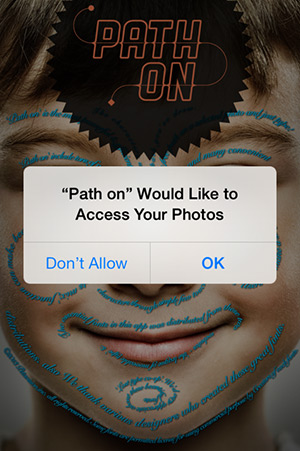
Quick iPhone Tip: How to Turn Apps Ability to Access Photos Back On

I got this question in the mail and I thought I might give a public answer, in case anybody besides the person asking has the same problem:

“Hello, I’m a new photo app user. I’ve downloaded some app for adding effects on my pictures and wanted to try them. I’ve been asked by one of these apps if I wanted it to access my photos and without knowing what I was supposed to select, I answered don’t allow. I didn’t know this means I can’t use the app at all. I tried doing something to fix my choice, but wasn’t able to. Can you help?”

How to Turn Apps Ability to Access Photos Back On
The person doesn’t mention any specific iPhone photo app, but many among them ask you to grant permission to access photos before you can import your pictures and start editing them. Continue reading “Quick iPhone Tip: How to Turn Apps Ability to Access Photos Back On”

iPhone Photography Tutorials #7 – How To Turn One or More Photos into Minimal Illustrations

I was preparing another image for one of my series and for this purpose I was taking several pictures to choose from among those the ones I would need for it. However, as it often happens, at some point I took another path and I created something different from what I was planning. I like minimal images, but I honestly have little ability for them. The partner in crime says mine is horror vacui, and probably he is right. Anyway, this wasn’t conceived as a minimal picture, but it became one.

Apps needed:
ProCamera
Leonardo
iColorama S
Plastic Bullet
Modern Grunge
Handy Photo
Infinicam Continue reading “iPhone Photography Tutorials #7 – How To Turn One or More Photos into Minimal Illustrations”