Fragment Review

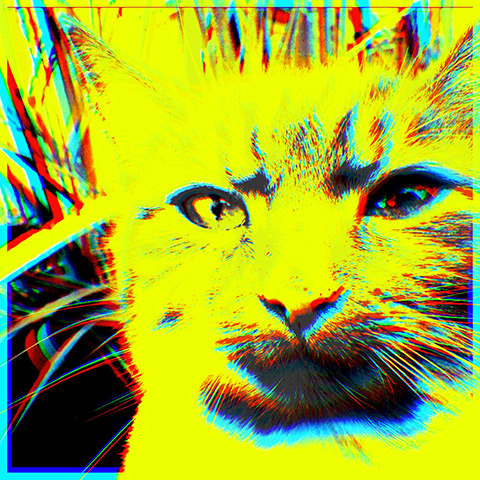
The makers of Tangent are giving iOS users their newest app, Fragment. Like Tangent, and even more than that, Fragment is an app conceived to transform pictures into something completely different from the original. I was kindly given a promo code to preview the app hours before the official release, and this is the result of my brief experience with it. Even though I didn’t get much time to spend with Fragment, the app is so hassle-free that it didn’t take long to learn how to use it.
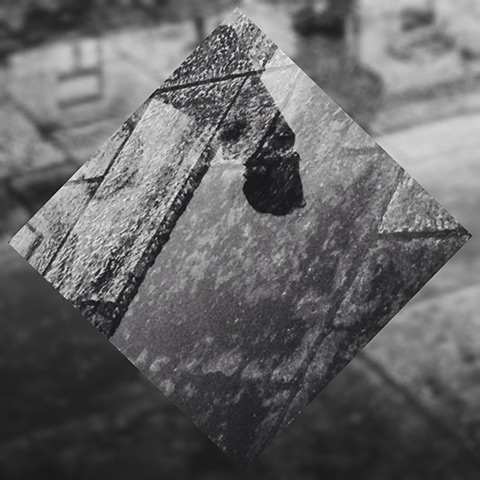
Fragment iPhone
Main Features

  • Full resolution saving;
  • 4 crop ratios;
  • 45+ geometric designs;
  • Randomize option;
  • Adjust brightness and contrast;
  • Add colored filters;
  • Invert and desaturate;
  • Blur;
  • Open in Tangent and LoryStripes;
  • Share to Twitter, Facebook and Instagram.
Continue reading “Fragment Review”

Popkick Review

Popkick users and fans of colorful warholesque pop effects, keep an eye on the App Store: a revamped version of the app Popkick is being released on the 5th of November. We were given the chance to try the new Popkick shortly before the official release. Here is our experience with it.

Popkick App
Continue reading “Popkick Review”

Exbel Review

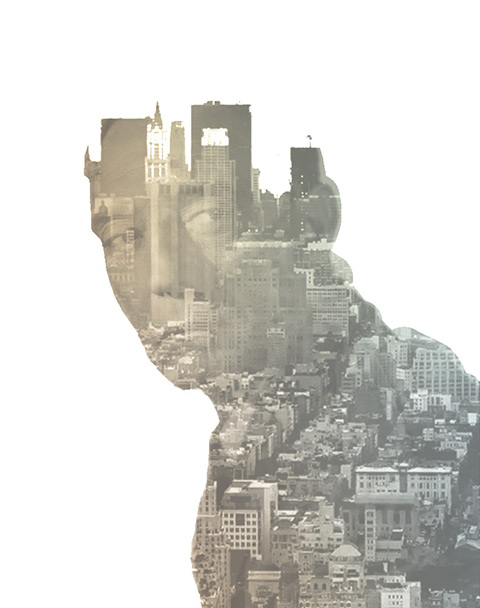
The trick to a stunning double exposure without actually creating it in-camera is usually to start with a darker image, often a silhouette against a clear background, and to apply a second image via layer blending over it. How many images like these have you seen around already? Well, even if you have seen a billion examples of this technique, there is still a lot of space for creativity. With the help of Exbel, iPhone users can give the double exposure effect a go, too. Exbel is enjoying some popularity in the App Store right now, as the app is conceived as a very simple shortcut to obtaining impressive double exposures from any photo.

Exbel iPhone
I was pretty excited to try Exbel when the developer kindly provided me with a promo code, but I was not totally satisfied with this app. Exbel is definitely quick and easy to use, but there are several issues that made me realize the tool is still not very practical to be enjoyed thoroughly.

Continue reading “Exbel Review”

Repix Review

Sometimes it does take a little more than a one-tap effect to give your photo the look you are looking for; you have to work a harder for it. There are a thousand iOS apps available that let you apply artistic filters by just tapping on a single button, but there are also apps that will offer you instruments to process photos more creatively by overlaying them with organic effects and brush strokes. Yes, a bit like in painting, but not quite. Repix is one of these latter apps.

Repix

Main Features

  • Full resolution saving available;
  • 20 effects (8 free + 12 via in-app purchase);
  • 6 crop ratios;
  • 8 photo filters;
  • Random feature;
  • Adjust brightness, contrast, saturation vibrance, temperature, vignette;
  • Undo/redo;
  • In-app guide;
  • Send via email;
  • Share via Twitter, Facebook, Tumblr, Instagram.

Continue reading “Repix Review”

Soundgramr Review

A few years ago I met a man who came up with the idea of publishing a book with a CD containing photos and their sounds. At the time I thought the idea was not particularly well executed because, let’s be honest, who wants to be forced to listen to a CD full of random noises while looking at a photobook featuring matter-of-fact images of sewers, rocks and other commonplace items? It was a bit too much like some museum’s audio guide, the main difference being those pictures were not memorable or artistic in any way, not even in a duchampesque kind of way. It was basically the sound gimmick that was supposed to make the whole concept interesting, but unfortunately it didn’t — well, at least for me.

Soundgramr brings to the iPhone the pictures with sounds idea, only it does it better than my former acquaintance. First of all, you are the one taking your own pictures, so you can make them significant if you want to; second, you can edit the pictures a little to make them more appealing; last but not least, the app is a lot cheaper than the infamous pictures with sounds book.

Soundgramr iPhone
Soundgramr is a minimally designed app backed by an original concept, an interesting contrivance for those who are into saving their memories in a multimedia format, something in between photo and video.

Main Features

  • Full resolution saving available;
  • 11 filters;
  • Vignette control;
  • Send via email;
  • Share via Twitter.

Continue reading “Soundgramr Review”

Distressed FX Review

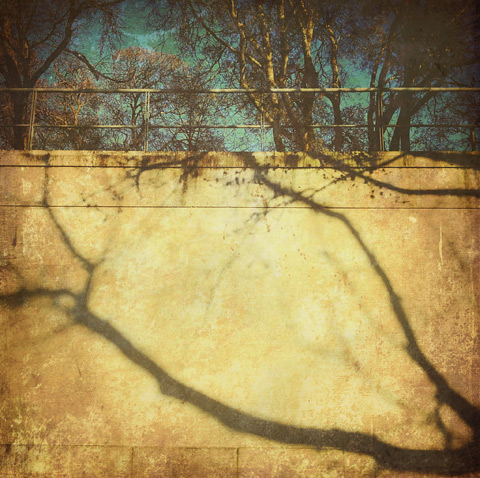
Distressed FX is a sweet little app for iPhone and iPad that uses textures to turn photos into aged and battered images with an artistic flair. The app has just enough features for this purpose, which is perfectly fine, as so many do-all apps include at least a few textures among their effects but they are not especially designed for this; as a result their textures do not always blend nicely with photos. As I said other times, texturing takes more than just sticking a random layer over a picture; first of all, it starts with versatile textures.

Distressed FX

Main Features

  • Full resolution saving available;
  • Square format;
  • 16 textures;
  • 21 overlays;
  • Adjust texture and overlay brightness, contrast and saturation;
  • Adjust texture and overlay opacity;
  • Oval and linear blur;
  • In-app guide;
  • Send via email and to Dropbox;
  • Share on Twitter, Facebook, Instagram.

Continue reading “Distressed FX Review”

Photolettering Review

House Industries is a well-known type foundry with an exuberant and assorted catalog of fonts brought to life thanks to the effort of many skilled font designers. The foundry recently released its Photolettering, a photo app to create images that combine images and typography. Photolettering takes its inspiration from the works of Photo-Lettering Inc., a type house that made use of avanced typographic and photographic technologies for producing high profile commercial work and that for its achievements and influencial production is still considered by most a pioneering enterprise. PLINC, as it was known among adepts, employed many talented hand-letterers and graphic designers and built over the years one of the most impressive type libraries ever.

There are many iPhone apps to add text to images out there, but Photolettering’s most interesting feature is in what we could call its “editorial uniqueness”: you don’t have a generic selection of font faces to choose from, but a fine collection of excellent typefaces.

Photolettering iPhone

Main Features

  • 20+ fonts (3 free + others via in-app purchase);
  • Three photographic filters;
  • Set text alignment;
  • Change font color;
  • Set background color.

Continue reading “Photolettering Review”

HDR Art Review

The label HDR has gone from its original meaning, intended to describe techniques used to broaden the dynamic range of images, to connoting the results these techniques are able produce. In the widest use of the term, what today is referred to as HDR is a visual style, distinguished by drastically enhanced detail and exaggerated color saturation, often leading to a loud and unrealistic look.

With HDR Art iPhone enthusiasts of this style are given options and tools to process their images by applying HDR effects through a variety of adjustable formulas and features.

HDR Art iPhone
Main Features

  • Full resolution saving;
  • 50 presets;
  • Customizable effects;
  • Save user presets;
  • Randomizing feature;
  • Send via email;
  • Share on Facebook and Twitter;
  • Print.

Continue reading “HDR Art Review”

Get Your Exposure Right With iZoner

iZoner is light meter for iPhone coming with a kit of tools for giving users accurate estimate of the lighting situation of any scene. Differently from a number of other iPhone metering apps, iZoner does not try to emulate analog meters, but it uses iPhone’s apparatus through a minimally designed and unpretentious interface.

If you do not know what a light meter is, perhaps it simply means in practice you have never needed one. But even if your current camera does for you all you need to take a picture, iZoner may come in handy for understanding light and its effects on your photographs.

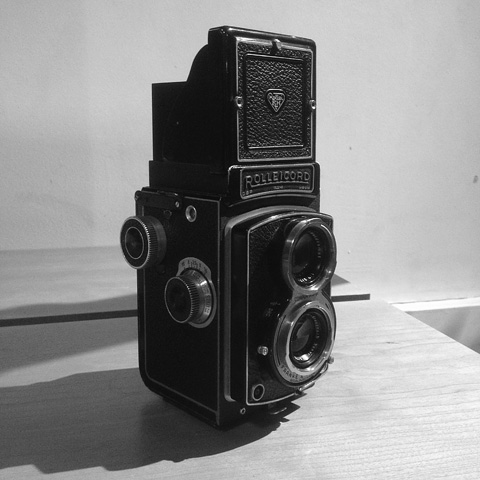
iZoner & Rolleicord
Continue reading “Get Your Exposure Right With iZoner”

XnRetro Review

XnRetro is the little sibling of the more comprehensive XnView. The app is pretty much hassle-free and user-friendly, but it offers limited tools. XnRetro is an okay photo companion for users who need all the essential features that make a photography app usable, from processing to sharing, without sophistications and convoluted controls.

XnRetro iPhone

Main Features

  • 19 filters;
  • 26 frames;
  • 15 light textures;
  • 6 vignette styles;
  • Add grain;
  • Adjust brightness, contrast, saturation;
  • Send via email;
  • Share on Facebook and Twitter;
  • Open photos in other apps.

Continue reading “XnRetro Review”