
We have a handful of free promo codes for Hueless, a camera app we have recently reviewed. We want to share the codes with our readers: please, read on to know how to apply.

“Hueless is just about pure, honest black and white.„
Codes and tools for your iPhone and iPad photography apps.
We have a handful of free promo codes for Hueless, a camera app we have recently reviewed. We want to share the codes with our readers: please, read on to know how to apply.
“Hueless is just about pure, honest black and white.„
We have a number of free promo codes for Bleach Bypass which we want to share with our readers. Please, read the following to apply.
 Bleach Bypass by fotosyn recreates skip bleach processing on the iPhone. The recently revamped Bleach Bypass features 8 different effects plus borders and vignetting for easy and dramatic enhancement of images. Bleach Bypass 1.2.5 was released in the App Store earlier this week and this latest version comes with PhotoAppLink integration, to seamlessly edit photos between photo apps. If you have not tried the app yet, this could be the perfect occasion to get acquainted with it.
We will be choosing at random among people posting a comment in this entry in the course of the next 48 hours. Codes will be mailed to winners after commenting is closed, so please add your comment using a valid email address.
Many thanks to Jim Moore, developer of Bleach Bypass, who kindly provided us with the promo codes!
Dynamic range is the ratio between maximum and minimum light intensity (or white and black, to say it more plainly); it varies a lot depending on the medium. The human eye is a highly sophisticated instrument, able to perceive the world in its complexity more efficiently than most artificial devices. It’s a crucial problem for photographers to be able to capture a scene in all its tonal richness, overcoming the technical limitations of the camera medium.
In digital photography, tone mapping is a technique allowing to process images so that they display a wider range of tonal detail than the medium allows. This technique permits to make up for technical deficiencies of cameras, monitors, printers, etc., bringing out what seems to be either lost in the shadows or in the highlights. HDR photography heavily relies on tone mapping processing.
iCamera HDR uses three different tone mapping engines for creating HDR composites. What are the differences and when to use them? Read on to know more.
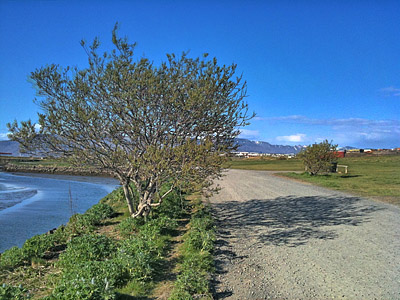
Adjustable parameters in Tone Balancer:
Strength – Sets the contrast of the image;
Local lighting – Sets the brightness of the image.
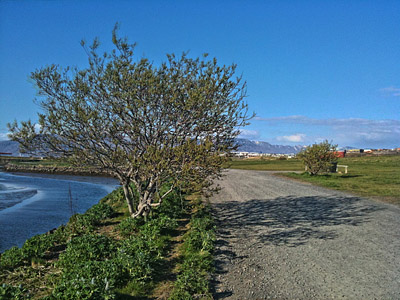
Adjustable parameters in Tone Enhancer:
Strength – Sets the color saturation of the image;
Fill Light – Reduces contrasts and lights up dark areas of the image.
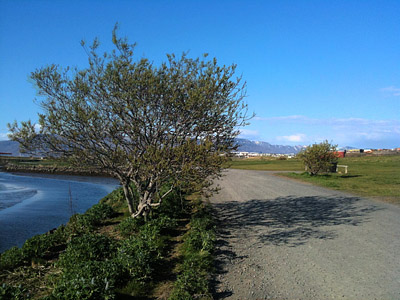
Adjustable parameters in Tone Compressor:
Strength – Sets the global contrast of the image.
Closing comments
Which among the three tone mapping engines in iCamera HDR is the best? Which among them will make photos look better? These and other similar questions are frequent among iCamera HDR users. However we look at it, there is not a general rule as to what is more proper to use to process photos in iCamera HDR. It all depends on what kind of effect you are looking for and on what photos you are going to use. The best suggestion is not to stick to a single processing, but to try for every image different solutions, knowing before starting what kind of feeling and look you want to convey.
 Here is part two of our PhotoToolbox filter codes special. To use the codes, open Settings -> Filters setting -> Combination Filters Import&Export -> copy or input the whole line as published here under each image into the text area -> Import.
If you have your own favorite codes to share, send us an email or comment under this entry.
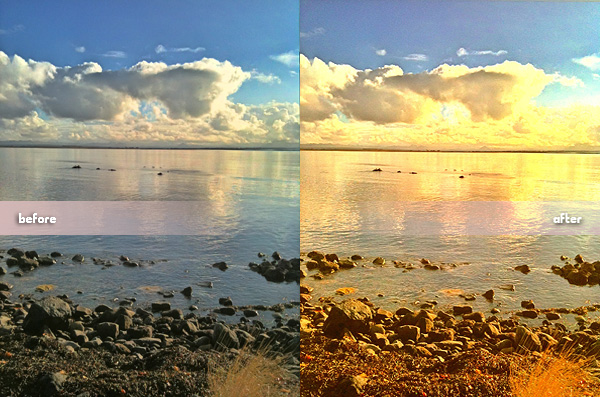
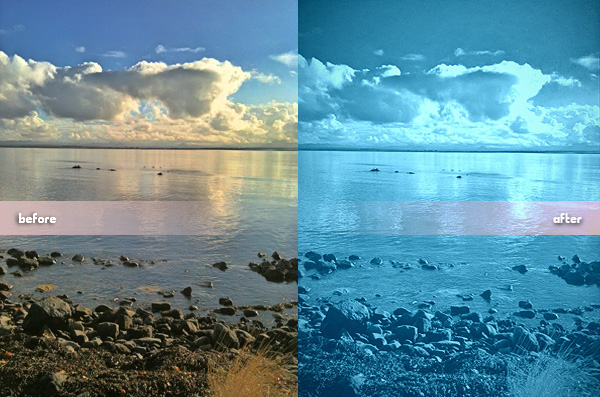
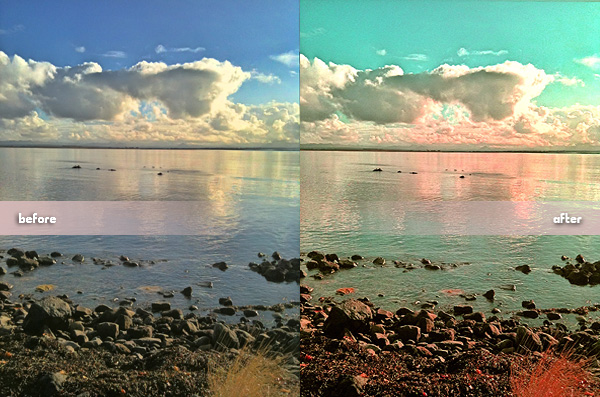
PS: Looking for part one to get more codes? You will find it here.
PhotoToolbox users, we have a few filter codes to for you to use. We are going to post them little by little, so check out for more in the upcoming days. We are starting this brief series of posts with three codes corresponding to very different filters.
A little variety doesn’t hurt, does it?
To import the codes into your PhotoToolbox in order to use them, simply open Settings -> Filters setting -> Combination Filters Import&Export -> copy or input the whole line as published here under each image into the text area -> Import.
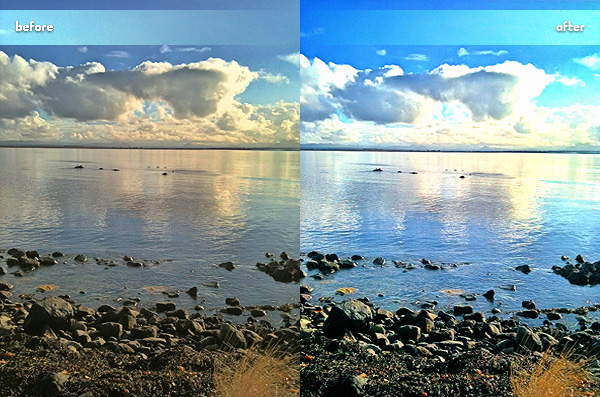
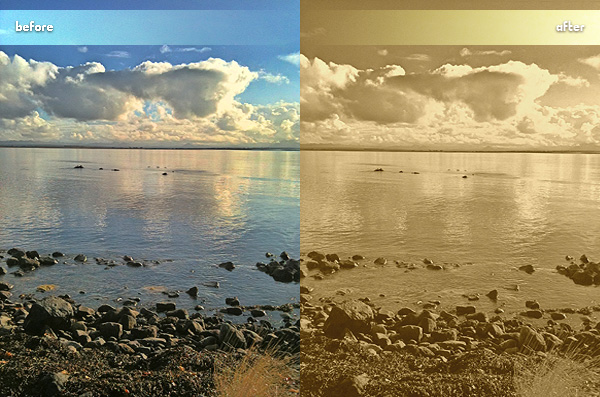
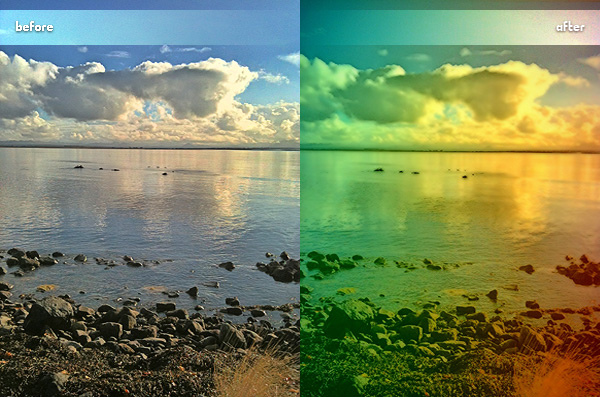
If you have your own codes and you feel like sharing them, drop us a line and we will be happy to publish your creations on our page.
Here we are again with more codes for Infinicam users! This time we are sharing some really cool codes sent to us by Pepjin.
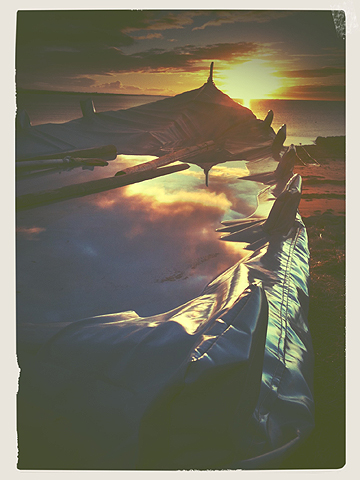
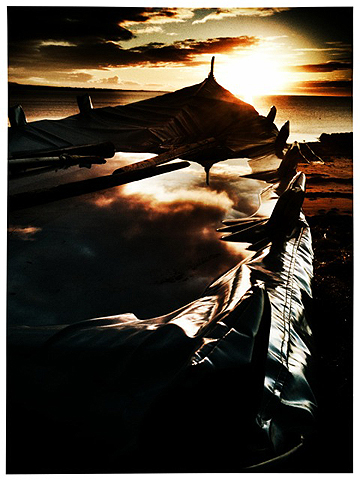
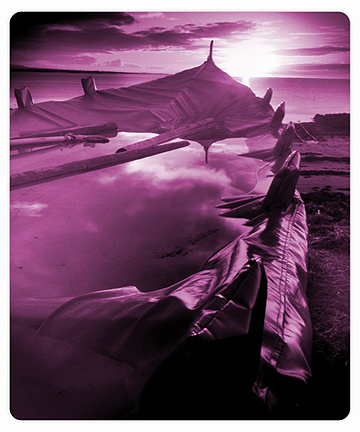
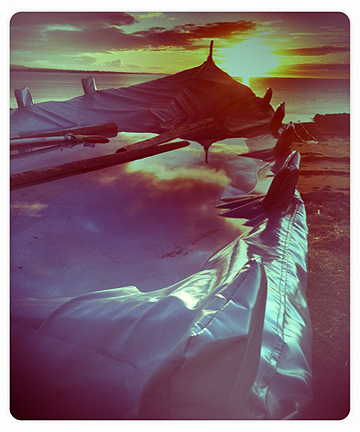
We selected a few codes among the ones sent to us; they were all great, it was a very difficult choice. Thanks again to Pepjin for sharing them! We hope you’ll enjoy them as much as we did!
Remember that you can send your own codes too: [email protected].
One of our readers, Emmy, sent an impressive amount of style codes for Infinicam. We tried them all and selected three of these codes that we liked in particular way. It’s a swell selection, so thanks again to Emmy! Enjoy!
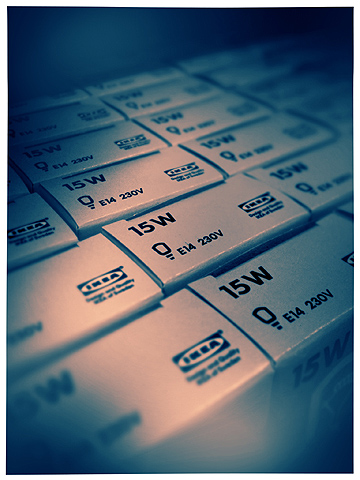
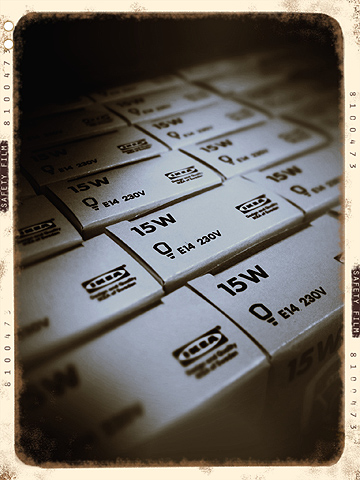
Remember that if you want, you can submit your own codes too. Just send us an email here: [email protected].
Three new Infinicam codes for your photos: very different styles for very different tastes and needs! Have fun with them!
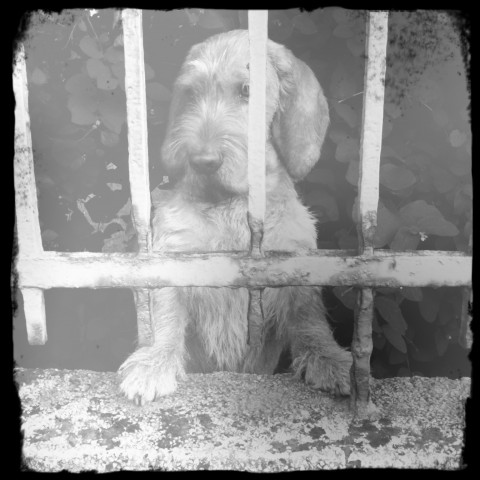
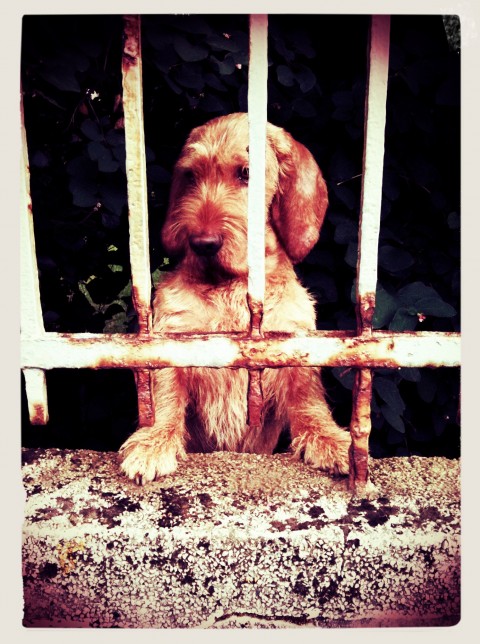
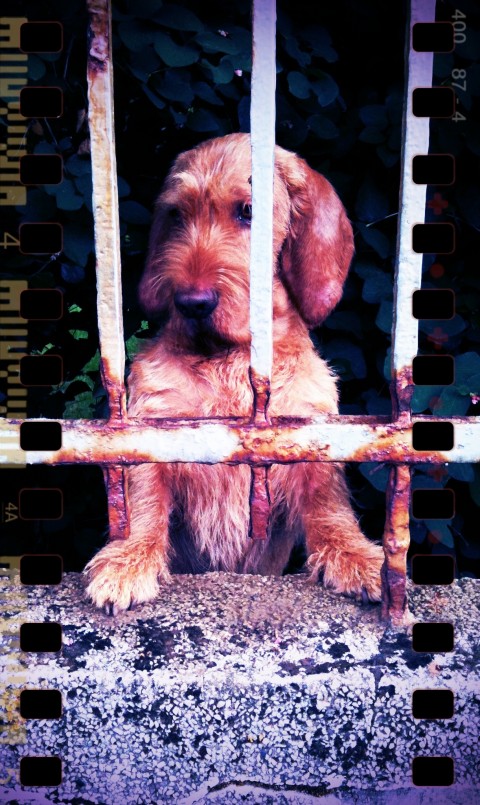
Remember to send us your own style codes if you have some you like in particular! Share your favorite styles with other users by sending your codes to us: [email protected]! We will publish the best codes on Appotography!
For Infinicam users out there, we are willing to share a few style codes that we liked in particular way. Feel free to use them on your photos!
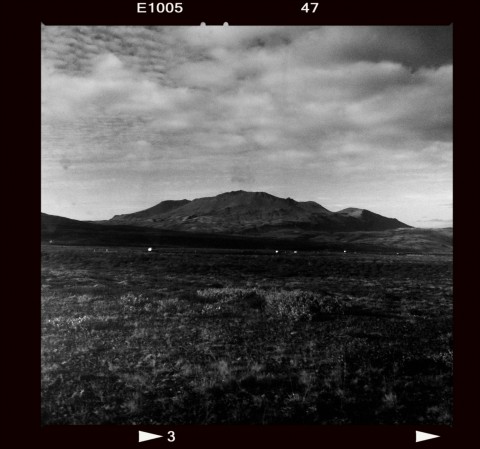
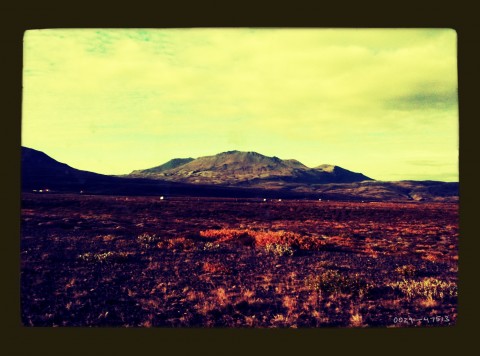
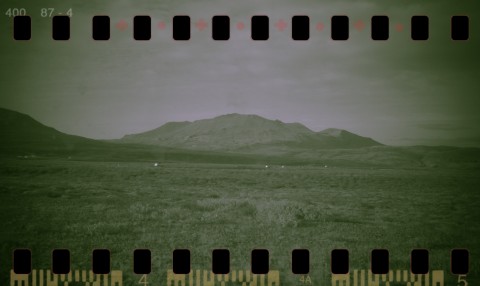
We will be posting a lot more, so check them out!
If you have your own codes and want to see them published here, please send them to our email address: [email protected] .