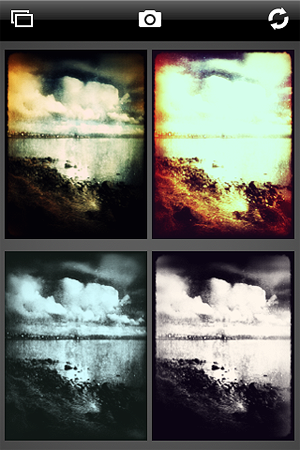
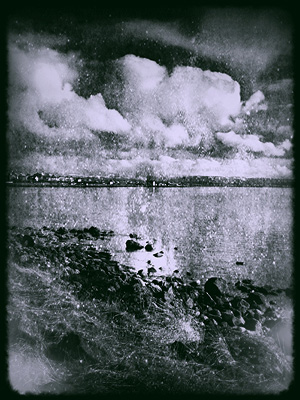
Iris Photo Suite is a highly sophisticated collection of tools for iPhone photographers. It comes with a rich set of ready-to-use effects, great for beginners looking for a quick retouch, and with more specialized instruments, for users requiring proper control over the editing process.
Main Features
- Full resolution available;
- Adjust brightness, contrast, saturation and temperature;
- Levels editor;
- Shadows/highlights editor;
- Color balance editor;
- Layers support;
- Blur/sharpness adjustment;
- Noise reduction;
- Selective desaturation;
- Crop;
- Rotate, mirror and flip;
- Add watermark;
- 70+ effects;
- Restore from previous session;
- Undo/redo;
- Send via email or send to Facebook and Twitter.
Appotography Opinion
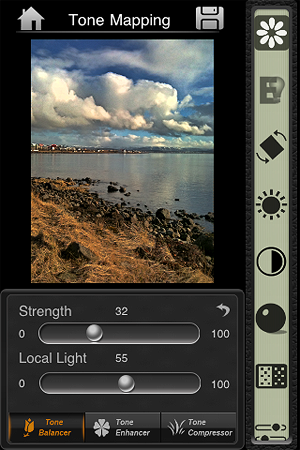
Iris Photo Suite provides you with several adjustment tools: you can set brightness, contrast and white balance, play with shadows and highlights, define color balance, examine your photo’s histogram and adjust levels. You can use layers and masks to create complex effects or for more refined results. Iris also includes crop and rotate tools, watermark editor, with fairly good font customization (over 100 styles, plus size, color and opacity control), and Color Sense, a selective desaturation/recolor feature, to remove and switch colors in areas of your images.
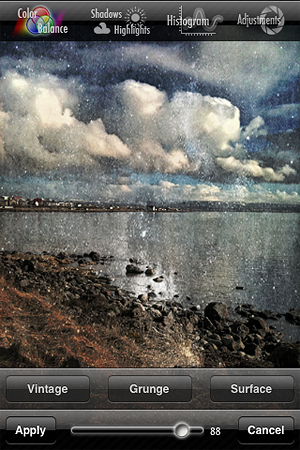
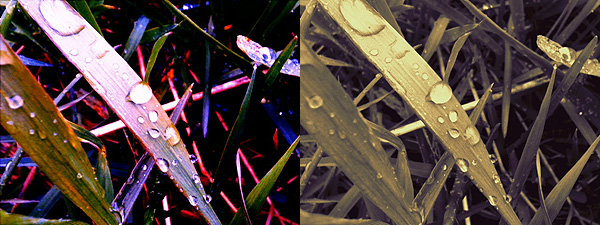
 Additionally, a wide selection of effects is also available, ranging from black and white to artistic filters and from frames to textures. The effects are grouped into eight different categories (Art, Vintage, Grunge, BW, etc.). For each, you can set the strength with a slider and choose to apply it on the whole photo or only selectively with a mask.
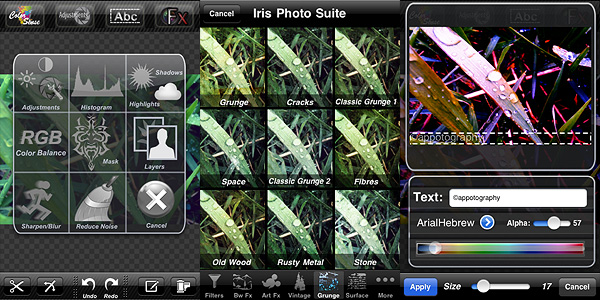 Even though the app is quite user-friendly (most actions are performed simply by dragging the sliders’ knobs and you always have a clear preview of what’s going on), some features are not easy to figure out from the very beginning. Layers management and masking can be hard to get used to at first, not for the actual difficulty in controlling them, but rather for learning how they exactly work.
 Iris Photo Suite is one of the most complete apps for photographic enhancement and editing available in the App Store. Although recently some competitors (PhotoForge2 and Filterstorm, in special way) added functionalities that Iris lacks, this app is still a more than valid aid to iPhone photographers.
The iPad version of Iris Photo Suite is also available in the App Store.
Overall
Name: Iris Photo Suite
Developer: Pranav Kapoor
Compatibility: iPhone, iPod Touch, iPad. iOS 4.2 or later.
Price: £1.19||$1.99||€1.59
Vote: 5/5