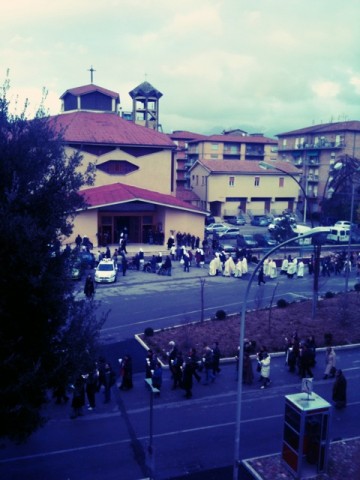
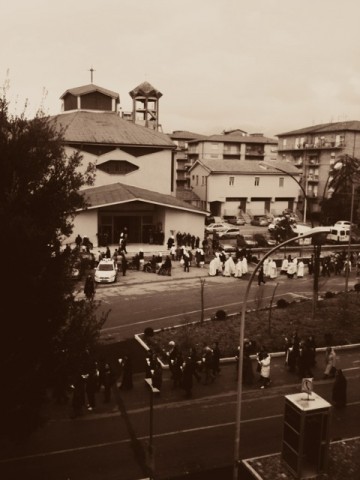
Does anybody remember RetroCamera? Perhaps you don’t, but I do. RetroCamera for iPhone was released a long time ago; although this app looked quite unique at the time of its initial release, it had serious flaws — first of all concerning the output resolution — and thus it soon sank into oblivion.
At long last, it seems RetroCamera’s banishment came to an end. The developer finally released the long-awaited version 2.0, bringing back from limbo an app that since its first days had good potential, but couldn’t pull it off with version 1.0.
Main Features
- Full resolution available;
- 165+ filters;
- 145+ textures;
- 60+frames;
- 15+ noise effects;
- Adjust brightness and contrast;
- Adjust hue, value and saturation;
- Add digital bokeh;
- Move, resize and rotate;
- Undo/redo;
- Send via email or share on Facebook, Twitter, Flickr, Steply;
- Forward to supported apps (Dropbox, Camera+, Magic Hour, etc.).
Appotography Opinion
RetroCamera, as you can easily guess, is an app to add an aged, old-fashioned, evocative flair to your photos.
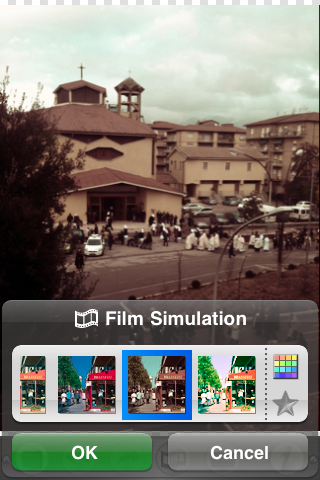
You can both import images from your device or use the built-in camera. As soon as you have your photo loaded into the working space, you can either choose to apply one of the ready-to-use templates or create your effect by combining together several elements, like film simulation, noise, textures and frames or by adjusting different parameters.
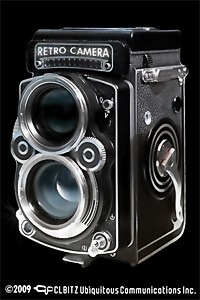
The templates that come with the app cover a variety of styles, ranging from instant and lo-fi to outdated photography. You can use them when you simply want a quick one-tap edit. Otherwise, for more control on the final look of your photo, you can go for a more thorough processing.
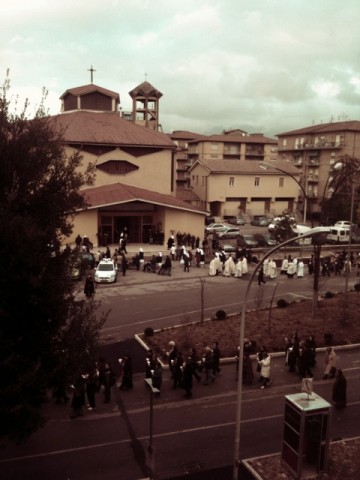
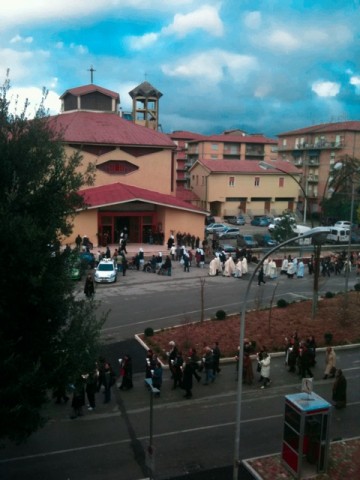
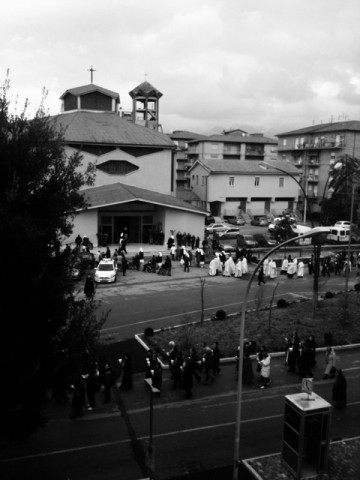
The film simulation includes a series of filters reproducing the looks of authentic film, from Polaroid to Daguerreotype, passing through Lomo and much more. Given the richness of the collection, films are conveniently arranged into categories (type of filter, brand, etc.); moreover, it’s possible to browse through each category by name and color. The film simulation works a lot like in Film Lab by the same developer, but filters are not exactly the same, so don’t expect a clone.
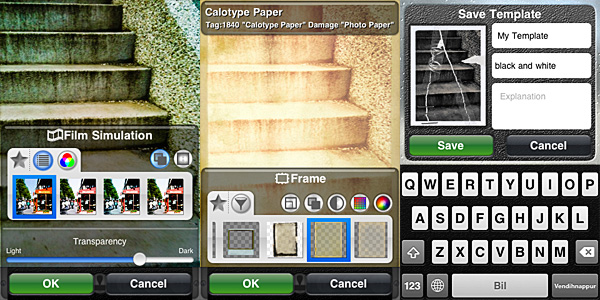 Other than film simulation, you can add textures, noise and frames. By applying them, you can imitate light leaks, scratched or damaged film, vignetting. You can also use the bokeh feature to digitally recreate depth of field or tiltshift effects or simply to add blur. Other than that, you can rotate and resize, set desired brightness, contrast, saturation, color and so on.
For each element, you can define affected areas and transparency level. You can save your personal combinations as new templates to be used more than once. Not only that: you can filter your image over as many times as you wish. If you make mistakes, you can undo.
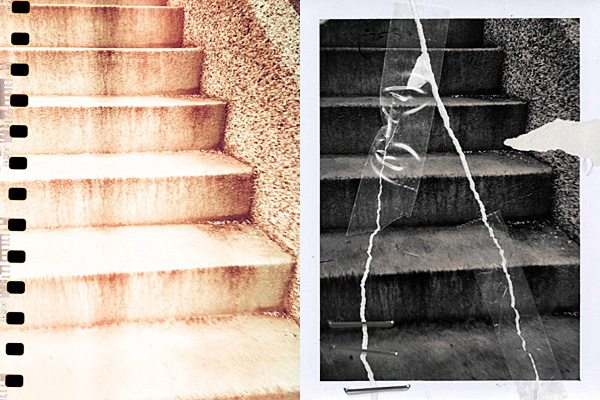
When saving or sharing, you can decide the image’s orientation. Apart from saving to Camera Roll, you can choose to send photos to online services like Facebook, Flickr and Twitter or, if you prefer, you can forward to other supported apps to keep on working on them.
RetroCamera’s filters are quite well done, though some frames and textures are somewhat overdone or not as flexible — and usable — as the others. The choice is however so vast that they don’t represent a great issue. You can create lists of favorites both for individual elements and for templates for easier browsing. Worth mentioning, the fact the workflow in RetroCamera is a bit less streamlined than that of similar apps and this can lessen your experience as a user. Furthermore, at higher resolutions, processing can take some time.
On the whole, RetroCamera offers plenty of possibilities to photo editing enthusiasts. Especially if you are into old-fashioned looking photography, this app will definitely keep you busy for a while.
Overall
Name: RetroCamera
Developer: CLBITZ Ubiquitous Communications Inc.
Compatibility: iPhone, iPod Touch, iPad. iOS 4.1 or later.
Price: £0.59||$0.99||€0.79
Vote: 4/5