
Paparazzi, infamous for their ability in carrying out their work employing questionable methods, are often masters of quickness. It doesn’t take a paparazzo though to know that in some instances rapid fire — also referred to as burst mode or continuous shooting mode — can be your best friend. This doesn’t only include situations where subjects are moving quickly in front of the camera, but also situations where light is far from optimal.
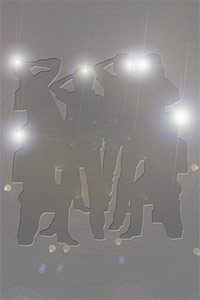
Paparazzi Photo is a simple app which makes use of continuous fire mode to rapidly take series of photos.
Main Features
- Full resolution available;
- Combine photos on/off;
- Flash on/off (only on supported devices).
Appotography Opinion
Getting the hang of Paparazzi Photo is very simple. Once you open it, the app will immediately start to take shots and save them automatically to your device’s Camera Roll. You have to do nothing to make the app work, you do not even have to press a shutter button; all you have to do is aim the camera at the subject that interests you and then let the app do the rest. To stop shooting, you simply close the app.
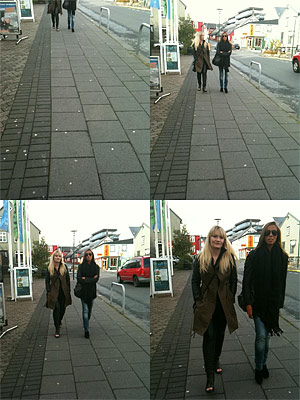
In your device’s settings, you can set the final resolution for saved photos, enable flash and activate the combine photos feature. Turning this last option on, the app will save shots at a medium resolution in a 2×2 format; turning it off, the app will save every single image separately at the resolution of your choice. Be aware that choosing the highest resolution available could slow down the shutter, especially on older devices.
Paparazzi Photo makes use of the basic continuous shooting mode that many cameras include among their features. The 2×2 format however looks like something straight out of an action sampler camera. Overall, this is a no-frills and very easy to use app. Still, effectively handling the burst mode is not as easy it may seem and for this reason getting used to this app to achieve satisfactory results may require some time and lots of guessing and checking. The fact the app starts shooting as soon as you open it doesn’t give you much time to think and frame properly; also, that you cannot stop taking photos unless you exit the app can be a bother sometimes. My impression is that a shutter button of some kind would definitely give users better control, without necessarily taking away anything from the app’s effectiveness. Perhaps a shutter control could be included as an additional feature that users could enable or disable when they need it.
Paparazzi Photo perhaps feels a bit too limited as a standalone app, especially as it doesn’t allow extra functions as bracketing. Even so, as a supporting tool in instances where rapid fire is your absolute priority, this app can come in handy.
The developer of Paparazzi Photo kindly provided us with a code for reviewing purposes.
Overall
Name: Paparazzi Photo
Developer: Functional Insight Ltd
Compatibility: iPhone, iPod Touch 4th, iPad 2. iOS 4.2 or later.
Price: £0.69||$0.99||€0.79
Vote: 3/5

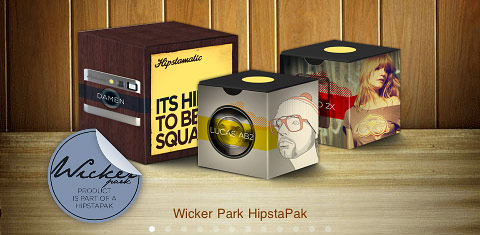 The Wicker Park hipstapak owes its name to the renown namesake park located in
 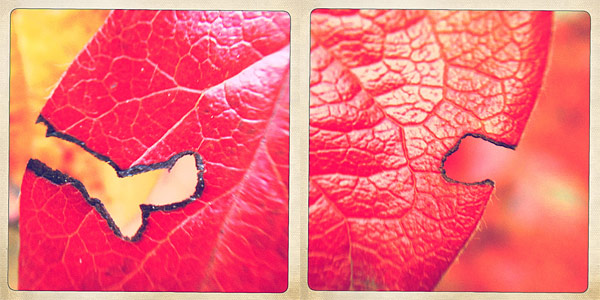 The Wicker Park hipstapak is available as in-app purchase with the updated Hipstamatic 225 for $0.99/€0.79/£0.69.
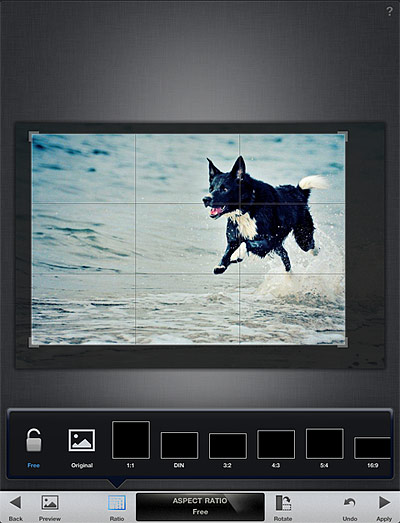
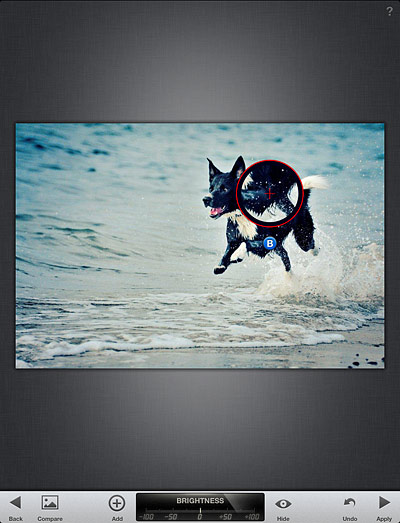 Tune Effect, Straighten and Crop are designed for more thorough editing, as they come with a set of more comprehensive tools for fine-tuning photos. Tune Effect includes brightness, contrast, ambiance and white balance controls; straighten and crop will help in improving framing by fixing crooked images and by removing unnecessary elements.
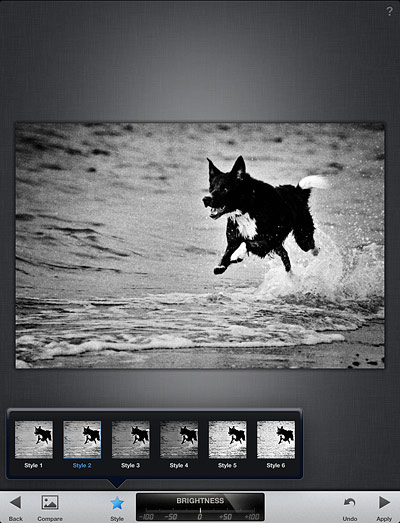
 Snapseed comes also with a focus editor and four sets of different filters and effects, divided into four themed categories: Black and White, Vintage Films, Grunge and Drama. For final touches, a small collection of photographic borders is also included. All filters are top quality and highly customizable.
 After editing, it’s possible not only to save the image, but also to print it and share it via email or on Facebook and Flickr. You can always revert to the starting shot and a button in the work area allows you to compare the processed result with the original.
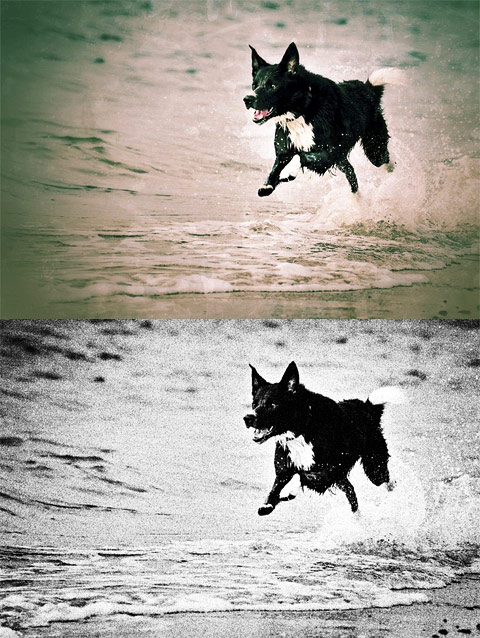 Nik’s Snapseed provides the user with quick and to-the-point instruments for easy enhancement. One of the most notable features of the app is the swiping motion, which allows for quick and accurate visualization of edits. If you imagined from previous experiences that image editing must necessarily be a painful process, then you should try Snapseed to change your mind. Snapseed doesn’t come cheap, but if you are looking for all-around quality editing, you definitely won’t regret getting it.
 Snapseed combines advanced photographic tools with high functionality and a clean and easy to use interface. As a universal app, Snapseed is fully compatible with iPhone, iPod Touch and iPad. Nik Software has delivered to the App Store a product that clearly show their great competence in the development of digital filters for photographers. Among the features of Nik’s app, selective adjust, high quality customizable filters and borders.
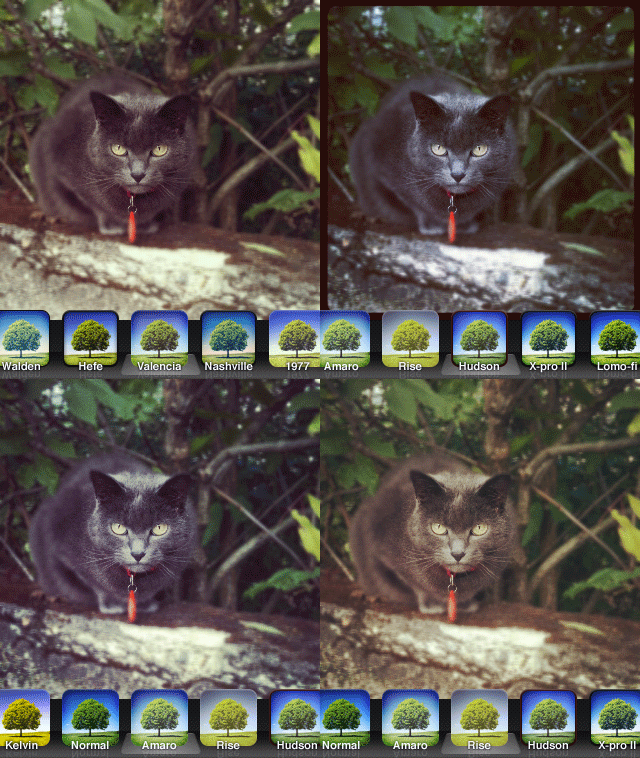 On a perhaps irrelevant note, some of the older filters appear to have undergone significant changes in the new version of Instagram as well.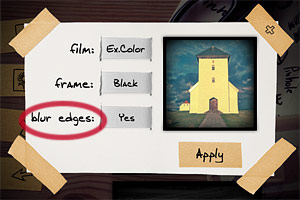
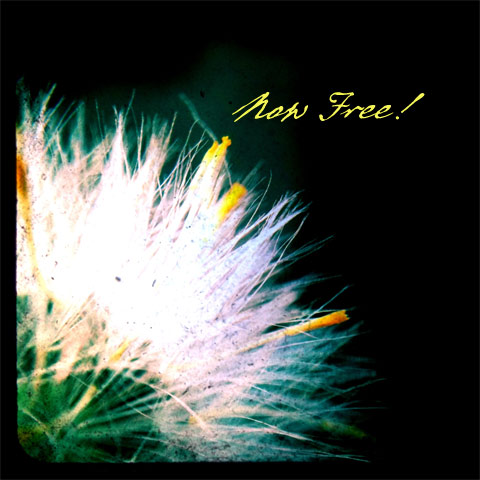 TtV Photo Studio comes as a replacement for it predecessor, TtV Studio Pro. Taplayer greatly improved the previous versions of their Through the Viewfinder camera, making it more usable than before and fully functional. TtV Photo Studio comes with beautiful classic viewfinder styles and basic editing tools, such as black and white and sepia filters, plus opacity, brightness and contrast controls. If you are into the square format and vintage effects appeal to you, then you should consider trying TtV Photo Studio, especially now that it comes for free.
 Marcolina’s iPad Companion is an expansion to his iPhone Obsessed book, published by Peachpit Press and available