Whoever has played with, seen or tried at least once a View-Master, raise your hand! The original View-Master was created in the late 30’s as an updated version of another popular optical device, the stereoscope. The initial intention of the creators was to produce a new postcard viewer, making use of recently introduced technologies (Eastman Kodak had recently released its Kodachrome color film on the market). Differently from the older stereoscope, the View-Master could hold several slides at once. The slides were mounted on paper discs containing seven pairs of slides – each pair composing a stereoscopic image. The View-Master was then marketed as a children’s toy, and many of us have probably known it as thus.
The idea behind Retrollect for the iPhone (the app is also available for Android) is to bring back the old View-Master disc, to give users a fancy new format to share digitally a visual account of their lives.
Main Features
- Use media from Facebook, Twitter, Instagram;
- In-app guide;
- Share on Facebook, Twitter or send with email.
Appotography Opinion
Given that Retrollect is all about sharing, it’s not surprising that an account is needed to use the app. You can share media by creating discs, sort of visual mixes that can contain, other than photos, text, imported tweets, and status updates. To create a disc, you can choose a media source among several available. The media sources that Retrollect connects to are your Camera Roll and the built-in camera, plus Facebook, Twitter and Instagram.
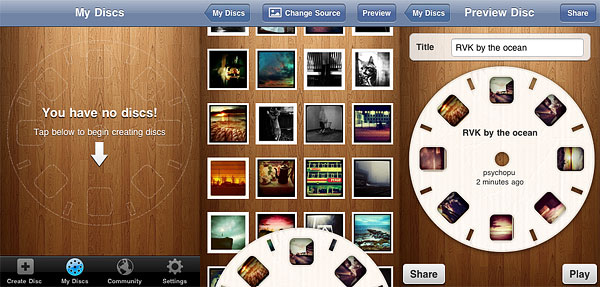
Each disc can be titled and shared via the Retrollect community; in addition, links to Retrollect discs can be sent to email contacts, to Facebook and Twitter.
From the community section, you can explore discs shared by other users by their popularity or looking for entries in your nearby area. All discs are public once shared: everybody can share and send your discs and you can do the same with theirs. You can view your own discs or those by others by swiping on screen with your fingers to make them spin. Discs created can be edited and deleted.
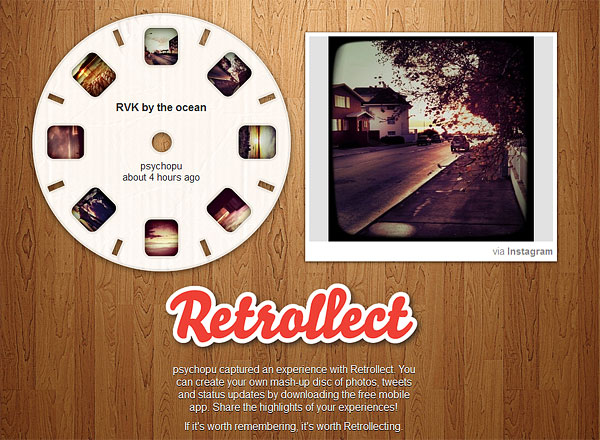
Retrollect offers a different and ingenious way to arrange and share photos. For some, like myself, the old disc format has an undeniable charm and I find Retrollect has many good qualities as long as it is used for images. However, I do not find particularly attractive the idea of mixing photos with tweets and Facebook entries; the decision to include these elements takes something away from the overall appeal of the app.
Overall
Name: Retrollect
Developer: Border Stylo
Compatibility: iPhone, iPod Touch, iPad. iOS 3.0 or later.
Price: free!
Vote: 3/5

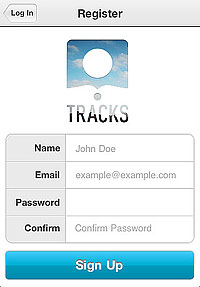 The main quality of Tracks, as I said, is also the app’s main flaw: extreme simplicity. The fact it’s not possible to rearrange the photos in any logical order or edit the location defies in part the purpose of the app. Moreover, once they are logged in, users are given no further indications. How does Tracks work in detail? What about Terms of Service and Privacy Policy? And so on and so forth. In the absence of a guide, tips or help of any kind, you have to find answers to all your questions on your own (if you’re the fussy type, you can contact the support service: they are very polite and more than willing to help their users). Anyway, most of the times, if you cannot figure it out, it means you cannot do it.
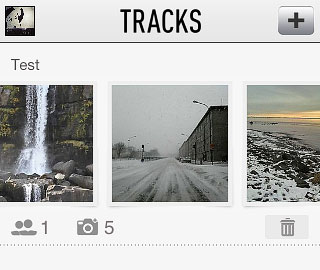 Right now, Tracks is a hassle-free app that makes it possible to privately share photos — which is something, it must be said, several other services allow as well and with more options. But Tracks has the potential to become something more refined and useful: we will be looking forward to future updates.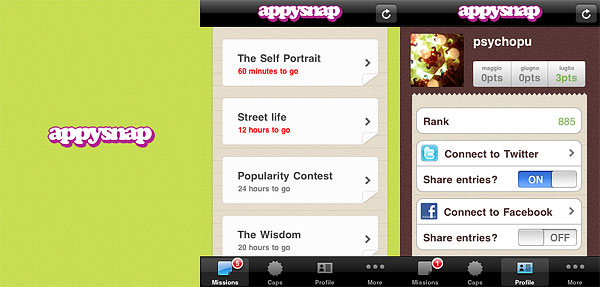
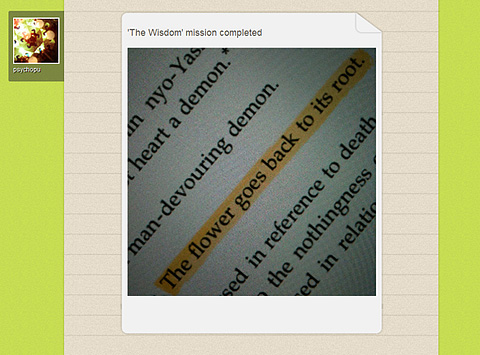 Secret or local missions can be available as well from time to time. In general, this kind of missions doesn’t assign points, but caps (exclusive badges which you can collect to unlock special content) or prizes.
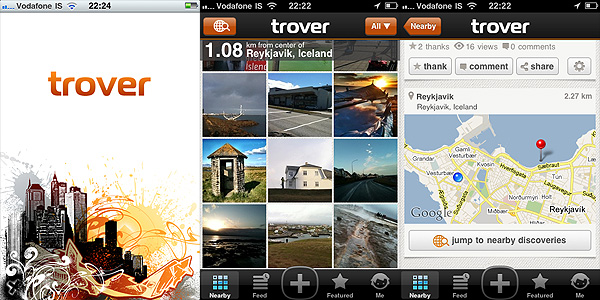
 Trover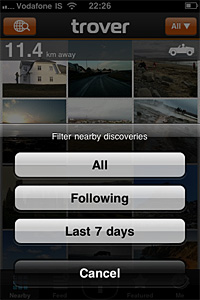
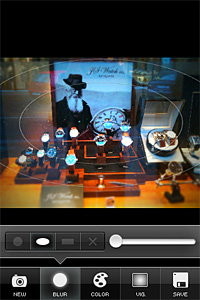
 TiltShift Generator