How I Did It – iPhoneography Process Study #2 – Ego Death

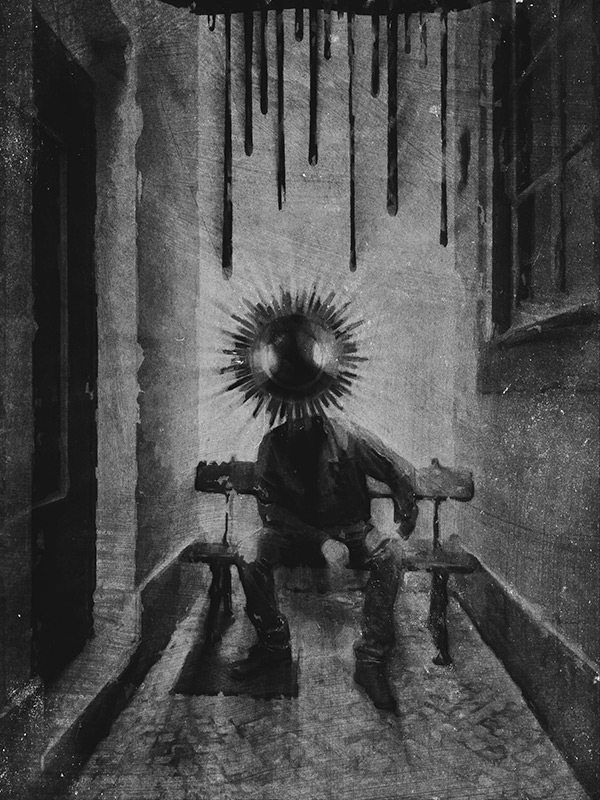
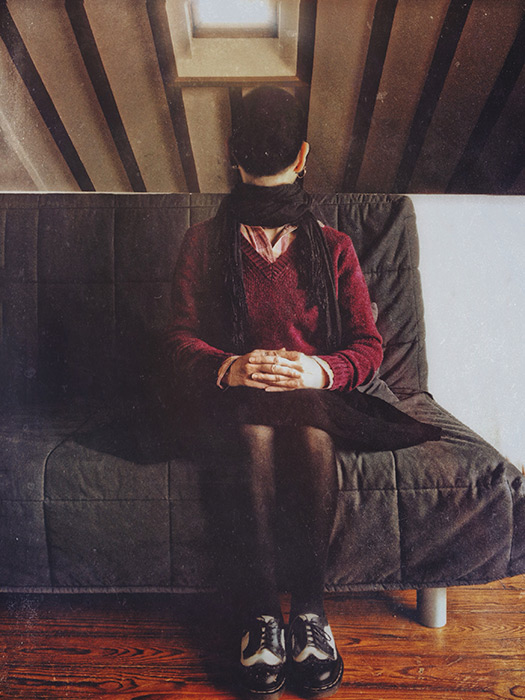
The following is the fourth image in a series titled “Altered States”, which is something I am working on right now. The series is a cheeky challenge to the absurd perception we have of the dualism that sees altered consciousness and mental disorder opposed to the reassuring accepted set of notions we identify with normality. This image in the specific started as an easy project, but for a while it made me go bonkers.

You can’t win them all, as the saying goes. I had a rough sketch in mind for the image, but I didn’t have the time to complete it for a whole week. I only had the time to snap a couple of rushed shots at first, but on closer inspection they were unusable. The light was all wrong, with blown highlights and boring illumination overall. I spent hours on a forgettable combo of pictures attempting to save it in post without much success.
Ego Death
After struggling for a few days with the first version of the image, I finally recognized there wasn’t much I could do to make it look “right”. The amount of processing I had applied ruined in part the feel I wanted for the image on the whole. In spite of the ridiculous amount of processing applied, the quality of the light was still noticeably horrible. Even with the most sophisticated software you can’t fix boring lighting. The first version was simply a poor rendition of my original idea and I had to discard it. Continue reading “How I Did It – iPhoneography Process Study #2 – Ego Death”
Mextures Introduces The Fall Formulas

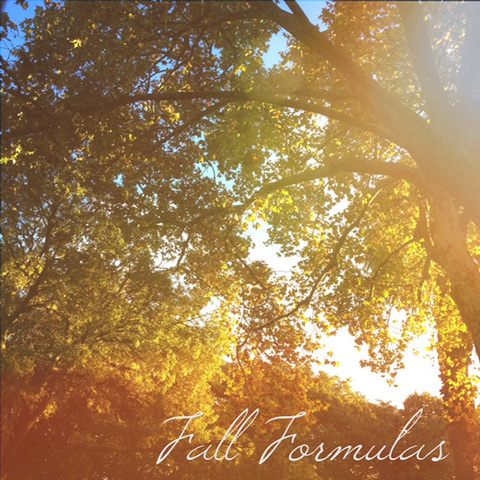
The update to version 1.6 of Mextures for iPhone expands the app’s formula collection with a new set of looks designed especially for bringing out the beautiful colors of the current season.

Mextures Fall Formulas
The Fall Formulas pack, designed both by the creators of Mextures and by several guests, contains 12 looks that make use of the app’s textures and combines them together to give photos a warm and vibrant feel. This is the second seasonal extra released by Mextures, after the Summer Formulas. In the same way as for the previously released packs, the formulas included in the Fall collection are fully customizable through Mextures’ tools, and users can either apply them as they are or use them as a starting point to different edits.

The Fall pack is a free bonus coming with the update to 1.6.

Popkick Review

Popkick users and fans of colorful warholesque pop effects, keep an eye on the App Store: a revamped version of the app Popkick is being released on the 5th of November. We were given the chance to try the new Popkick shortly before the official release. Here is our experience with it.

Popkick App
Continue reading “Popkick Review”

Hipstamatic Photojournalism SnapPak Out

Hipstamatic released extra gear as a new pack. The Photojournalism SnapPak, inspired by the work of New York based award winning photographer and photojournalist Benjamin Lowy, includes a camera case, a lens and a film. Here is an overview of its contents.

Hipstamatic Photojournalism SnapPak - Lowy Lens + Blanko BL4
According to Hipstamatic, the Photojournalism SnapPak is designed for documenting moments with precision. Continue reading “Hipstamatic Photojournalism SnapPak Out”

Broadening Your Image’s Dynamic Range with Snapseed 1.6.0

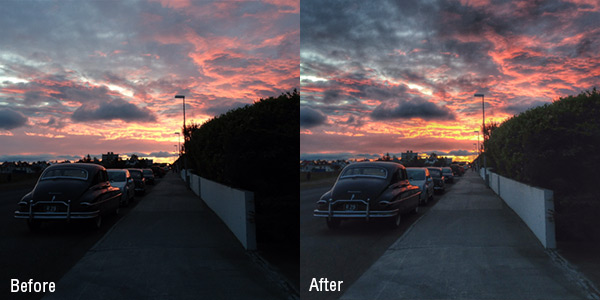
Version 1.6.0 of Snapseed introduces two new filters to process images. The latest additions are aimed at broadening the original picture’s dynamic range, not only saving from the trash bin some of your badly exposed photos, but also bringing extra interest to those that are already OK in the exposure department, but not particularly memorable when it comes to color, detail and drama.

Snapseed HDR Scape
HDR Scape is a new effect that will mainly come in handy to landscape shooters, but also to people that often take pictures in light conditions that exceed the capabilities of iPhone and iPad cameras. Continue reading “Broadening Your Image’s Dynamic Range with Snapseed 1.6.0”

iPhoneographers In Front Of The Lens #11 – Wayne Greer

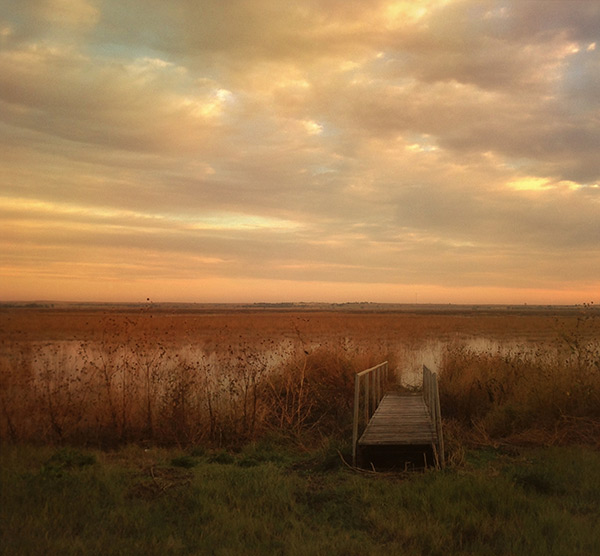
Wayne Greer is an iPhone photographer with a strong sense of places and a deep fascination for the landscape. Mobile photography is a relatively new discovery for him, but even without any photographic background, Greer’s work is rich, eye-catching and has the power to immediately draw the viewer in. “I bought my first iPhone last October,” Greer tells us, “Other than a few snapshots here and there, I really didn’t start using apps to edit photos until March of this year.” When he’s asked how his interest in mobile photography started, he simply replies, “Just by chance, I came across some photos by Gianluca Ricoveri. I was really taken with how beautiful they were and amazed that they were done with an iPhone.”

© Wayne Greer
© Wayne Greer

Like Ricoveri’s work, which we have covered earlier this year, Wayne Greer’s images are a tribute to the timeless beauty of nature, the kind of nature however that is closest to man’s heart. Continue reading “iPhoneographers In Front Of The Lens #11 – Wayne Greer”

How I Did It – iPhoneography Process Study #1 – The Message

I called the following iPhone image “The Message”. It’s a montage of several separate elements, processed multiple times and assembled together. Some simple sketching was done for it as well. I realized only after completing it, that in this piece I expressed some of my admiration for Odilon Redon‘s works. However, the surreal photo montage has a cheeky modern twist to it and Redon would probably find it too mundane… Even though Redon’s illustrations are certainly some of the finest examples of symbolist art so I am not really suggesting we can compare the two, I think I managed to infuse some “mystery” and personal idiosyncrasy into it. I won’t go into subject matter explanations, so I hope you get a “feeling” for it without useless dissertations.

The Message
Apps used: Camera+, Sketch Club, Handy Photo, Photoshop Touch, Moku Hanga, Portrait Painter, Glaze, Image Blender, Mextures, Rays, Film Lab, Vsco Cam.

Even though the partner in crime is not happy with having cameras pointed at him, he kindly let me take a photo of him in a totally tiny, narrow, deserted dead-end alley, where a bench was curiously placed on the dead end’s side (you gotta love Lisbon’s absurd urban configuration). Even though nobody was in sight and as far as I know the place could have been abandoned for years, going in to take a photo felt very much like intruding. I wanted to use the image badly, but I promised the model not to make it an environmental portrait of some sort… I had to change the original image more than just a little for achieving this.

Now, for how got I there… Continue reading “How I Did It – iPhoneography Process Study #1 – The Message”

Decim8 50% Off

In preparation for version 4.0 of the app, Decim8 will be available at the special price of $1.99. The regular App Store price for this app is $3.99.

Decim8 50% Off
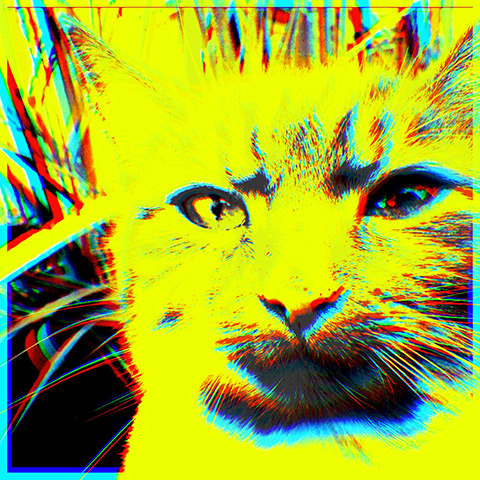
Through a collection of more than 20 different effects that can be applied at random or with presets, Decim8 turns any image into a glitchy artwork, a feast of over-pixelation and bizarre artifacts. Users can save their favorite combinations to use them over or let the app generate new effects for them.

For its unique results, the app has gained a strong reputation and it’s for many iPhone and iPad artists a staple in their post-processing workflow. You can get a copy of Decim8 at the special reduced price at the following link.

All iOS JixiPix Apps for $.99

As a way to promote the release of their new Photoshop, Elements and Lightroom plugins for artistic photo editing, JixiPix Software is offering all their apps for the special price of $.99. Most of the apps included in the offer were previously $1.99 and $2.99, with the exception of a handful of apps that were either originally in the lowest price tier or already on sale (Kyoobik Photo, Artoon, Snow Daze, Dramatic Black & White, Grungetastic). The current offer is valid on the iPhone version and also on the HD version for iPad.

JixiPix iOS Apps on Sale
The apps by JixiPix Software now available for $.99 are: Vintage Scene and Vintage Scene HD, NIR Color and NIR Color HD, Grungetastic and Grungetastic HD, Romantic Photo and Romantic Photo HD, Simply HDR and Simply HDR HD, Dramatic Black & White and Dramatic Black & White HD, PhotoArtista Oil and PhotoArtista Oil HD, PhotoArtista Sketch and PhotoArtista Sketch HD, PhotoArtista Haiku and PhotoArtista Haiku HD, Moku Hanga and Moku Hanga HD, Artoon and Artoon HD, Aquarella and Aquarella HD, Portrait Painter and Portrait Painter HD, Pop Dot Comics and Pop Dot Comics HD, Kyoobik Photo and Kyoobik Photo HD, Snow Daze and Snow Daze HD, Rainy Daze and Rainy Daze HD. The offer doesn’t include the video app Vintage Scene for iPhone.

iPhoneographers In Front Of The Lens #10 – Tamás Andok

I started following the photography of Tamás Andok years ago, when he was mainly shooting analogue and the iPhone wasn’t the huge phenomenon it is now.

© Tamás Andok
© Tamás Andok

Differently from a number of iPhoneographers who adapted their style to mobile photography, Budapest-based Tamás went the opposite way, having the medium meet his personal vision. The transition was, to an extent, accidental, and it was back then dictated by practical reasons. As he recalls, “After my good old Fuji Finepix digital camera died I used analogue only, but after a time it was too expensive. My iPhone was always in my pocket, so I gave it a chance.” Andok explains how the potential of a mobile camera as a creative instrument had to be discovered little by little before he could put it to use. “It wasn’t a conscious decision,” he adds, “I got an iPhone for my birthday but for a long time I didn’t think about it as a photography tool.”
Continue reading “iPhoneographers In Front Of The Lens #10 – Tamás Andok”