Mextures 2.0: More Textures, More Formulas, More Features

Mextures has been for some time one of the apps I frequently use when I want images with mood but without overpowering processing. The app, whose simple and yet effective concept many iPhone photographers found appealing, was updated to version 2.0. The latest release brings to a new level the possibilities of the app, adding several new features and textures.
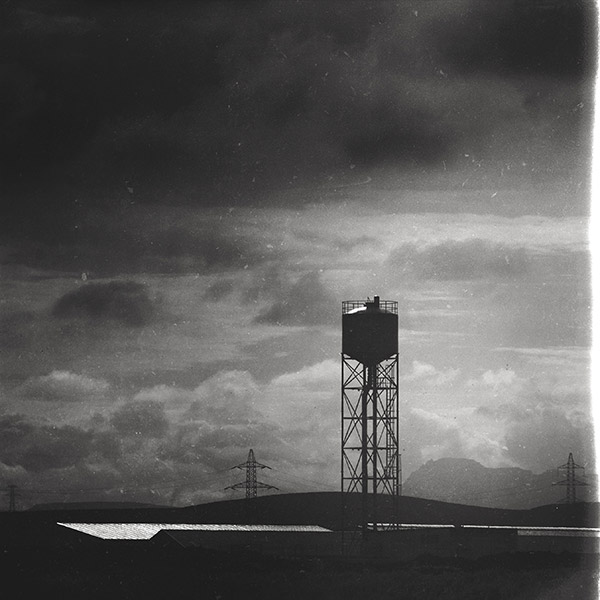
Mextures 2.0
Despite my appreciation for the app, I previously in many occasions I felt it needed badly advanced controls for image tuning, like basic contrast, exposure and saturation. Most of the times, the photo had to be adjusted in another app before being imported into it. This was especially bothersome since I do a lot of monochrome, which was impossible to achieve in-app in the previous versions. Mextures 2.0 comes with a mini-lab Continue reading “Mextures 2.0: More Textures, More Formulas, More Features”
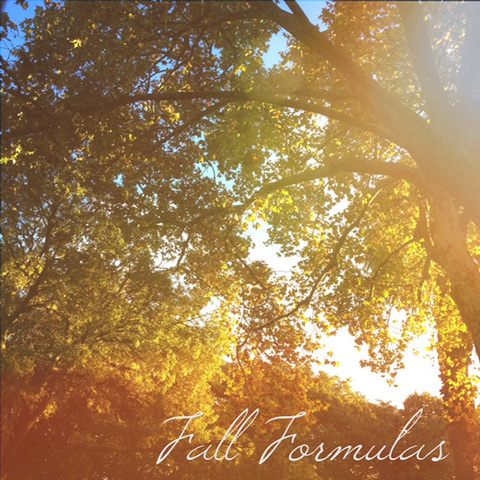
Mextures Introduces The Fall Formulas

The update to version 1.6 of Mextures for iPhone expands the app’s formula collection with a new set of looks designed especially for bringing out the beautiful colors of the current season.

Mextures Fall Formulas
The Fall Formulas pack, designed both by the creators of Mextures and by several guests, contains 12 looks that make use of the app’s textures and combines them together to give photos a warm and vibrant feel. This is the second seasonal extra released by Mextures, after the Summer Formulas. In the same way as for the previously released packs, the formulas included in the Fall collection are fully customizable through Mextures’ tools, and users can either apply them as they are or use them as a starting point to different edits.

The Fall pack is a free bonus coming with the update to 1.6.

How I Did It – iPhoneography Process Study #1 – The Message

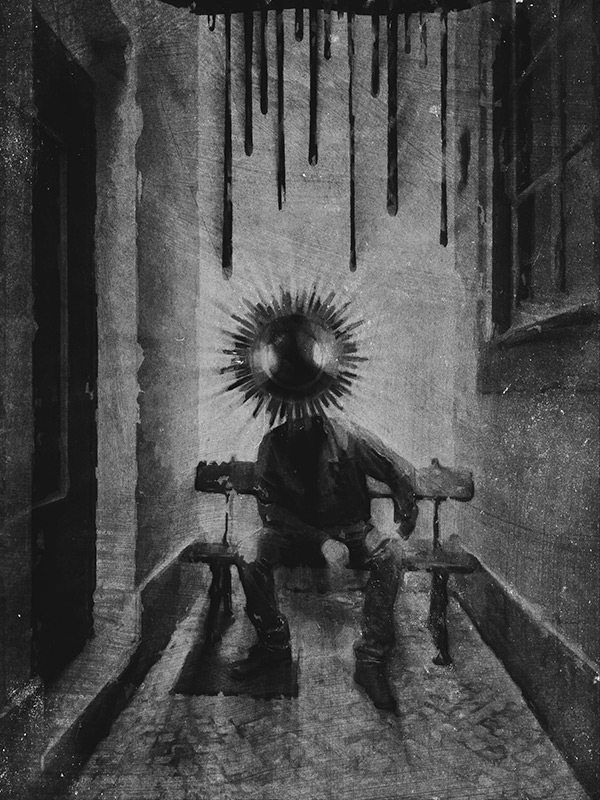
I called the following iPhone image “The Message”. It’s a montage of several separate elements, processed multiple times and assembled together. Some simple sketching was done for it as well. I realized only after completing it, that in this piece I expressed some of my admiration for Odilon Redon‘s works. However, the surreal photo montage has a cheeky modern twist to it and Redon would probably find it too mundane… Even though Redon’s illustrations are certainly some of the finest examples of symbolist art so I am not really suggesting we can compare the two, I think I managed to infuse some “mystery” and personal idiosyncrasy into it. I won’t go into subject matter explanations, so I hope you get a “feeling” for it without useless dissertations.

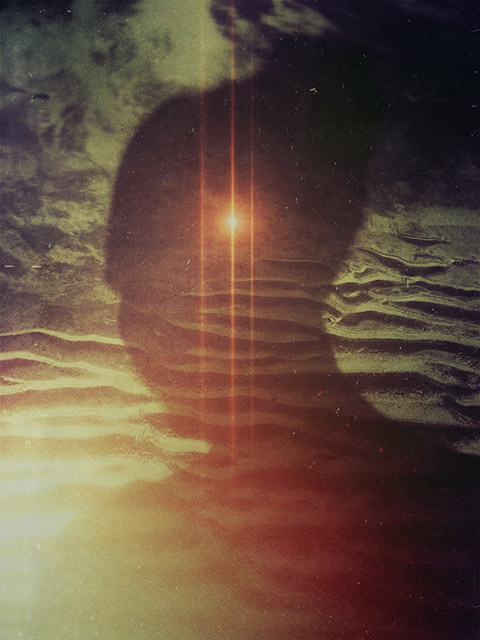
The Message
Apps used: Camera+, Sketch Club, Handy Photo, Photoshop Touch, Moku Hanga, Portrait Painter, Glaze, Image Blender, Mextures, Rays, Film Lab, Vsco Cam.

Even though the partner in crime is not happy with having cameras pointed at him, he kindly let me take a photo of him in a totally tiny, narrow, deserted dead-end alley, where a bench was curiously placed on the dead end’s side (you gotta love Lisbon’s absurd urban configuration). Even though nobody was in sight and as far as I know the place could have been abandoned for years, going in to take a photo felt very much like intruding. I wanted to use the image badly, but I promised the model not to make it an environmental portrait of some sort… I had to change the original image more than just a little for achieving this.

Now, for how got I there… Continue reading “How I Did It – iPhoneography Process Study #1 – The Message”

What’s New In Mextures 1.4

Mextures 1.4 for iPhone is out and with it come brand new textures for processing images. The app relies on the power of layer blending thanks to a rich and versatile selection of textures (gradients, noise and dust, light leaks, grungy surfaces) that can be combined together for obtaining various effects. Limitless textures can be piled up to create custom formulas that can be saved and used endless times.

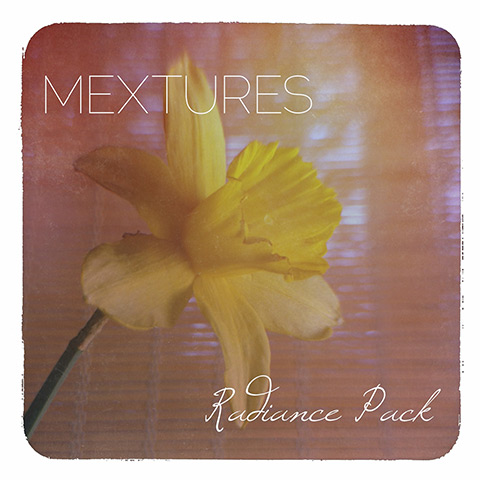
Mextures 1.4 and Radiance Pack
This is a preview of what you get with this release. Continue reading “What’s New In Mextures 1.4”

iPhone Photography Tutorials #6 – How To Create Sci-Fi Art In A Few Steps

I don’t know why I’m being so sci-fi oriented lately. We had another article with space influences just a few weeks ago. This time I intend to be pragmatic, so I am turning my space idyll into a tutorial. Perhaps you were going to have ice-cream and you don’t want to waste your time on it. After all, who cares about Stanislaw Lem? He’s dead. And if he weren’t, he wouldn’t be happy about his involvement in this at all. But even if you have never read anything by Lem, you could still find this tutorial useful, so read on.

8654
8654

Apps needed:
Camera+, Handy Photo, Superimpose, Snapseed, Alien Sky, Path On, Mextures Continue reading “iPhone Photography Tutorials #6 – How To Create Sci-Fi Art In A Few Steps”

When Apps Take Over: The Genesis of Moons

Some days you are applying yourself to a specific project and everything you come up with looks invariably wrong. It’s not that your image will look bad per se, but the feeling is things are just not what you are after, and you cannot understand when and how you took a wrong turn. It’s like with trying to fix a spoiled recipe (cookery is another serious business and an art in its own right): if the dough is not rising and you cannot figure out why, it’s time to take a break and focus on something else. Gardening or knitting perhaps—good luck with these two.

M00n
M00N

Some time ago I started a series of pictures with thematic and visual affinity. At some point I got stuck and couldn’t go on Continue reading “When Apps Take Over: The Genesis of Moons”