
I called the following iPhone image “The Message”. It’s a montage of several separate elements, processed multiple times and assembled together. Some simple sketching was done for it as well. I realized only after completing it, that in this piece I expressed some of my admiration for Odilon Redon‘s works. However, the surreal photo montage has a cheeky modern twist to it and Redon would probably find it too mundane… Even though Redon’s illustrations are certainly some of the finest examples of symbolist art so I am not really suggesting we can compare the two, I think I managed to infuse some “mystery” and personal idiosyncrasy into it. I won’t go into subject matter explanations, so I hope you get a “feeling” for it without useless dissertations.
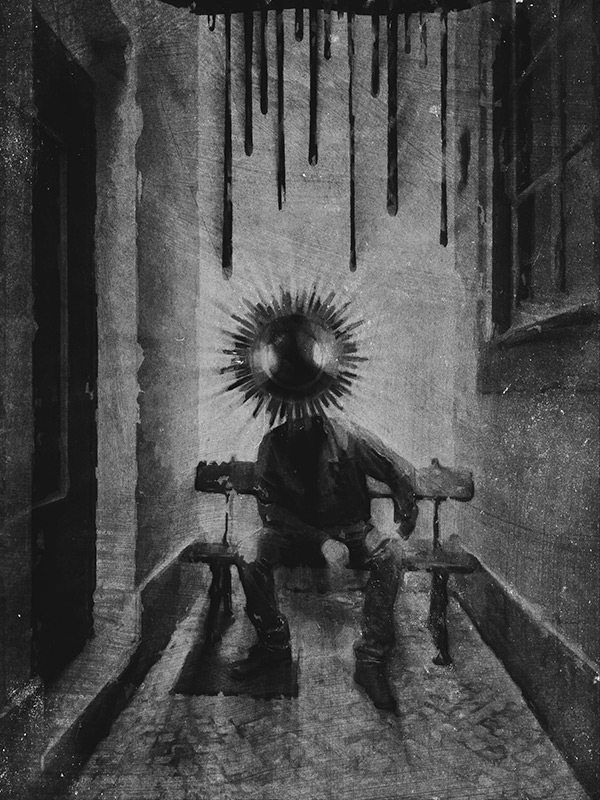
Apps used: Camera+, Sketch Club, Handy Photo, Photoshop Touch, Moku Hanga, Portrait Painter, Glaze, Image Blender, Mextures, Rays, Film Lab, Vsco Cam.
Even though the partner in crime is not happy with having cameras pointed at him, he kindly let me take a photo of him in a totally tiny, narrow, deserted dead-end alley, where a bench was curiously placed on the dead end’s side (you gotta love Lisbon’s absurd urban configuration). Even though nobody was in sight and as far as I know the place could have been abandoned for years, going in to take a photo felt very much like intruding. I wanted to use the image badly, but I promised the model not to make it an environmental portrait of some sort… I had to change the original image more than just a little for achieving this.
Now, for how got I there… Continue reading “How I Did It – iPhoneography Process Study #1 – The Message”


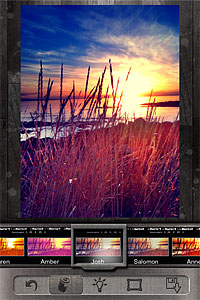 Change the look of your photos with a single tap. Pixlr-o-Matic offers a collection of 25 photographic effects, 30 light overlays and 31 frames, for many combinations. Pixlr-o-Matic is also a web app. Try it for free
 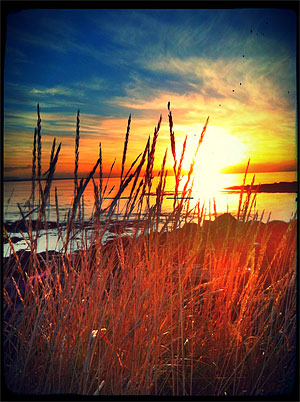 Developer: Autodesk Inc.
 Light can make a difference in photo enhancement. LensFlare comes with 42 professional looking flares, which can be placed in images loaded from Camera Roll or in photos taken with the built-in camera feature. Flares range from SRL camera lens to cinematic effects. Scale and rotate flares to adjust them to photos, create images of great visual impact with just a few touches.
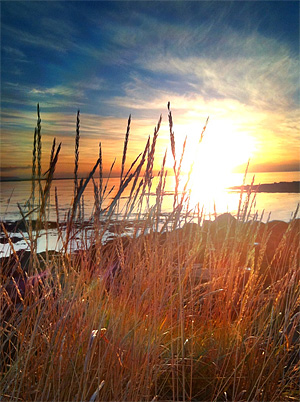 Developer: BrainFeverMedia
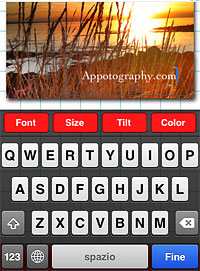 Add captions to photos with Phonto. More than 100 font styles are available. Phonto lets you customize your text by changing font face, size and color. Change opacity, tilt and add backgrounds for different effects. Use Phonto to add watermarks or to send personalized messages. Phonto is Instagram-friendly: it saves photos in a square format and lets you post directly to your favorite photo sharing app.
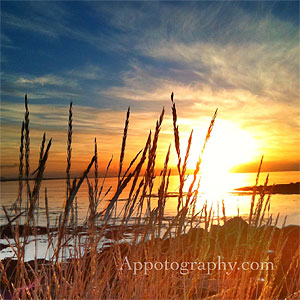 Developer: youthhr
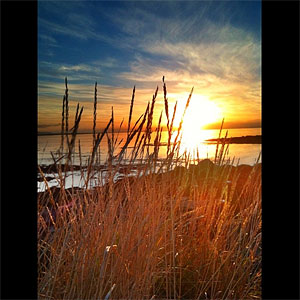
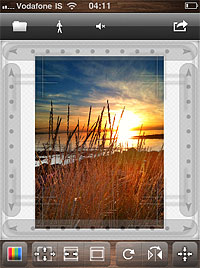 Squaready is a great companion for regulars of the 1:1 aspect ratio. Instagram users will find it easier to adapt both their landscape and portrait oriented photos to the square format. Flip and rotate, shrink and enlarge, add a colored background and send to other photography apps (Instagram, Magic Hour, Camera+, Cameramatic, and more).
 Developer: FANG Inc.
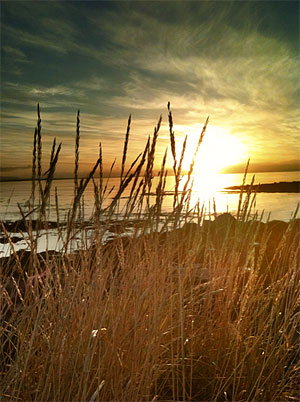
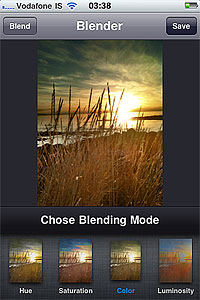 Merge two photos together to create unique images. Create unique effects and spice up photos by adding textures. Choose among 18 blending modes and adjust the opacity of each image for the desired result. Image Blender is as easy as layer blending can get.
 Developer: Johan Andersson