Hipstamatic 226 was released just a few hours ago. The main changes in the new version of the app are the upgrade for final resolution on iPhone 4s (with High Quality brought to 2448×2448 and Medium Quality to 1936×1936) and more accurate EXIF data saving.
Hipstamatic 226 was released just a few hours ago. The main changes in the new version of the app are the upgrade for final resolution on iPhone 4s (with High Quality brought to 2448×2448 and Medium Quality to 1936×1936) and more accurate EXIF data saving.
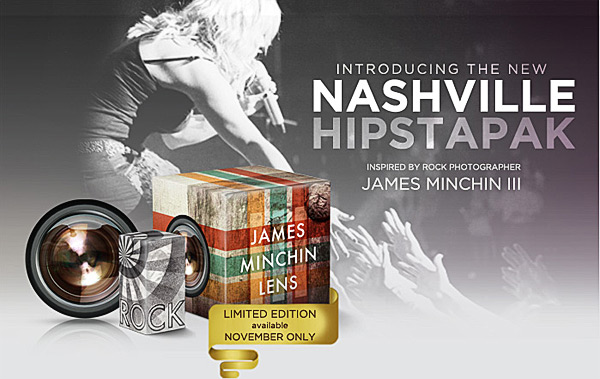
Now Hipstamatic offers a new extra, releasing the Limited Edition Nashville Hipstapak, inspired by the work of famed rock photographer James Minchin III.
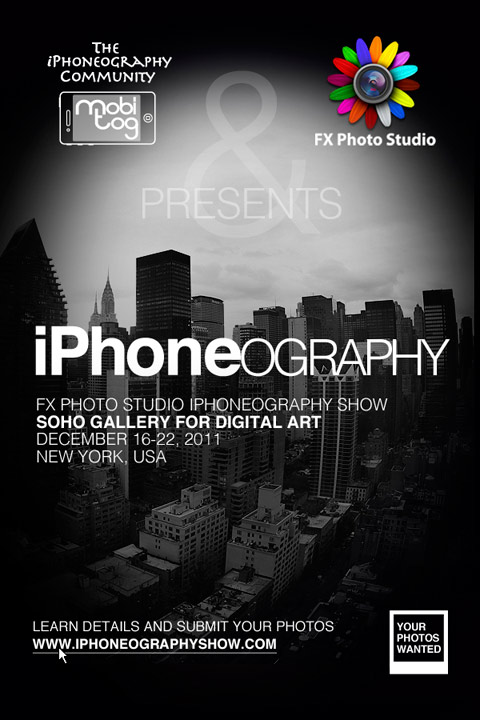
MobiTog and FX Photo Studio have joined forces to the International iPhoneography Show, a special event for all iPhone and iPad photographers, professionals and amateurs alike, that will take place in New York on December 16-22, 2011.
Smartphone designers are always working to release devices that are more and more sophisticated, but they do not always have the actual needs of their users in mind. What if you need a tripod for your iPhone and how many of them have you purchased already that have become unusable after switching to the latest model, just because of design flaws or inconsistencies?
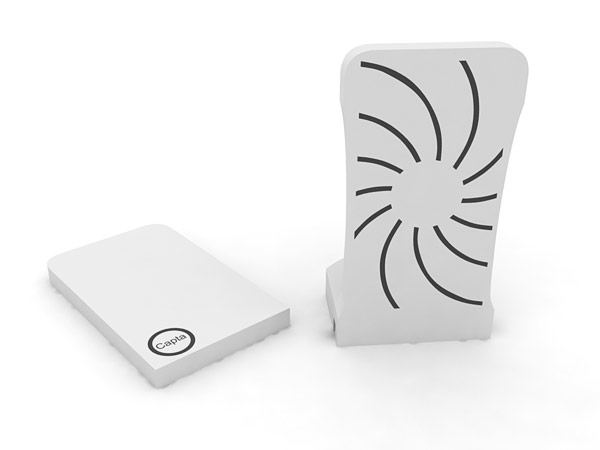
Capta's base + cover (photo courtesy of Unique Design).
To make the life of users — iPhone, Android, Blackberry, you name it — much easier, the folks at Unique Design (Bojan Smiljanic and Adewale Adelusi-Adeluyi) created Capta, a hybrid two-piece accessory for smartphones that is intended as an implement working across multiple platforms. Continue reading “Capta: New Smartphone Photography & Videography Companion”
Making use of layer blending can take your iPhone and iPad photography and your post-processing on a higher level, as it enormously widens creative possibilities. However, working with blending modes can be confusing at first and differences between one mode and the next can appear not completely evident.
As a matter of fact, no photo app comes with a truly informative guide to help the newbie in the task of getting started with layer blending. The best idea is to experiment how each mode affects your images, but it can be tough to get the hang of it. For this reason, I am writing a brief overview of the most used blending modes in iPhone photo apps. Most of them you can also find in photo editing programs as Photoshop, some others have slightly different names — but what you can achieve with them is exactly the same. Hopefully, this little guide will help you have a better understanding of what each of the commonest layer blending modes used in today’s photo applications can do.
First, let me explain a few crucial terms used in the layer blending modes descriptions: a Base Layer is the original image you start with; a Blend Layer is the layer placed above the base that needs to be blended with it. To make things easier to understand, I will be grouping modes according to the result they allow to achieve, rather than according to their strictly technical definitions.
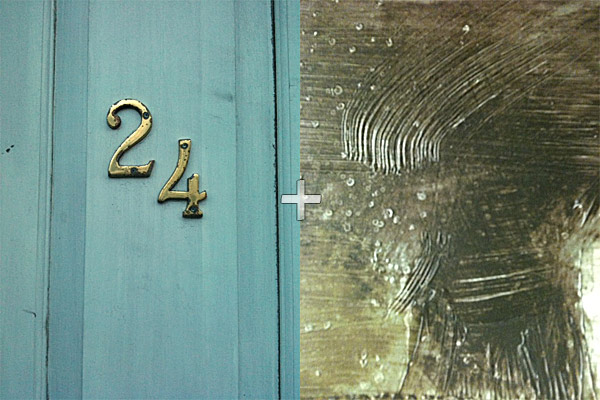
These are two random iPhone sample images I am going to use in the guide.
Misskiwi’s ClassicINSTA for iPhone is currently available for free in the App Store, for a very limited time.
Misskiwi’s ClassicINSTA for iPhone is currently available for free in the App Store, for a very limited time. The app had previously undergone a price cut, from the original price tag of $1.99 to the recent $0.99. Continue reading “ClassicINSTA Now Free!”
Palette0 is a photo app that conveys the feel of retro games by letting iPhone users convert any picture into a colorful pixelated image, reminiscent of old school gaming systems.
The Premium edition of Palette0 Video Game Art Photo Converter for iPhone is now available in the app Store at a special price for a limited time. Palette0 Premium is currently $0.99/€0.79/£0.69, which is 50% off its regular price tag. LinkedPIXEL’s app was previously $1.99/€1.59/£1.49.
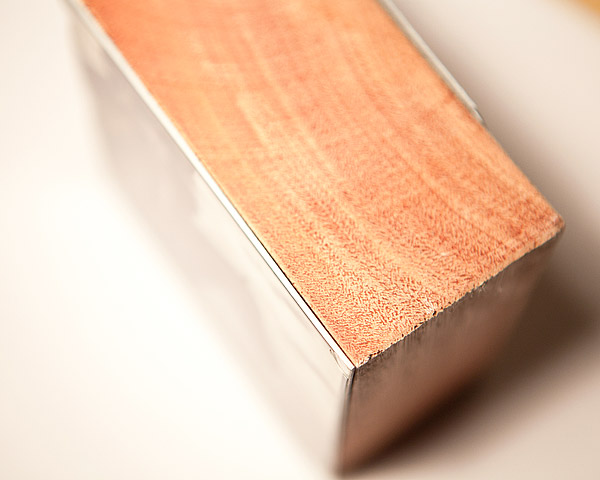
For a different gift idea, we suggest to take a look at ImageBlocks, a peculiar way to reinvent the photo frame that will give your images that extra dimension you are looking for.
The festive season is approaching faster than we think and we are already facing the yearly gift idea crisis. Looking for a nice present is not always the easiest task, is it?
For a different gift idea, we suggest to take a look at ImageBlocks, a peculiar way to reinvent the photo frame that will give your images that extra dimension you are looking for.
Three noteworthy apps are currently available at a special price from the App Store: VintageScene, Lumière and Panoramatic 360. All three apps are now $0.99/€0.79/£0.69.
Three noteworthy apps are currently available at a special price from the App Store: VintageScene, Lumière and Panoramatic 360. All three apps are now $0.99/€0.79/£0.69.