
 TrueHDR 2.3 for iPhone is now available in the App Store. The latest version of Pictional’s HDR camera brings to its users new post-processing features for more control over final images. Our previous review for TrueHDR is available here.
After taking the necessary shots in any mode (Auto, SemiAuto or Manual) or after loading from the device the required overexposed and underexposed photos, the software creates the HDR composite; you are then introduced to a set of editing tools which you can use to correct and balance several aspects influencing the look of HDR images. Adjustments are possible for warmth, contrast, saturation and brightness. For each of these parameters TrueHDR has a dedicated slider that can be set for the desired result.
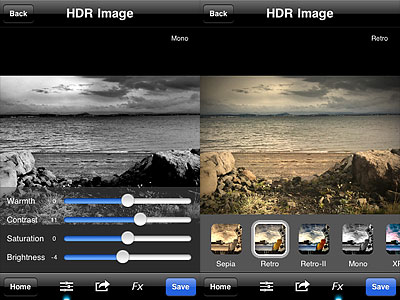 Another new feature is the FX panel, which gives you access to seven presets to quickly change the style of your HDR images. Effects range from cross process to monochrome. All effects can be altered after applying them by switching to the editing tools panel.
Compared to other HDR apps for iPhone, TrueHDR is definitely faster, both in the capturing and in the processing stage. Moreover, TrueHDR performs better also on older devices. For beginners and for users that are looking for getting their HDR done without the hassle of going through long post-processing and unnerving rendering times, TrueHDR is a valid choice, as it is extremely easy to use and doesn’t require much tweaking. The new features add more options without taking away from the overall straightforward approach of Pictional’s app. Given the improvements of version 2.3, I update my rating for TrueHDR accordingly.
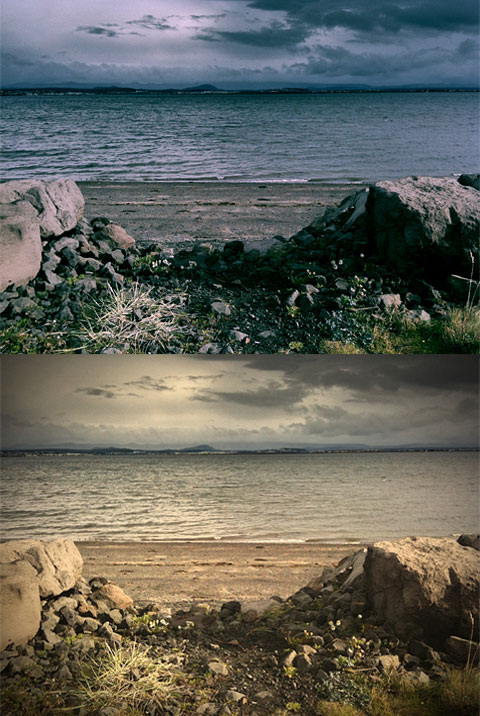
TrueHDR is currently on sale in the App Store at the special price of $0.99/€0.79/£0.69.
Overall
Name: TrueHDR
Developer: Pictional LLC
Compatibility: iPhone, iPod Touch, iPad. iOS 4.1 or later.
Price: £1.19||$1.99||€1.59
Vote: 5/5

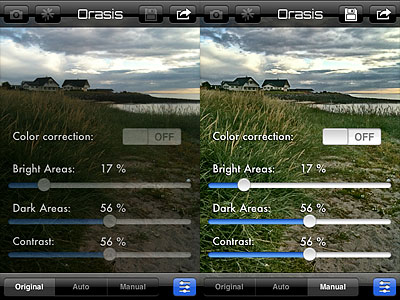 The only thing that looks a bit off in Orasis is the color correction. In photos I have used for testing, colors are always closer to the original scene with the correction turned off, while turning the feature on often gave me a slight color cast (blue or magenta, mainly).
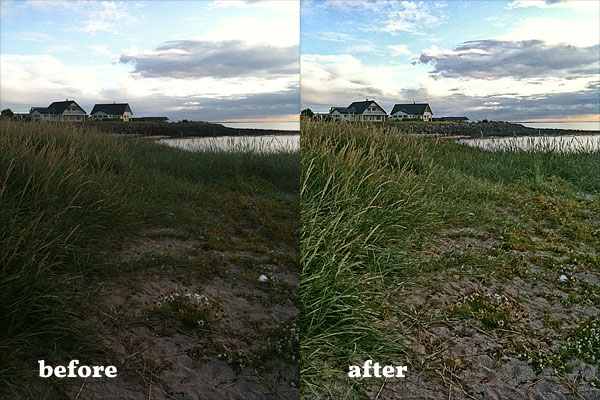 Orasis is very different from fake HDR, as its results look definitely more natural than those provided by most apps imitating HDR effects with a single shot. In general, most photos edited in Orasis are greatly enhanced; at the same time, enhancements are subtle enough not to make photos look overly processed and unreal. Also worth mentioning the fact Orasis doesn’t increase digital noise and it doesn’t perform destructive sharpening on photos. Given both the extreme simplicity of this app and its impressive results, Orasis is a great tool to help you fix issues with badly exposed photos. Don’t expect miracles from the app though: your perception is still better at “seeing” reality than your iPhone.
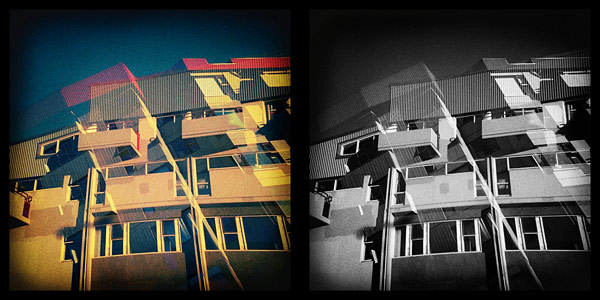
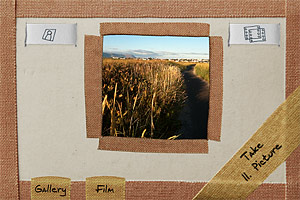 Pinhole HD features three types of film: color, expired color and black and white. From the Film menu, you can choose your desired effect before taking pictures. You can turn on and off the double exposure with a swiping motion of your finger over the slide button located on the top right of the main screen. Using the button on top left of the screen, resolution (small, medium and high) can be set in the same way. If you decide to take a double exposure, you are requested to tap twice on the shutter button. You do not have time limitations, but you cannot change film from the first exposure to the next. Development takes place in background, so you can keep on shooting while your photos are being processed.
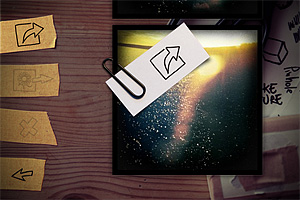 All the photos you take are saved to the Gallery, from which in any moment you can decide to make basic adjustments, like changing film type and frame, enabling lens distortion (low or high, to simulate a wide angle effect) and balancing blending in double exposures. Default values for these parameters can be changed from iPhone’s Settings. Once you are satisfied with your image, you can save it to Camera Roll, send it to Facebook or share it with your email contacts. In the new HD version, it’s possible to select more photos at once to delete, share or save them with a single tap. Differently from Pinhole Camera, Pinhole HD lets you process photos stored in the Camera Roll, not only those taken with the built-in camera.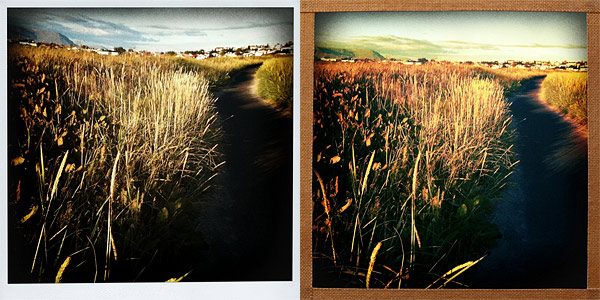
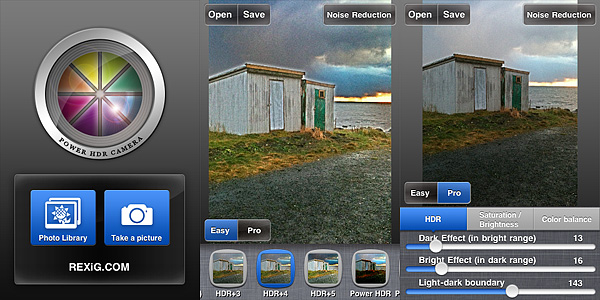 For a quick enhancement of badly exposed photos, the Easy mode offers 23 presets which can be applied to images with a single tap. Presets can be found in the bottom part of the screen, and by swiping with the finger you can scroll and choose among them. For a more thorough processing and for more control, you can switch to Pro mode. Pro mode lets you adjust individual settings which affect the overall look of the image, like bright and dark intensity, saturation and contrast, and color balancing.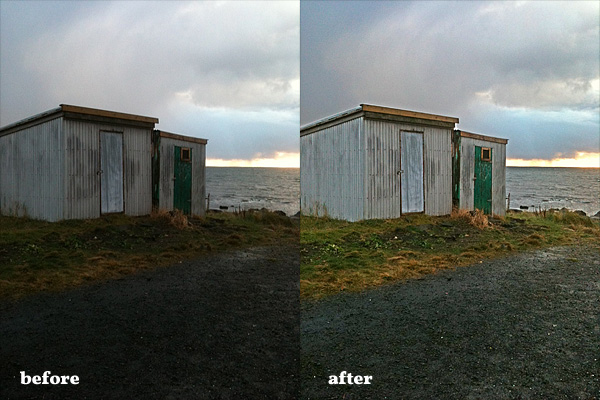
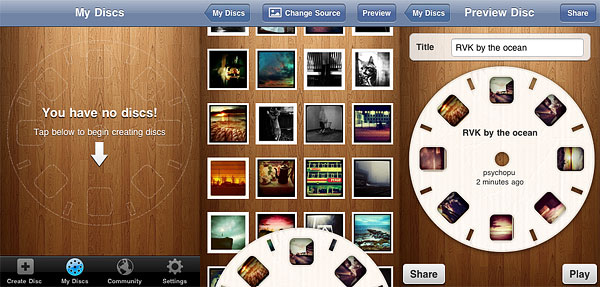
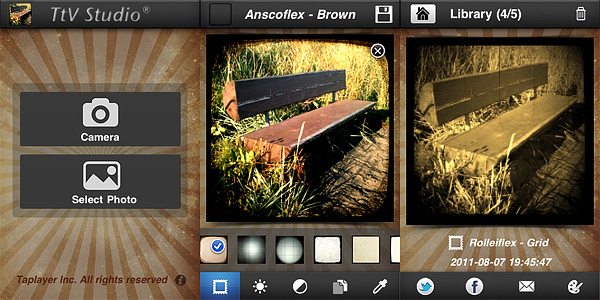 More than 30 viewfinder effects are available by scrolling horizontally the menu at the bottom of the work area screen. For fine-tuning each effect to photos, users have at their disposal brightness, contrast and effect opacity adjustment sliders. It’s also possible to add sepia, blue and black and white toning. Photos are saved both to Camera Roll and to the app’s library, from which you can share and edit them again. Until photos are stored in the library, it’s possible to make changes to any previously chosen setting.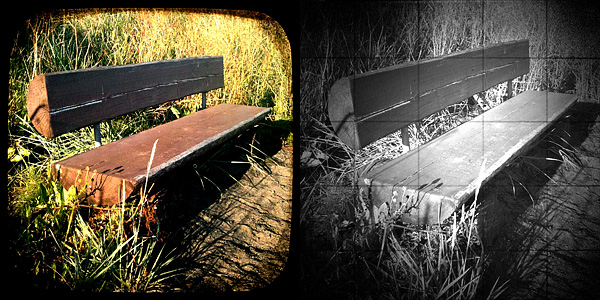
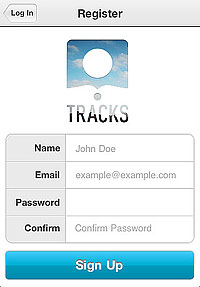 The main quality of Tracks, as I said, is also the app’s main flaw: extreme simplicity. The fact it’s not possible to rearrange the photos in any logical order or edit the location defies in part the purpose of the app. Moreover, once they are logged in, users are given no further indications. How does Tracks work in detail? What about Terms of Service and Privacy Policy? And so on and so forth. In the absence of a guide, tips or help of any kind, you have to find answers to all your questions on your own (if you’re the fussy type, you can contact the support service: they are very polite and more than willing to help their users). Anyway, most of the times, if you cannot figure it out, it means you cannot do it.
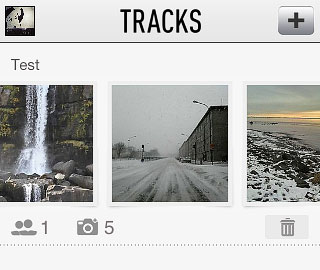 Right now, Tracks is a hassle-free app that makes it possible to privately share photos — which is something, it must be said, several other services allow as well and with more options. But Tracks has the potential to become something more refined and useful: we will be looking forward to future updates.
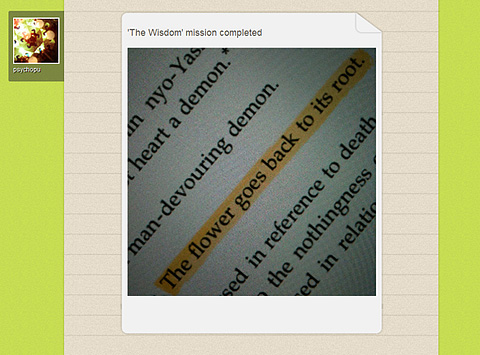 Secret or local missions can be available as well from time to time. In general, this kind of missions doesn’t assign points, but caps (exclusive badges which you can collect to unlock special content) or prizes.