Are you one of those people trying to avoid lens flare at all costs in your photos and blaming unexpected light scattering caused by your lens all the times? Or are you instead one of those people welcoming all the fancy rings, glares and starburst-like effects and deliberately using them to add that special something to your images? If you are part of the second group, then you will like LensFlare.
LensFlare is a no-frills photographic tool for enhancement of photos and other graphic elements. BrainFeverMedia’s iPhone app makes it incredibly easy to drastically change images by adding and manipulating light effects.
Main Features
- Up to 3072×3072 pixels resolution (iPhone 4);
- 45 effects;
- Adjust flare brightness;
- Lens dust on/off;
- In-app guide.
Appotography Opinion
Even if the way LensFlare works is simple and to the point, the app comes with a clear and detailed manual to guide you through your post-processing. Once a photo — either taken in-app or imported from Camera Roll — is loaded into the work area, you can pick one of the several light effects among those in LensFlare collection.
 By tapping and dragging, you place the flare in the right position; by pinching with two fingers, you shrink or enlarge the flare; with two fingers, it is also possible to rotate the flare to the right angle. You can save your image right away to your device or, if you prefer, using the “Render image” option, you can add to it as many flares as you like. In order to use flares generated in LensFlare in external photo editors, you can choose the “Save flare only” option and thus export the flare on a plain black background. The lens dust feature to achieve a more realistic and natural look can be enabled and disabled from the same flares panel.
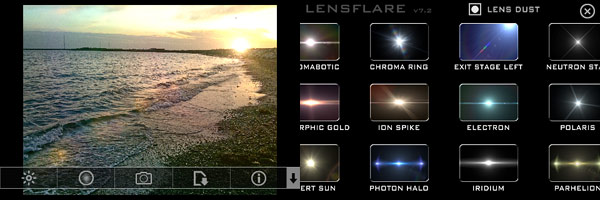
The choice of flare types is very rich and it includes cinematic, natural light and SRL flares, plus several other effects. All effects coming with LensFlare are high quality and their brightness can be adjusted with a slider.

LensFlare allows immediate and easy modification of photos through the addition of striking photographic effects. Used as a tool for finishing touches, this app will undoubtedly bring value to your iPhone camera bag.
The HD version of LensFlare for iPad is also available in the App Store.
Overall
Name: LensFlare
Developer: BrainFeverMedia
Compatibility: iPhone, iPod Touch, iPad. iOS 4.0 or later.
Price: £0.69||$0.99||€0.79
Vote: 4/5

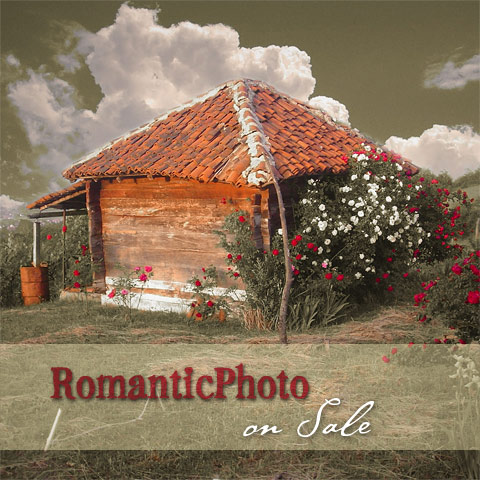 RomanticPhoto counts 60+ ready-to-use preset styles to enrich photos with timeless and unreal atmospheres. Presets come in several themed categories and cover a variety of effects, from dreamy blur to selective saturation. Colors and overlays are adjustable for even more effects.
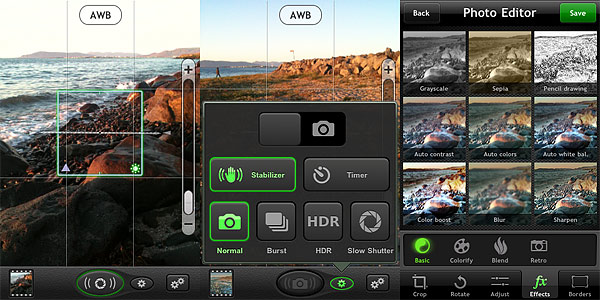 The Photo Editor offers crop, rotate, adjust brightness, contrast, saturation and improve definition tools. It also includes effects and borders. Effects — 36 in all — range from sepia to lomo-like filters. Borders come in two different styles, basic and vignette. Most adjustments and effects can be applied simply using sliders to regulate their intensity. Reverting to the original image is always possible.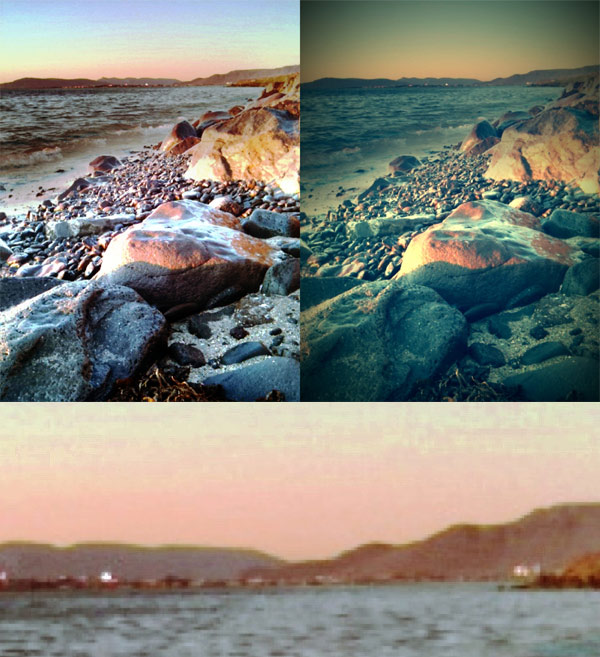

 Bleach Bypass by fotosyn recreates skip bleach processing on the iPhone. The recently revamped Bleach Bypass features 8 different effects plus borders and vignetting for easy and dramatic enhancement of images. Bleach Bypass 1.2.5 was released in the App Store earlier this week and this latest version comes with PhotoAppLink integration, to seamlessly edit photos between photo apps. If you have not tried the app yet, this could be the perfect occasion to get acquainted with it.
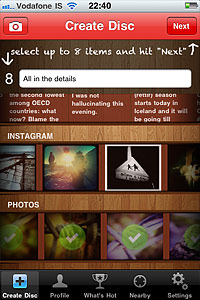 The simplified workflow is the biggest improvement in version 2.0 of Retrollect.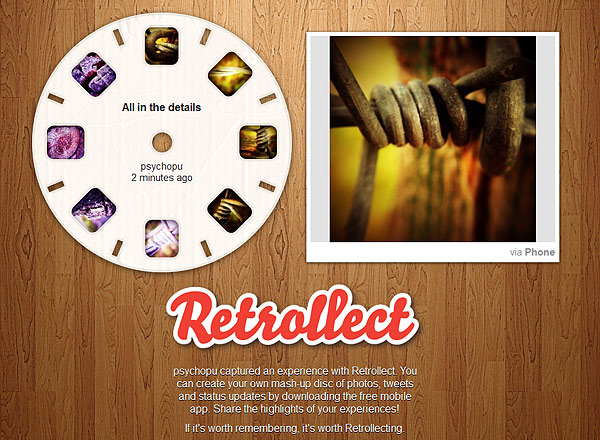
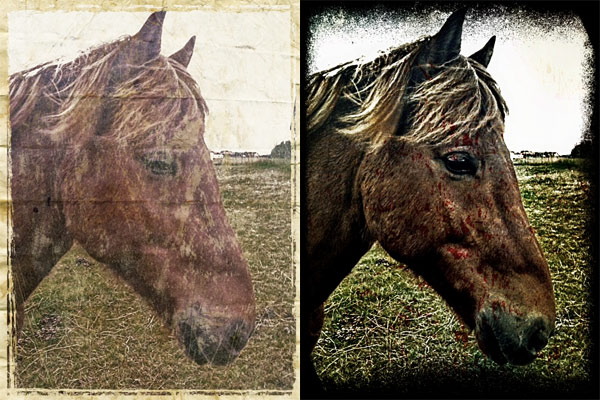
 Grungetastic 2.0 is out in the App Store. This is a major update for JixiPix’s app.
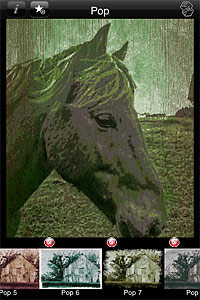 Another noteworthy change in the latest release is the new content. Grungetastic now offers 140+ additional items to process photos. The content includes textures, scratches and splatters, which are arranged into four new themed packs: Gritty Grunge, Distressed Grunge, Worn Grunge and Worn Pop Grunge. All packs are available individually through in-app purchase, each for $0.99.