
Sometimes it takes just a few touches to turn a good shot into a stunning picture. Other times you just need to add a final detail or to make sure your photo has a certain standard size, ratio, and so on. This is intended as a selection of remarkably easy-to-use iPhone and iPad photography apps, both paid and free, that can help you fine-tune your photos in no time.
- Pixlr-o-Matic
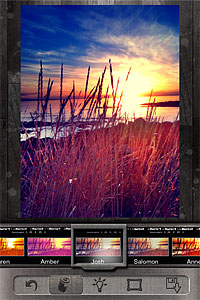 Change the look of your photos with a single tap. Pixlr-o-Matic offers a collection of 25 photographic effects, 30 light overlays and 31 frames, for many combinations. Pixlr-o-Matic is also a web app. Try it for free here.
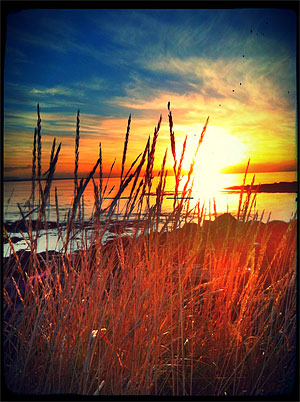 Developer: Autodesk Inc.
Works on: iPhone, iPod touch, and iPad. iOS 4.0 or later.
Price: free! - LensFlare
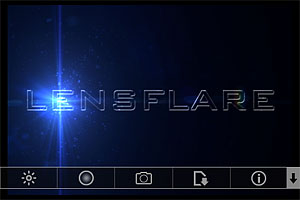 Light can make a difference in photo enhancement. LensFlare comes with 42 professional looking flares, which can be placed in images loaded from Camera Roll or in photos taken with the built-in camera feature. Flares range from SRL camera lens to cinematic effects. Scale and rotate flares to adjust them to photos, create images of great visual impact with just a few touches.
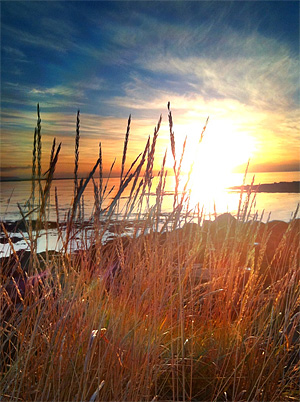 Developer: BrainFeverMedia
Works on: iPhone, iPod touch, and iPad. iOS 3.2 or later.
Price: $0.99/€0.79/£0.69 - Phonto
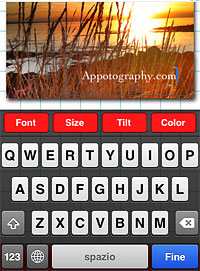 Add captions to photos with Phonto. More than 100 font styles are available. Phonto lets you customize your text by changing font face, size and color. Change opacity, tilt and add backgrounds for different effects. Use Phonto to add watermarks or to send personalized messages. Phonto is Instagram-friendly: it saves photos in a square format and lets you post directly to your favorite photo sharing app.
 Developer: youthhr
Works on: iPhone, iPod touch, and iPad. iOS 4.1 or later.
Price: free! - Squaready
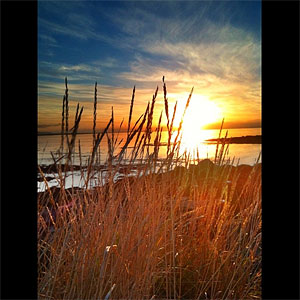
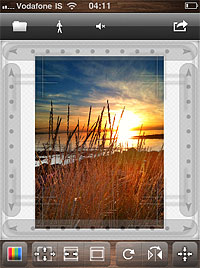 Squaready is a great companion for regulars of the 1:1 aspect ratio. Instagram users will find it easier to adapt both their landscape and portrait oriented photos to the square format. Flip and rotate, shrink and enlarge, add a colored background and send to other photography apps (Instagram, Magic Hour, Camera+, Cameramatic, and more).
 Developer: FANG Inc.
Works on: iPhone, iPod touch, and iPad. iOS 4.0 or later.
Price: free! - Image Blender
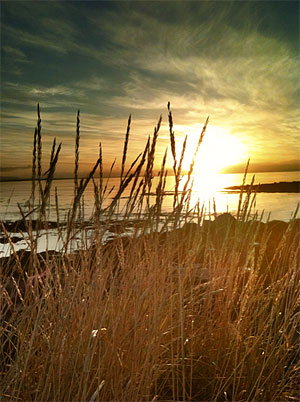
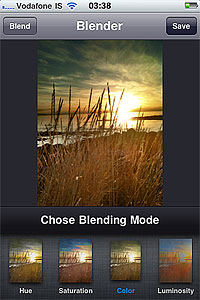 Merge two photos together to create unique images. Create unique effects and spice up photos by adding textures. Choose among 18 blending modes and adjust the opacity of each image for the desired result. Image Blender is as easy as layer blending can get.
 Developer: Johan Andersson
Works on: iPhone, iPod touch, and iPad. iOS 4.0 or later.
Price: $1.99/€1.59/£1.49
 Camera+ 2.3 introduces a new feature: captions. Captions are a simple and fun way to add text to your photos.
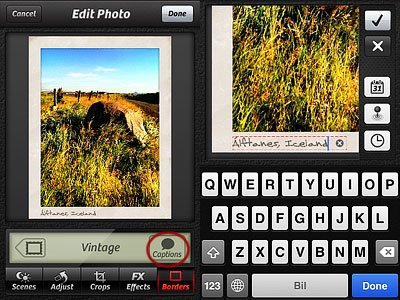 As you can see from the images below, each border style comes with matching styled captions, varying in fonts and colors. Alignment, font, size and color of captions are not editable.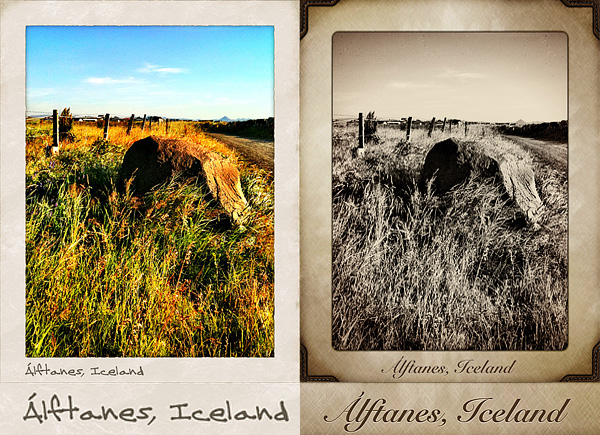

 The launch of version 2.0 is approaching and developers revealed it will bring major changes to some of the core features of King Camera, plus new effects and other upgrades. In the meantime, there is more than enough within the current release to have fun with your photos: King Camera’s recent updates greatly improved both the app’s speed and general performance.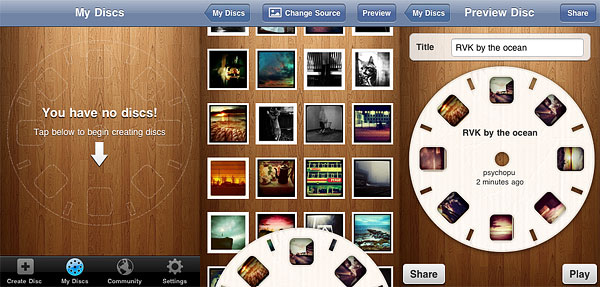

 The most notable feature added in version 1.1 is the fullscreen editing. By tapping on the uppermost right corner of the tool panel (on the dotted corner), it’s now possible to enlarge the work area. This is especially useful when better control on finer detail is required, as it allows more accurate placement of the ellipse affecting the vignette’s adjustment.
 Other enhancements in Noir Photo 1.1 include: higher editing resolution and preservation of photo metadata, so that original information is not lost upon saving.
 HalfCamera
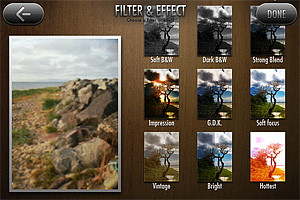 To suggest different moods, try the new filters in combination with any of the other effects: in HalfCamera you can filter photos over and over.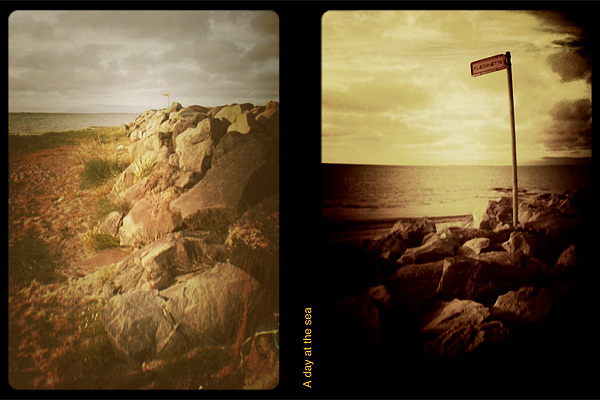
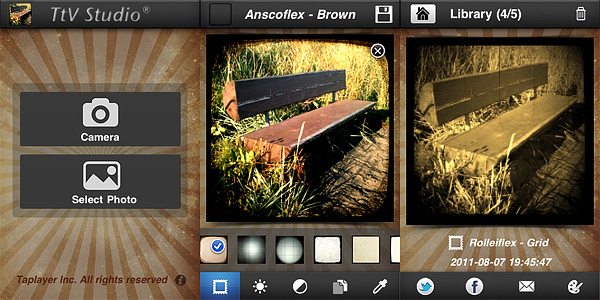 More than 30 viewfinder effects are available by scrolling horizontally the menu at the bottom of the work area screen. For fine-tuning each effect to photos, users have at their disposal brightness, contrast and effect opacity adjustment sliders. It’s also possible to add sepia, blue and black and white toning. Photos are saved both to Camera Roll and to the app’s library, from which you can share and edit them again. Until photos are stored in the library, it’s possible to make changes to any previously chosen setting.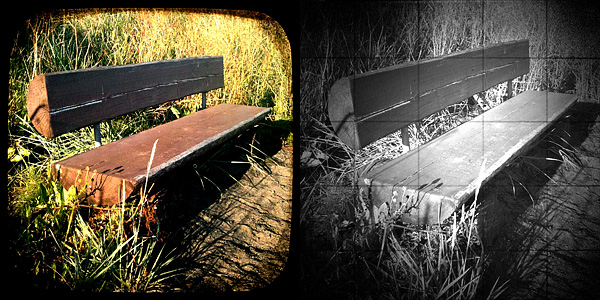
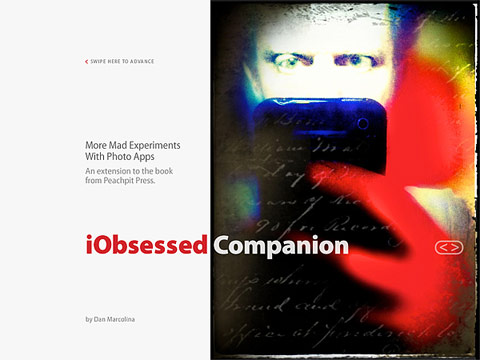 iObsessed is the brainchild of Dan Marcolina, designer and photographer with a passion for iPhone image processing. The iPad Companion counts sixteen chapters. In every chapter, Marcolina analyzes techniques and recipes he has devised to produce peculiar effects to process photos on the iPhone. Commentary and links offer in-depth overview on how the given results can be accomplished; original shots are presented for comparison and all processed photos come with their app formula. By rotating the iPad from horizontal to vertical position, it’s possible to access the app compendium, which contains information on the apps used in each chapter. Extensive video materials (around 90 minutes in all) complete the book, guiding the reader to understanding the workflow from original shot to processed image. An appendix includes several extras, like links to iPhone camera add-ons, photo gallery, and a brief note on the author.
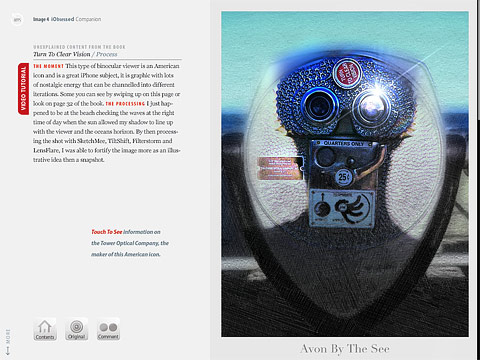 The iPad companion is actually an extension to the iPhone Obsessed book by the same author, published by Peachpit Press, which contains more examples and information on how to use the iPhone creatively. Dan Marcolina’s interactive book doesn’t claim to be the ultimate “how-to” manual to iPhone photography. iObsessed rather presents tips and ideas that uncover the hidden potential of images and go beyond limits inherent to the medium. As such, it can be a great source of inspiration and a reference guide to rewardingly learn to combine possibilities offered by different applications and also, occasionally, by external resources.