
 EBook Magic, the app to create photo books on the iPad, was recently updated. The app offers several template options and tools to create and share photo ebooks. EBook Magic is a good shortcut to help anybody, even total newbies with no previous experience, in the task of assembling a photo book in minutes without having to go through all the hassle of starting everything from scratch.
What’s new in version 1.5? Apart from several improvements and bug fixes (including the bug made the app crash when adjusting text), there are two major additions in the latest version of eBook Magic.
- iPad camera support
You can now add photos taken directly with your iPad instead of importing them. Previously, eBook Magic only allowed to use images imported from the device’s albums, which could have been a pain for those users that simply wanted to add photos right away. Given the possibilities offered by iPad 2’s camera, being able to add photos taken in-app makes things much easier in some instances. - EPUB output
EPUB, the open ebook standard that replaced the older OEB (Open EBook), has become a widely popular format for publications over the recent years and thus it is now for many the primary choice. EBook Magic now offers the possibility to save ebooks in this open format and optimizes them for displaying on iOS devices.
EBook Magic is available from the App Store for $3.99/€2.99/£2.49.


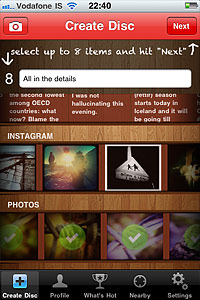 The simplified workflow is the biggest improvement in version 2.0 of Retrollect.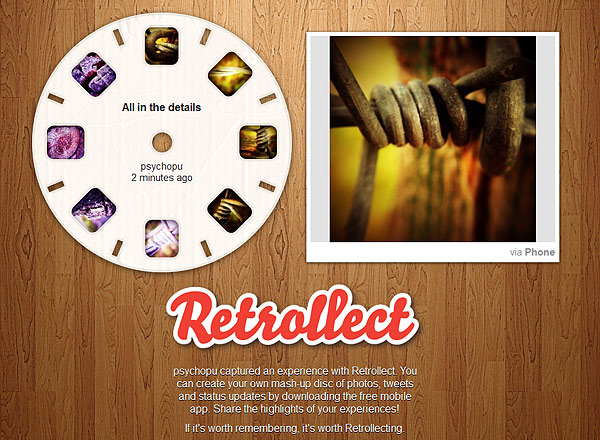
 Grungetastic 2.0 is out in the App Store. This is a major update for JixiPix’s app.
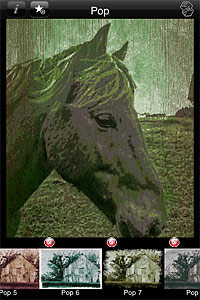 Another noteworthy change in the latest release is the new content. Grungetastic now offers 140+ additional items to process photos. The content includes textures, scratches and splatters, which are arranged into four new themed packs: Gritty Grunge, Distressed Grunge, Worn Grunge and Worn Pop Grunge. All packs are available individually through in-app purchase, each for $0.99.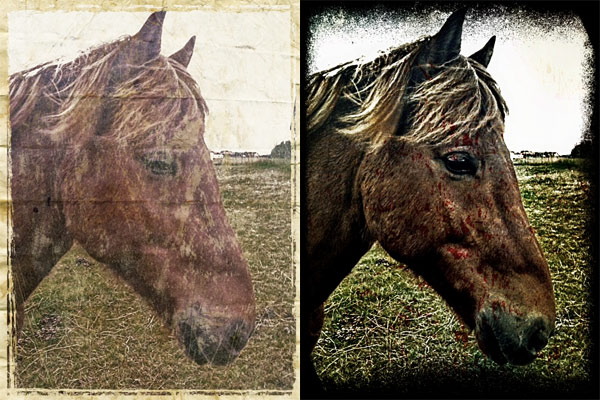

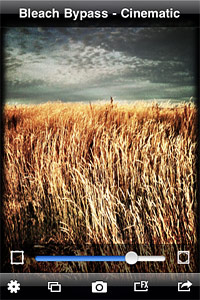 The newly added frame icon is positioned on the left side of the intensity slider. By tapping on it, one among Bleach Bypass frames is applied to the image. To scroll among frames, all the user needs to do is tapping on the icon: one tap enables the light, two the black and three the retro frame; by tapping once again frames are disabled. Enabling vignette works in the same way: by tapping on the vignette icon positioned on the right side of the slider, it’s possible to enable and disable vignetting instantly.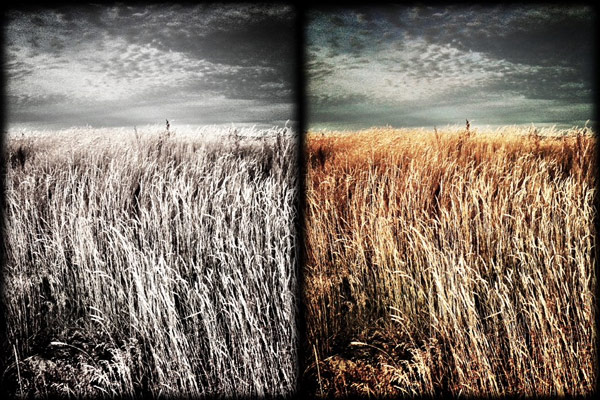

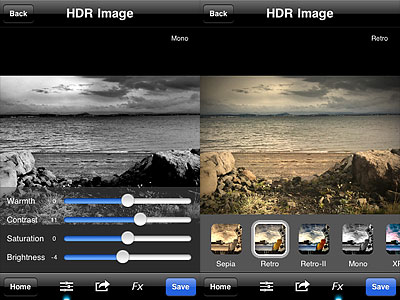 Another new feature is the FX panel, which gives you access to seven presets to quickly change the style of your HDR images. Effects range from cross process to monochrome. All effects can be altered after applying them by switching to the editing tools panel.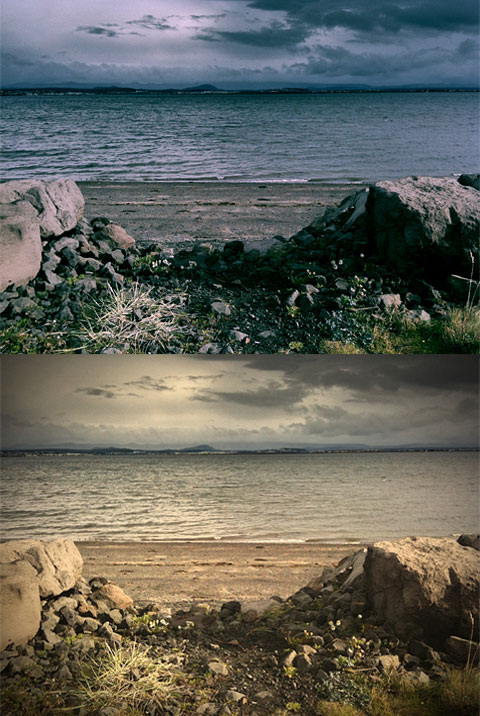
 Camera+ 2.3 introduces a new feature: captions. Captions are a simple and fun way to add text to your photos.
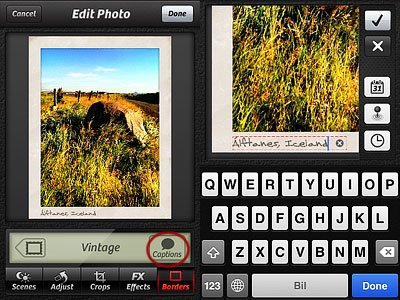 As you can see from the images below, each border style comes with matching styled captions, varying in fonts and colors. Alignment, font, size and color of captions are not editable.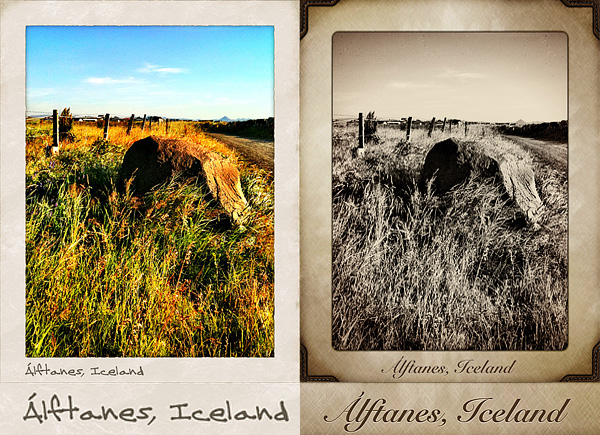

 The most notable feature added in version 1.1 is the fullscreen editing. By tapping on the uppermost right corner of the tool panel (on the dotted corner), it’s now possible to enlarge the work area. This is especially useful when better control on finer detail is required, as it allows more accurate placement of the ellipse affecting the vignette’s adjustment.
 Other enhancements in Noir Photo 1.1 include: higher editing resolution and preservation of photo metadata, so that original information is not lost upon saving.
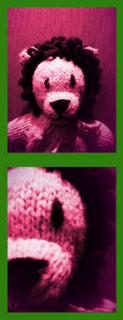
 HalfCamera
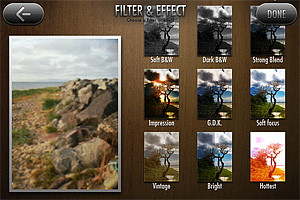 To suggest different moods, try the new filters in combination with any of the other effects: in HalfCamera you can filter photos over and over.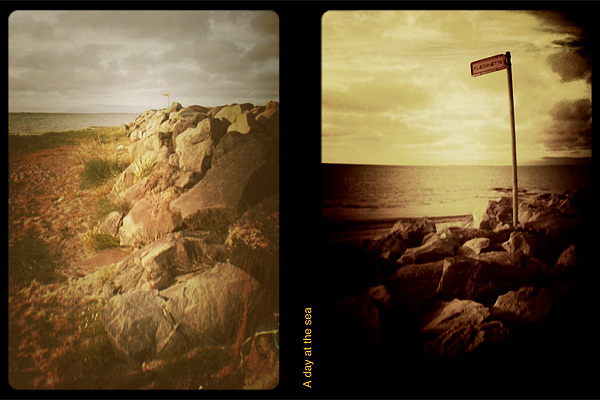
 iSupr8