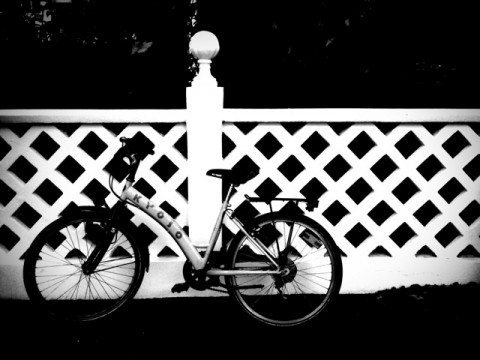
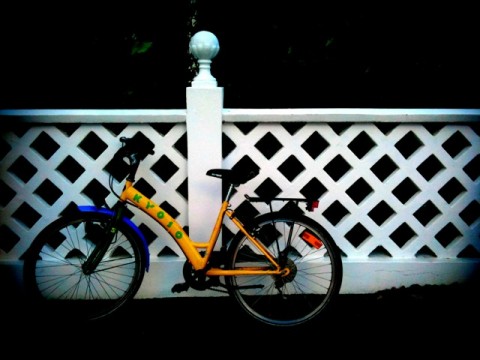
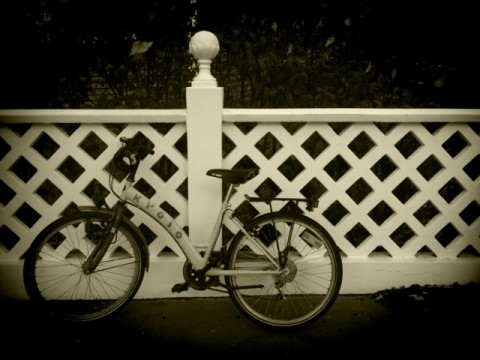
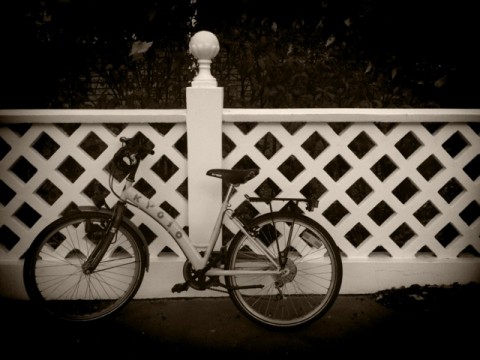
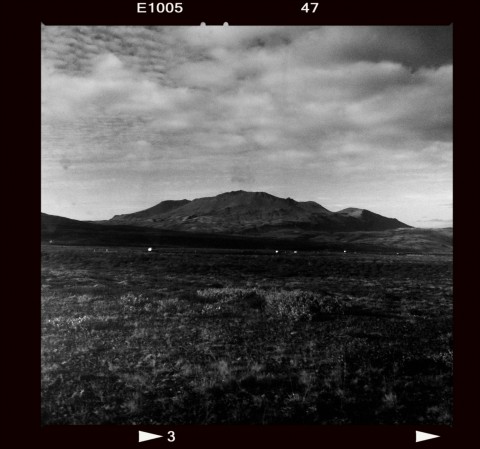
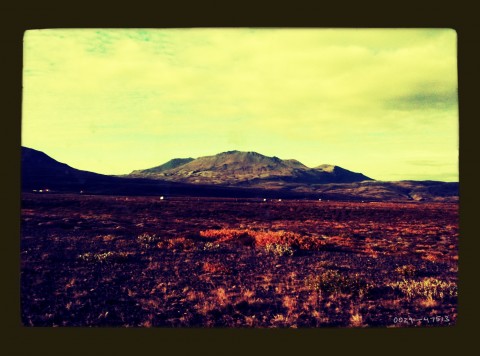
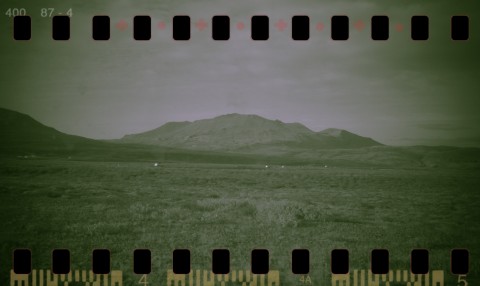
Pro HDR Review

Once I read in a comment posted in some photography poll about HDR vs Black & White stylized photos, “I prefer B&W: why would anybody like a photo that looks like you’ve been rubbing vomit on it?”. Apart from considerations about the poll in itself, which was in my opinion kind of flawed at its core and sort of nonsensical, I kind of agree that most HDR photography is very much like the result of some sickening spewing. HDR photographers tend to overdo, to overload their photos, ultimately making them look very ugly. But HDR in itself is not the devil. In its original form HDR is a technique that permits to overtake some serious difficulties caused by limitations in the actual medium – the camera.

Sometimes you see postcards with amazing colors in shops, photos where every detail is very neat and clear and the colors are so vivid. You’ve probably wondered how much effort does it take to take shots like those. Well, sometimes what you see is not done in camera, but it is the result of a smart post-processing which, very often, involves HDR.

HDR, or high dynamic range imaging, is nowadays a technique that digital photographers know well and use very frequently. It basically consists in taking more shots of the same subject, each with altered parameters, and then merging them. Usually a couple of shots, one under-exposed and the other over-exposed, are enough. There are all sorts of tools and facilitation that have become very common over the years to help the photographers to obtain HDR images with no effort at all. Apple users also have their own available in the App Store.

Let’s see what Pro HDR for iPhone is capable of.

Main Features

  • Full resolution available;
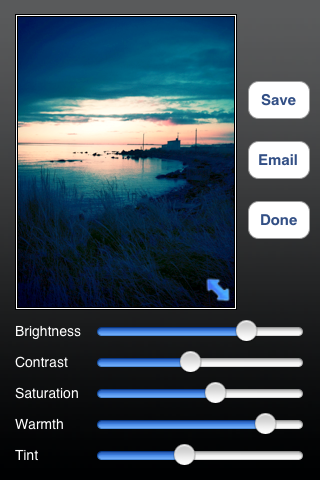
  • Adjustable brightness, contrast, saturation, warmth and tint;
  • Vibration on/off;
  • Share via email.

Appotography Opinion

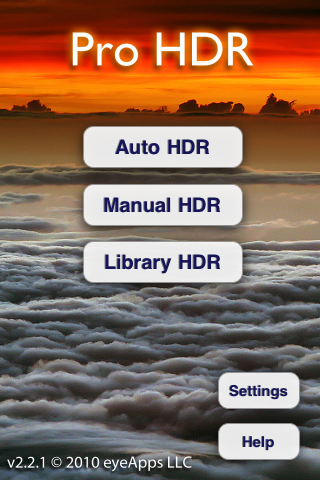
The app offers three different typologies of HDR processing. The manual and the automatic are similar: both work with the built-in camera and the effect is applied right after taking the photos. The automatic HDR is probably the easiest one, as it only requires the user to keep the camera in a still position – though some very slight movement doesn’t cause much bother – while the app analyzes the light conditions and automatically takes both over- and under-exposed shots. The manual mode is similar, but the user is required to tap on the screen for locating light and dark areas. This allows more control over the final results, but it doesn’t actually make much difference from automatic mode, most of the times. The library mode permits to use photos from the camera roll, but of course you have to have both the under-exposed and the over-exposed versions, and both photos must be of the same resolution to be recognized.
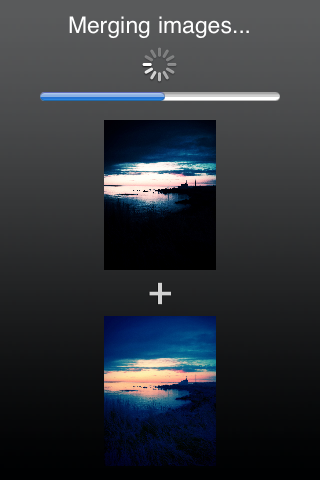
Pro HDR iPhone

Pro HDR iPhone

Pro HDR iPhone

Pro HDR iPhone

Adjusting the parameters after the shots are processed will let you come up with very nice-looking results, sometimes even better than what you’d expect from a mere iPhone shot. You can then save or send the photo via email.

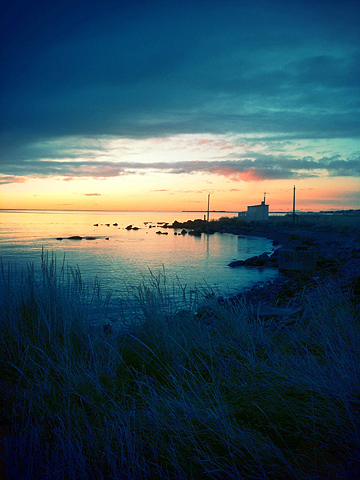
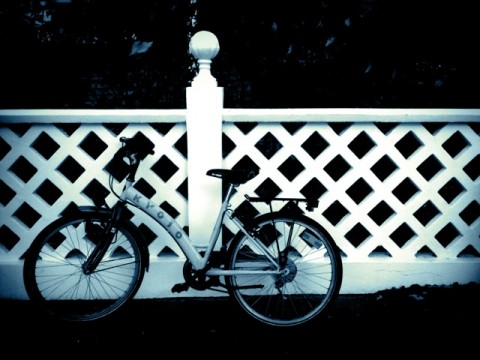
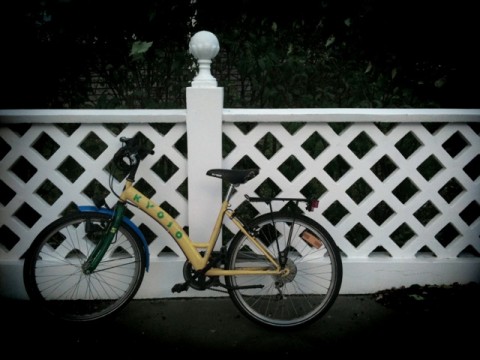
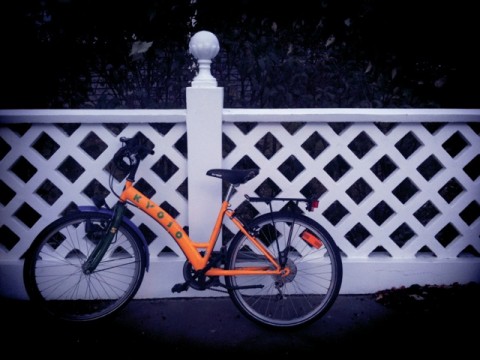
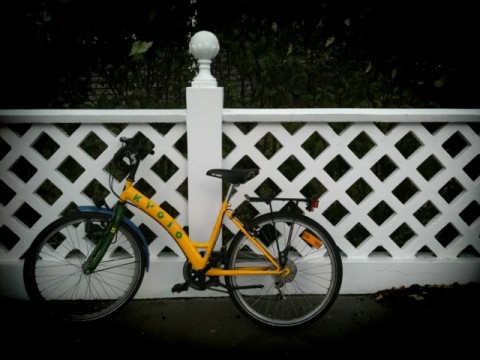
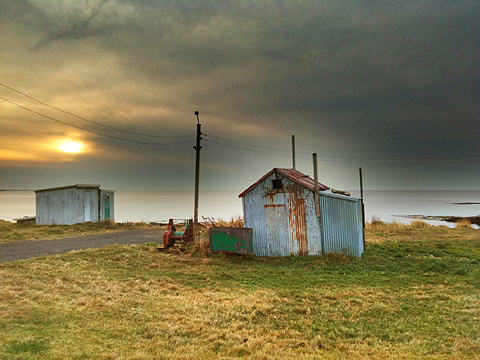
Here are a few exampls of shots taken with Pro HDR in somewhat overcast weather conditions:
Pro HDR iPhone

Pro HDR iPhone

Pro HDR iPhone

Normally, using the default camera, you’d end with very dark photographs where no detail is clearly visible and the colors are very dull. As you can see, Pro HDR really makes a difference here, as it lets you have perfectly exposed photos even in the less inviting weather conditions.

Pro HDR, if used wisely, is one of those apps that can actually help you improve your photos. This app is a must-have for any iPhone photographer!

Overall

Name: Pro HDR
Developer: eyes apps LLC
Compatibility: iPhone, iPod Touch. iOS 4.0 or later.
Price: £1.19||$1.99||€1.59
Vote: 5/5

Pro HDR - eyeApps LLC

Diptic Review

Invention and ideas cannot be easily invoked with the help of any aid, but more than a few good results can be accomplished with the help of a good selection of apps. The art of mix and match is not as easy as it could seem: it takes invention and ideas to effectively use different images to make something new.

Diptic for iPhone by Peak Systems doesn’t provide you with extraordinary invention skills, but it does give you a few neat tools that will let you use your pictures in new ways.

Main Features

  • Full resolution available;
  • Restore from previous sessions;
  • Nineteen different layouts;
  • Expand layouts (in-app purchase);
  • Mirror, pan, rotate by 90°;
  • Adjustable brightness, contrast and saturation;
  • Adjustable colored border;
  • Possibility to share via email.

Appotography Opinion

Diptic is a nice little app that allows the user to mix multiple photos – from the camera roll or taken on the spot – to create something new and different. The geometric layouts available cover a variety of possibilities: you can combine from just two to up to four different photos to create your new picture. Diptic is very easy to use.Whether you want to tell a simple story or you simply want to showcase more than one photo at once, Diptic really comes in handy. You just have to pick your layout of choice, add the pictures and adjust a very few parameters, if you need to. You can alter the border’s color and width, making it thicker or totally invisible; you can modify the photos by enlarging them, moving them around or making them brighter, more saturated, etc. Then you can save,  send by email or share on the Diptic group on Flickr.

With a little invention you can create very eye-catching compositions with Diptic, especially if, for example, you use it in combination with other photo editing apps.

Diptic iPhone

Diptic iPhone

Diptic iPhone

My only complaints are about the resolution, which should definitely be improved, and about the rotation feature, which should in my opinion allow the user to rotate not only by 90°, but be more flexible in order to adapt the photos more easily to the ready-to-use layouts. It would be useful also to add a feature enabling to swap the photos’ positions when needed.

UPDATE: after a important update, Diptic now allows saving at full resolution; the layout system was also improved, letting the user “expand” each layout from a 1:2 to a 2:1 aspect ratio — the original 1:1 square is also still selectable — significantly widening the available choices. Therefore, our original score was also revised.

Overall

Name: Diptic
Developer: Peak Systems
Compatibility: iPhone, iPod Touch, iPad. iOS 3.0 or later.
Price: £1.19||$1.99||€1.59
Vote: 4/5

Diptic - Peak Systems

BlurFX: Simulate DOF on Your iPhone

Simulating depth of field on mobile cameras seems to be for some people an obsession. Anybody knows that at this point you cannot hope to reproduce with camera like the one that comes with the Apple iPhone the same effects of a full-fledged DSLR. Many users though seem to expect similar results from their Apple devices, also thanks to deceptive use by developers of photos obviously not taken with an iPhone in the App Store to promote the marvels of their products. The effects you can obtain with blurring tools can be fairly good, but they’re nowhere close to the kind of thing you can achieve with a DSLR.

Main Features

  • Full resolution available;
  • Restore from previous sessions;
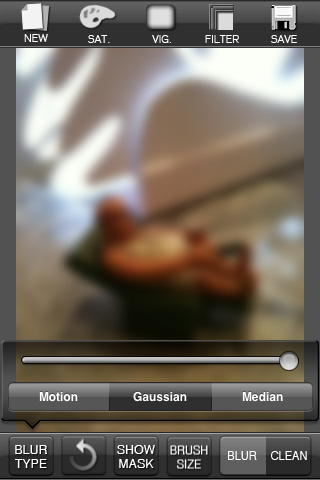
  • Three adjustable blur effects (Motion, Gaussian, Median);
  • Masking on/off;
  • Automatic brush resize on/off;
  • Undo/redo;
  • Zoom in/out;
  • Vignetting;
  • Adjustable saturation, color and brightness;
  • Colored filters;
  • Possibility to share via Facebook, Twitter and Flickr.

Appotography Opinion

What BlurFX promises to do, it does well. This app is a valuable accessory, especially in combination with other apps. BlurFX though will please some and disappoint others. If you are not familiar with other cameras and you expect from BlurFX to imitate the dramatic results obtained with other equipment, you better think twice before purchasing it. BlurFX is nothing more than a good blurring tool, something you could have applied to a picture with a photo editing program on your PC or Mac and now you can apply on the iPhone – or iPod Touch or iPad – too.

BlurFX iPhone
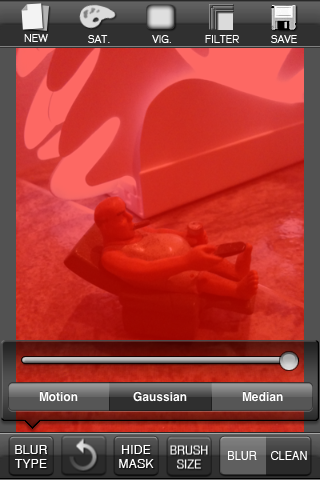
Original image


BlurFX iPhone
Applying blur on the whole image
BlurFX iPhone
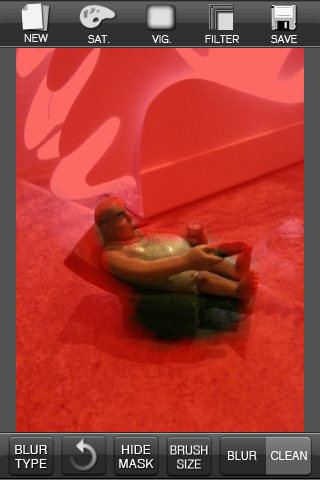
Masking On


BlurFX iPhone
Refining affected areas with mask on


BlurFX iPhone
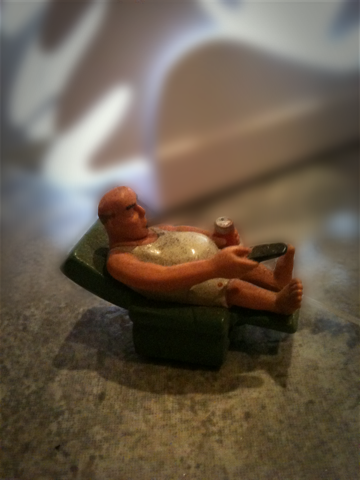
DOF simulation


BlurFX iPhone
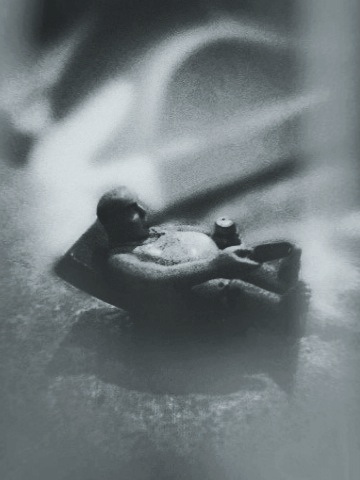
Final result with additional filters

BlurFX helps to bring out details of your photos imitating the out of focus effect provided by three different types of blur and several other features – color and brightness adjustment, etc. Using BlurFX proficiently requires a little bit of patience though.

You can use the built-in camera or load a photo from your camera roll; selecting the desired blur and adjusting the various parameters you can obtain very interesting results and improve the look of your photos in just a few minutes. The interface is very clear, but correctly applying or removing the blur from areas of the photo with just the rubbing of your finger can be a little tricky. The zoom feature comes in handy, letting you enlarge portions of the image for greater precision. The undo and redo and the possibility to switch the masking on and off are also very useful additions and the restoring of previous sessions is particularly helpful, as sometimes working on an image can take more than expected and it’s always good to be able to interrupt without the need to save your progress all the time.

Some improvements should be made in the next versions to the zoom and the scroll, both not very refined at the moment, and also to the automatic brush resize: it’s not easy to work with photos that require special attention to smaller details in BlurFX. Being able to adjust the angle of the motion blur would be nice too.

Overall

Name: BlurFX
Developer: Blue Sky Lim
Compatibility: iPhone, iPod Touch. iOS 3.1.3 or later.
Price: £0.59||$0.99||€0.79
Vote: 4/5

BlurFX - DD Studio

PhoneGrafer: Improve Your Camera With a Few Useful Features

iPhone – and now iPod Touch – photographers, especially those that are a little more dedicated to iPhone photography than the casual camera users, know the limitations and deficiencies not only of some apps but of the default Apple camera. A lot of people make up for these deficiencies downloading many different apps to perform many different tasks. Sometimes you have to use up to four or five apps just to take a straight picture of yourself and apply a couple of filters on it. There are some apps in the App Store though that cleverly try to bypass the limitations and effectively help the users, combining together various features. PhoneGrafer is one of these apps.

Features

  • Full resolution available;
  • Nine filters to choose from: B&W, B&W Extreme, Russian, Antique, Sepia, Cyano, ColorCast-C, ColorCast-M, ColorCast-Y;
  • Vignetting and filter on/off;
  • Sharpen/soften (only when reviewing pictures);
  • 4x digital zoom;
  • Self-timer;
  • Leveler;
  • Access to EXIF data;
  • Google maps access by GPS tags (when available);
  • Possibility to share the photos via Twitter and Flickr.

Appotography Opinion

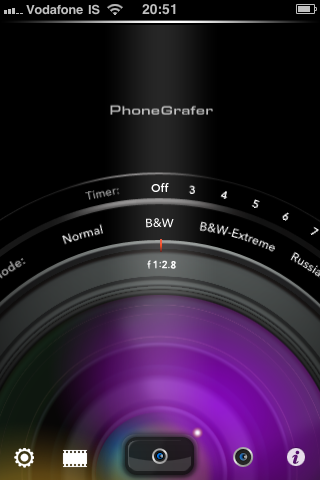
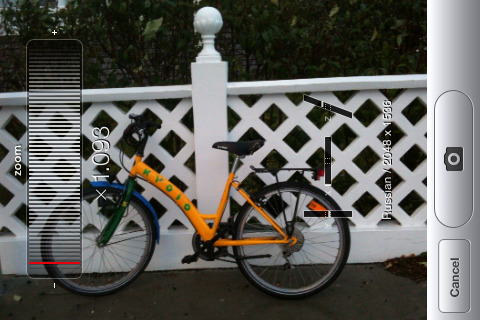
PhoneGrafer is a multi-purpose app that will please many for its ease of use and for the many features. It is not only a collection of filters nor it is a self-timer camera or an EXIF data reader: PhoneGrafer is a little of each all rolled into one. PhoneGrafer is definitely a good replacement for the default camera, especially if you are looking for a bit of everything without too many complications. The interface of this app is at the same time slick and simple. Whether you decide to take a photo or you want to edit some saved in your camera roll, with just a few easy steps you’re done.

PhoneGrafer iPhone

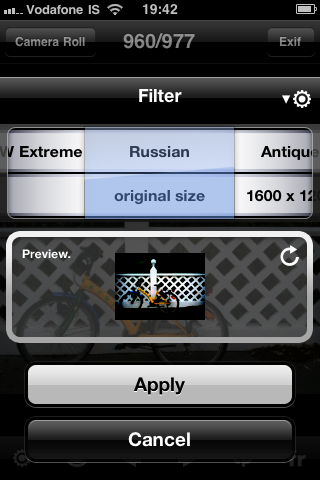
The access to pictures’ meta data is particularly useful, especially considering other apps with this same function are on average not that great. Access to Google Maps by GPS tags, when they are available, is another of PhoneGrafer’s features.

PhoneGrafer iPhone

The small collection of filters is good enough for people with very basic editing needs; the possibility to adjust the settings to make filters more or less intense and to add a vignetting gives the user more freedom in spite of the actual number of available effects.

PhoneGrafer iPhone

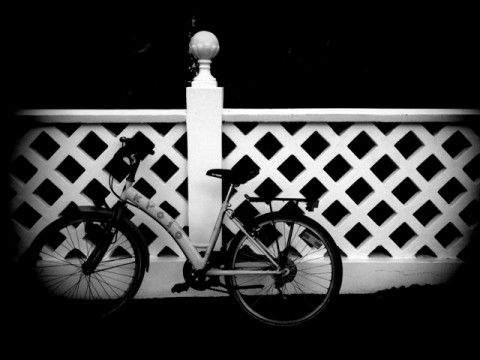
Here is an example of the various filters with vignetting on applied to a simple photo with PhoneGrafer:

PhoneGrafer iPhone
B&W
PhoneGrafer iPhone
B&W Extreme
PhoneGrafer iPhone
Russian
PhoneGrafer iPhone
Antique
PhoneGrafer iPhone
Sepia
PhoneGrafer iPhone
Cyano
PhoneGrafer iPhone
ColorCast-C
PhoneGrafer iPhone
ColorCast-M
PhoneGrafer iPhone
ColorCast-Y

PhoneGrafer is definitely a must-have for those who want to use just a single app to accomplish many tasks. Hopefully, current issues with the iPod Touch 4G will be solved in the next future, so iPod users will be able to enjoy PhoneGrafer as well.

Overall

Name: PhoneGrafer
Developer: emotionale
Compatibility: iPhone. iOS 3.1 or later.
Price: £1.19||$1.99||€1.59
Vote: 5/5
PhoneGrafer - emotionale

Manga Me: Your Photo Turns Into a Comic Illustration

I’m always suspicious of apps that apply cartoonish filters to photos. In general, I don’t like the synthetically cheesy look most of these apps deliver. I will be honest – and perhaps biased – but I find most comics filters to be the closest artificial thing to motion sickness inducers, ships and cars excluded. Then why I wanted to give a try to Manga Me, you’ll ask? For three reasons: because of the word “manga” in the title, which still retains a bit of attractive sophistication compared to the word “comics”; because the screenshots didn’t make me immediately nauseous; because the developer is no less than the Chinese University of Hong Kong. And… I also like to have five minutes of idiocy once in a while.

Main Features

  • Maximum resolution 320 x 460 pixels;
  • Two different editing modes (portrait and landscape);
  • Three different effects.

Appotography Opinion

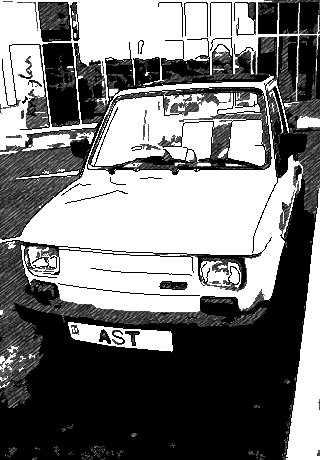
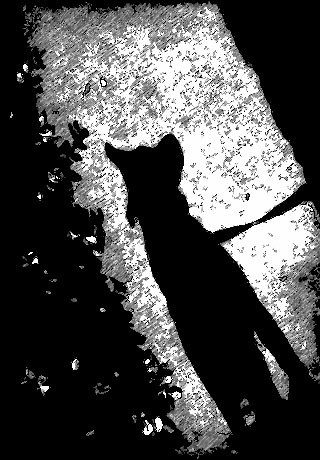
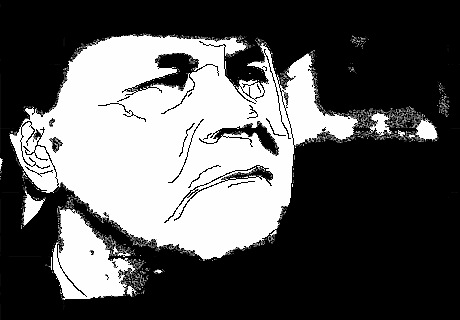
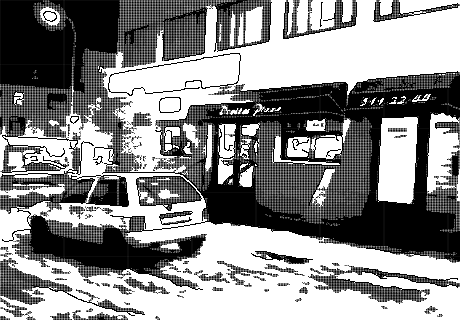
Manga Me wants to help artists in the production of comics with automatically generated illustrations. My dear artists, if you need this kind of help I am sorry to say you have touched the bottom. Even if it were only for a quick reference, the results obtained with Manga Me are nothing a professional should too seriously take into account.

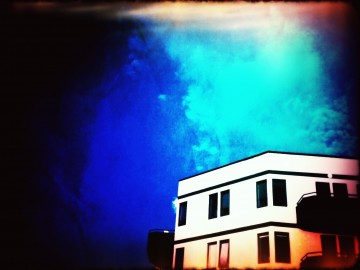
Manga Me iPhone

Manga Me iPhone

Manga Me iPhone

It’s not that the effects applied by Manga Me are so terrible, especially on more organic shapes where aliasing is less visible and especially if compared to other similar filters available, but it is immediately noticeable that they are not natural and that they are result of a mediocre automated process. Besides, there are many issues to fix in Manga Me before it can become functional in any way. First of all, even if the final result isn’t so atrociously bad, the output resolution makes up for it: the ridiculous 320 x 460 speaks for itself about the actual use one can make of the final images. Also, both if you choose landscape or portrait mode, the images are generated upwise. It doesn’t make any sense to have two different modes if the result is in any case an upwise picture, of course. The developers should fix this inconvenience as soon as possible. You can adjust black/white level, but obviously the clearest images are those granting better results.

Since the app is free, one can try it for having five minutes of fun, but that’s all. If you want to use this app for other purposes, as an aid for your comic art for instance, you better think about it twice.

Manga Me works both with the built-in camera and with previously taken photos.

Overall

Name: Manga Me
Developer: The Chinese University of Hong Kong, Computer Science & Engineering
Compatibility: iPhone, iPod Touch, iPad. iOS 3.1.3 or later.
Price: free!
Vote: 2/5
Manga_Me - The Chinese University of Hong Kong

Moco Cam Pro: You Don’t Want This App on Your iPhone!

Some developers think whatever they manage to sell to their audience is ok; quality doesn’t really matter. After all, buyers are inclinned to buy everything if you make the package look alright. I’m not saying all these developers do it in bad faith… Trying to sell apps that seem ok on the outside but are in fact rather hastily put together, that is. Abraham Vivas was either extremely pleased with his app, to the point  he didn’t care about improving it to make it actually functional and useful, or he was just lazy. I’m not sure which is the answer. Anyway, his Moco Cam Pro is definitely one of the apps that you don’t want on your Apple device.

Main Features

  • Up to a 1600 x 1200 pixels resolution;
  • Twelve filters available.

Appotography Opinion

Moco Cam pro is a truly worthless app that you don’t want to buy. No, you don’t. For its price anyway, I’d call it a theft at the expenses of the buyer. First of all, I find it very annoying when apps, especially paid apps, have such poor and misleading descriptions in the App Store. All the information the developer of this app offers is outrageously laconic and not in the least informative. Also, the developer didn’t take time to develop the app properly. You have five lousy filters you can choose from that you can either use on photos stored in the camera roll – and you have no preview or anything to see what’s going on and how your photo is going to be affected, but you have to go and look at the result in the camera roll itself! – or you can apply to photos taken on the spot.

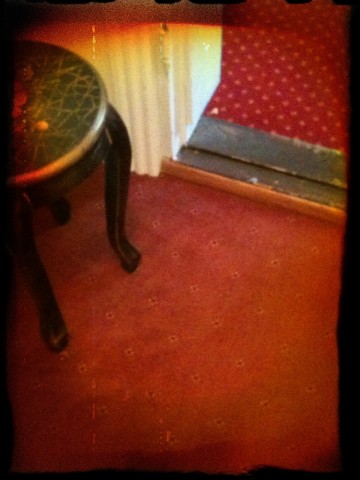
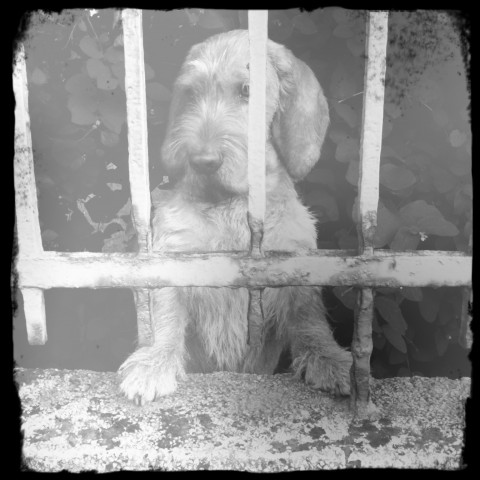
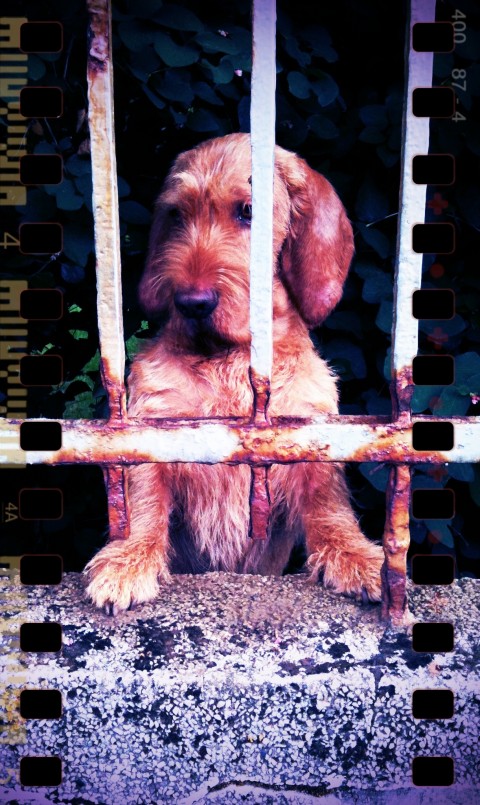
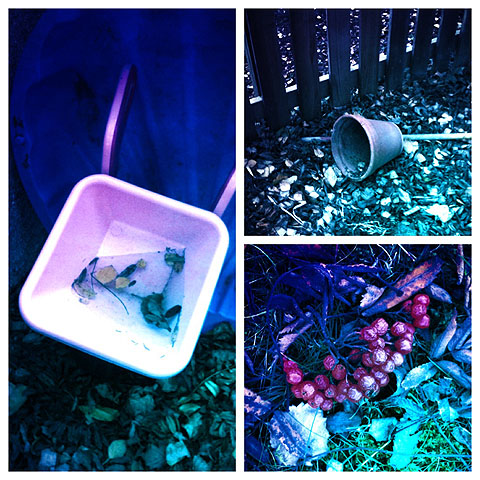
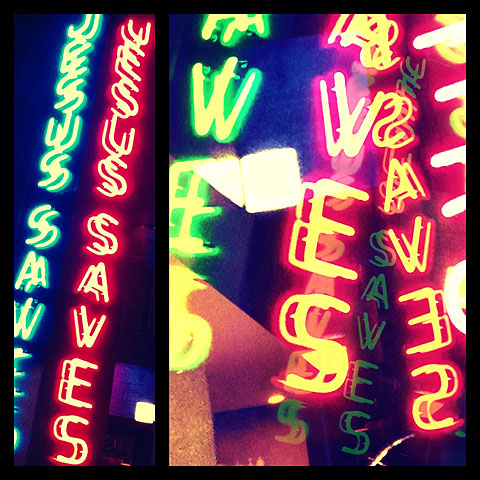
The filters are abominable: not only the output quality is terribly low, but they are frankly ugly to look at. Not at all the vintage effect you should expect, but a messy blur with a colored vignetting and a hint of grungy spots here and there. If you don’t believe me, look at these pictures edited with Moco Cam Pro:

Moco Cam Pro iPhone

Moco Cam Pro iPhone

Moco Cam Pro iPhone

Moco Cam Pro iPhone

Moco Cam Pro iPhone

There are obvious perfomance issues as well, for even the simple action of scrolling the camera roll is painfully slow in comparison with other apps.

Even if it were free, I would tell you to stay away from this app at all costs! Please, do yourself a favor and don’t waste your money on this!

Overall

Name: Moco Cam Pro
Developer: Abraham Vivas
Compatibility: iPhone, iPod Touch. iOS 3.1.3 or later.
Price: £1.19||$1.99||€1.59
Vote: 1/5

MOCO CAM PRO - Abraham Vivas

Infinicam Codes pt. 2

Three new Infinicam codes for your photos: very different styles for very different tastes and needs! Have fun with them!

F4Z-BNQ5

IEO-NPC4

AXI-WAXG

Remember to send us your own style codes if you have some you like in particular! Share your favorite styles with other users by sending your codes to us: [email protected]! We will publish the best codes on Appotography!

Plastic Bullet: Turn Your Photos Into Dreamy Images

What a lot of users love about toy cameras resides in the unforseen quality of the results one can accomplish with them. Some people love the unexpected, what is impossible to reproduce just with mastery of the technique. All the fancy leaks and crazy color shifts, the blurry and somewhat cheap looks: those are some of the effects toy cameras are so good at achieving and iPhone users love to be able to reproduce these days with the various applications the App Store has to offer.

Plastic Bullet by Red Giant Software promises to bring the unexpected variety of toy cameras to your Apple device. Does it live up to the promise?

Main Features

  • Full resolution available;
  • Great assortment of final effects;
  • Possibility to share the photos on Facebook and Flickr.

Appotography Opinion

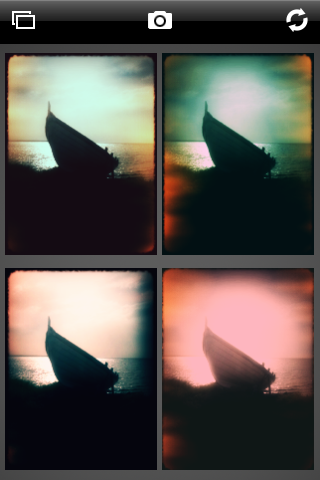
With Plastic Bullet you can either take a photo with the built-in camera or load a previously taken photo from the camera roll. Making it work is very simple and doesn’t require any effort to get used to. You are presented with four thumbnails representing four random final results: if you like any of them you choose and save it; if you don’t you press the refresh button until you have something that pleases you. The easiness and immediacy of use are two of the strongest points of this app and something that has to be taken into account. The results, although actually not greatly different the one from the other in most cases, grant enough choice to the user .

Plastic Bullet iPhone

These are examples of what you can achieve using Plastic Bullet to edit your photos:

Plastic Bullet iPhone

Plastic Bullet iPhone

Plastic Bullet iPhone

Plastic Bullet iPhone

Plastic Bullet is a very nice addition to the family of toy cameras available in the App Store. With just a couple of taps you can truly turn your photos into something different and pleasing to the eye.

Overall

Name: Plastic Bullet
Developer: Red Giant
Compatibility: iPhone, iPod Touch, iPad. iOS 3.0 or later.
Price: £1.19||$1.99||€1.59
Vote: 4/5

Plastic Bullet Camera - Red Giant Software

ClassicINSTA: when a stylish app doesn’t equal to a stylish collection of filters

Some developers achieve good results with one or two projects, but then they start developing a lot more apps and the quality and originality of what they have to offer sometimes is lowered.

ClassicINSTA brings nothing new to iPhone photographers. To be honest, it’s very difficult at this point to bring a breath of fresh air in the overcrowded field of iPhone instant photography. But seriously, unless you come up with some very peculiar idea, it’s hard to compete.

Main Features

  • Up to a resolution of  1536 x 1536 pixels;
  • Ten different cartridge types;
  • Three different camera designs (classic, modern, pink);
  • Two photographic borders;
  • Vibration on/off;
  • Possibility to add date or customized text to the photos.

Appotography Opinion

It’s definitely not worth the time and the money of users with already many apps to choose from to purchase the umpteenth collection of so-so filters, which is exactly what ClassicINSTA is right now. Even for those having to pick one app to simulate the instant camera effect, this is definitely not the best available choice. Despite the effort to spice things up adding three interchangeable skins, ClassicINSTA remains, compared to other instant photography apps, quite average. The cartridge filters aren’t anything particularly memorable; some of them are quite insubstantial, like ColorShock or Rainbow; a few of them don’t really look very different the one from the other. It would have been more sensible to have less filters, like just five or six, and work more on them.

ClassicINSTA iPhone

Here are examples of shots taken with the various cartridges included in ClassicINSTA:

ClassicINSTA iPhone
ClassicINSTA - CLS original cartridge
ClassicINSTA iPhone
ClassicINSTA - CLS modern cartridge


ClassicINSTA iPhone
ClassicINSTA - Vintage sepia cartridge
ClassicINSTA iPhone
ClassicINSTA - Retro B/W cartridge
ClassicINSTA iPhone
ClassicINSTA - Washed cartridge
ClassicINSTA iPhone
ClassicINSTA - Rainbow cartridge
ClassicINSTA iPhone
ClassicINSTA - Damaged cartridge
ClassicINSTA iPhone
ClassicINSTA - Reddish cartridge
ClassicINSTA iPhone
ClassicINSTA - ColorShock cartridge
ClassicINSTA iPhone
ClassicINSTA - Toycamera cartridge

ClassicINSTA works both with the built-in camera and with photos stored in the camera roll.

Overall

Name: ClassicINSTA
Developer: misskiwi
Compatibility: iPhone, iPod Touch. iOS 3.1 or later.
Price: £0.59||$0.99||€0.79
Vote: 3/5

ClassicINSTA - misskiwi

Infinicam Codes pt. 1

For Infinicam users out there, we are willing to share a few style codes that we liked in particular way. Feel free to use them on your photos!

TWA-PRCA
NPC-ZS37
SNF-BZYG

We will be posting a lot more, so check them out!

If you have your own codes and want to see them published here, please send them to our email address: [email protected] .