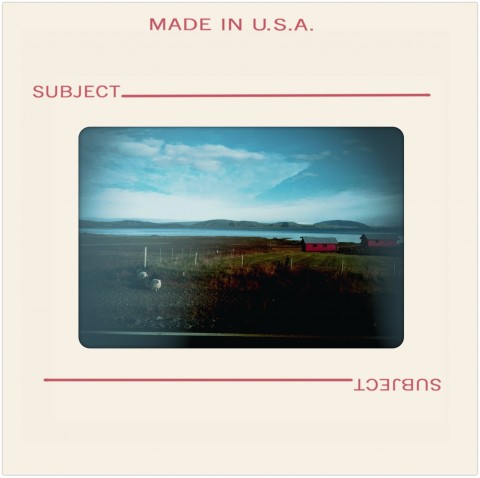
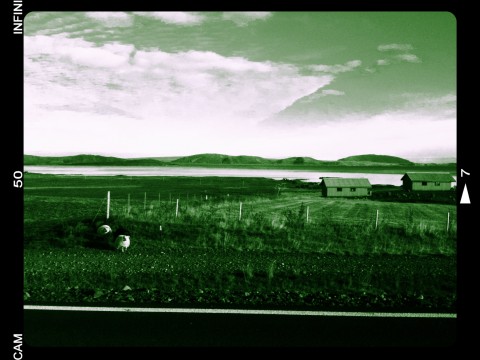
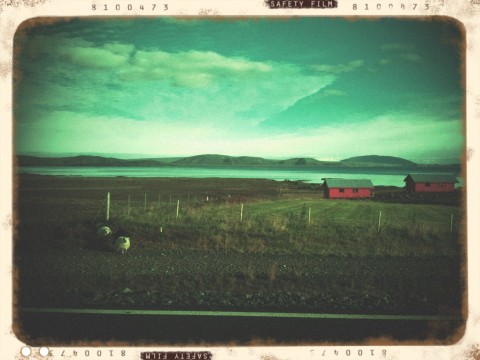
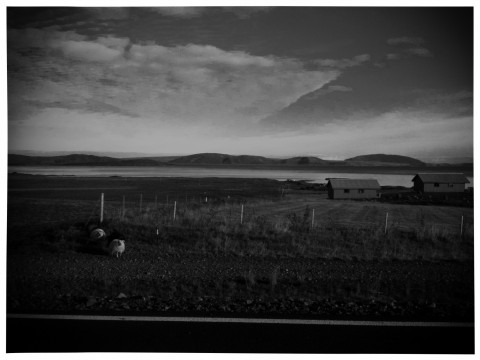
Pinhole Camera Review

A pinhole camera, for those who don’t know, is simply a camera consisting of a light-tight box with a small aperture in one end and film or other photographic support loaded at the other end. Very often these cameras are handmade, but there are also quite a few commercial pinholes around.

The notion of pinhole camera has been known for ages. The first rudimentary examples of pinholes date back to 4th century BC, and as a matter of fact ancient Greek and Chinese  philosophers had written about them. However, the modern pinhole camera as we commonly know it is a lot more recent. It is believed the first photography with a pinhole camera was taken by Scottish inventor and scientist David Brewster in 1850. Since then pinhole cameras have become very popular especially among smaller groups of enthusiasts.

Doesn’t trying to imitate a pinhole camera on a mobile phone device totally defy its original purpose? Maybe it does, but we’re not going to start a debate about digital vs analog here. But does the app under consideration at least achieves what it was developed for?

Main Features

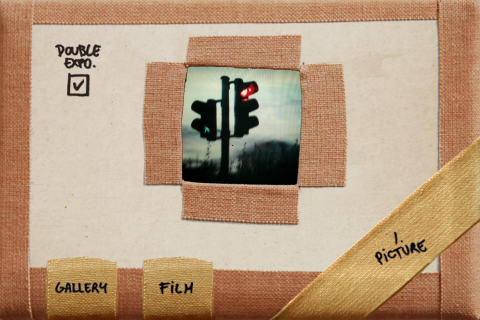
  • Up to a resolution of 640 x 640 pixels;
  • Double exposure on/off;
  • Three different films (color, expired color, b&w);
  • Flash on/off (iPhone 4 only);
  • Possibility to share the photos via Facebook or email.

Appotography Opinion

If we were to give an opinion only on the external aspect, Pinhole Camera would be rated much higher. The interface, at the same time very simple and easy to get used to, and the look of this app, with its cute low-fi allure, are both elements we liked. However, a photographic app must provide something more than cuteness. The shots taken with Pinhole camera, both with the double exposure turned on and off are quite neat; the available filters, although very basic, cover a small spectrum of possibilities nicely enough. What is really upsetting is the maximum available resolution of the photos taken with this app: a very modest 640 x 640 pixels. Definitely a little too small, especially for a paid app.
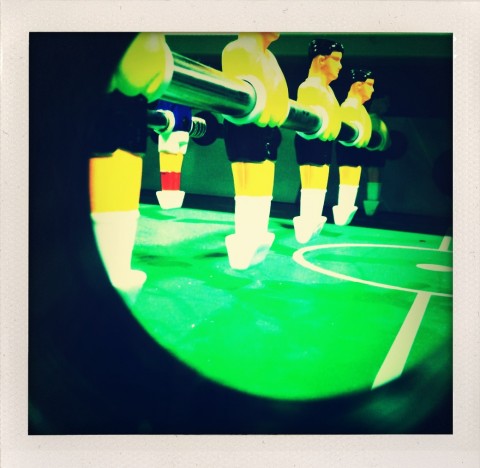
Pinhole Camera iPhone

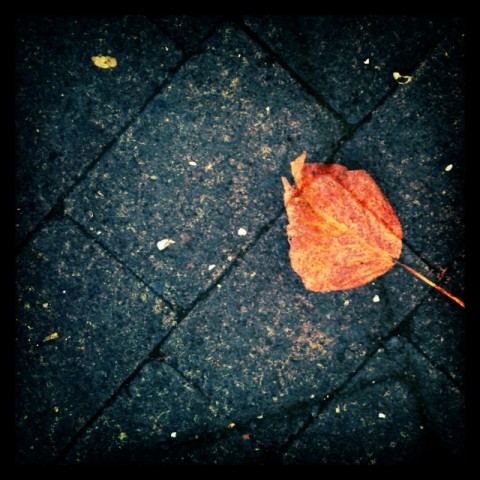
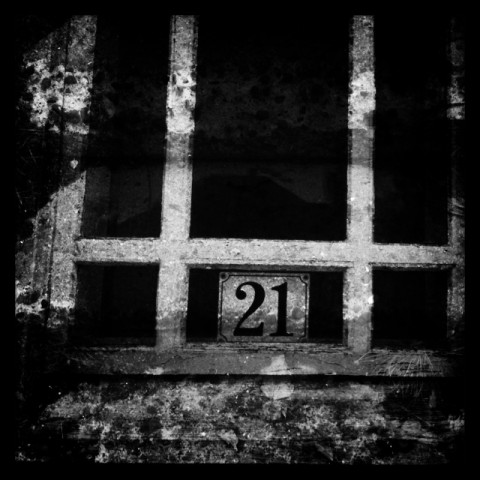
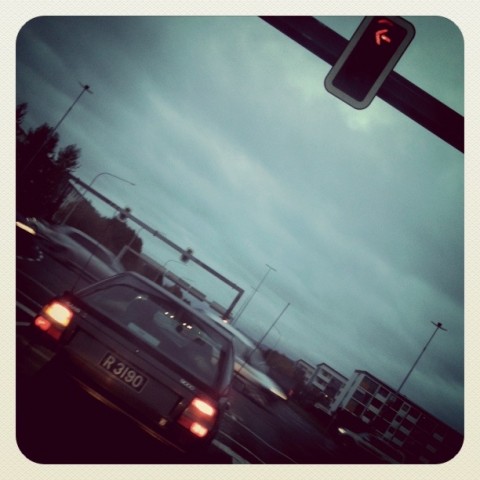
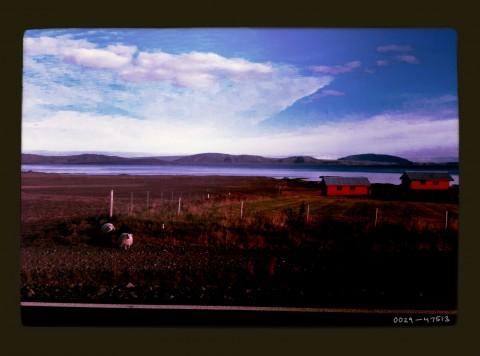
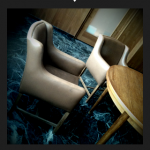
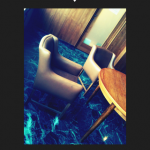
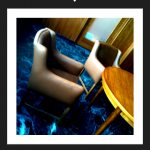
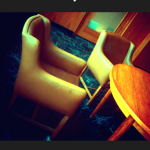
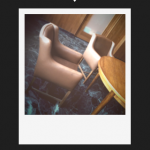
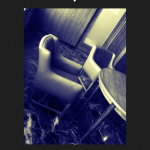
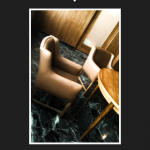
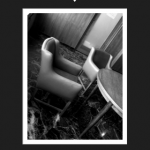
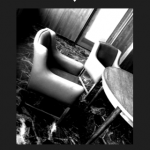
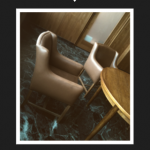
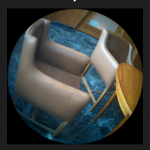
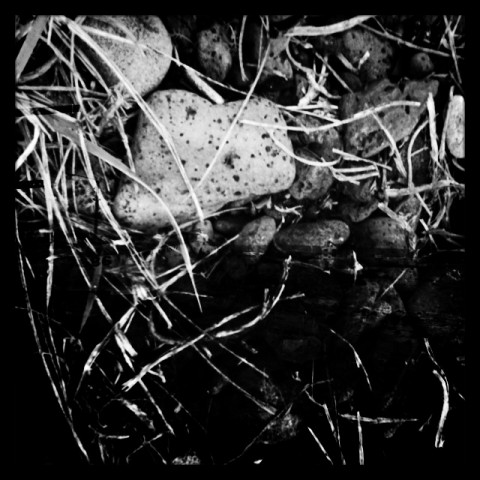
A few examples of double exposures obtained with Pinhole Camera:
Pinhole Camera iPhone

Pinhole Camera iPhone

Pinhole Camera iPhone

Pinhole Camera only works with the built-in camera, not with photos previously taken and stored in the camera roll.

Overall

Name: Pinhole Camera
Developer: iA
Compatibility: iPhone, iPod Touch. iOS 3.1.2 or later.
Price: £0.59||$0.99||€0.79
Vote: 3/5

Pinhole Camera - iA

Instagram Review

Not everybody who has an iPhone is necessarily looking for apps that are mainly oriented in photo editing. Some people mostly like to take snapshots as a way to keep in touch with friends, family and acquaintances, letting them experience moments of their lives with them.

Instagram was especially conceived for those who, willing to share their photos with others, want at the same time to add to their pictures that irresistible analog flavor that only instant cameras in the old days could deliver.

Main Features

  • Maximum resolution 612 x 612 pixels;
  • 15+ filters available;
  • Square format;
  • Possibility to share the photos via Flickr, Facebook, Twitter and Tumblr.

Appotography Opinion

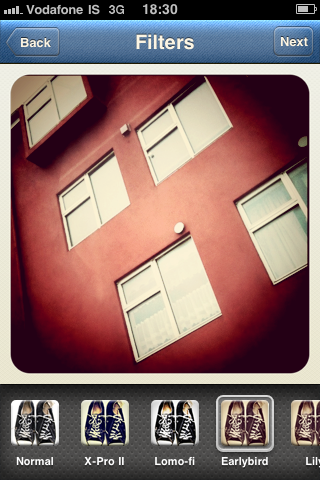
Instagram works both with built-in camera and with camera roll. This app will very likely please users whose main interest is sharing snapshots with their friends. For those willing to use it simply for photography purposes, the app will be kind of disappointing though. The filters are very limited in number and in possibility of customization; however, their quality is more than decent in the imitation of real analog instant cameras.

Improvement is absolutely necessary regarding the images resolution – now merely up to a ridiculous 612 x 612 pixels! More than a few times the app crashed when we were trying to take a picture; refresh of user’s data is another issue we noticed. Browsing through the photos uploaded to the Instagram community isn’t very easy; the latest photos should be emphasized, not only the most popular; some kind of moderation should be applied to the uploaded photos, as many users end uploading photos that are not their own or snapshots of copyrighted material just to get comments and faves to end in the popular selection. This is not only completely wrong, but it also defies the purpose of the Instagram community.

Instagram is fully integrated with popular social networking services as Flickr, Twitter, Facebook, Foursquare and Tumblr but the user can also share the pictures on the dedicated community created and managed by the app developers. The app is optimized for photo sharing: once it’s been correctly configured, it really takes nothing to share the pictures through the featured services. Registration is required in order to use the Instagram.

Instagram iPhone

Anyway, the app is totally free: if you are curious why don’t you try it yourself?

Instagram iPhone

Instagram iPhone

Instagram iPhone

Name: Instagram
Developer: Burbn, Inc.
Compatibility: iPhone, iPod Touch, iPad. iOS 3.1.2 or later.
Price: free!
Vote: 3/5

Instagram - Burbn, Inc.

Infinicam: Time To Randomize Your Camera!

We know about Nevercenter thanks to their CameraBag app. We are now presented with a new photo app whose potential goes far beyond that of CameraBag. However, Infinicam is not an enhanced version of CameraBag. Like its predecessor, it features filters imitating analog cameras and films, but the way the filters are generated is totally different.

Main Features

  • Full resolution available;
  • 18 film-style borders;
  • Wide range of photographic filters;
  • Possibility to save preferred the automatically generated styles;
  • Cropping tool;
  • Camera history;
  • iOS retina-display support;
  • Possibility to share styles with friends.

Appotography Opinion

As the name implies, Infinicam offers the user an endless series of combinations to edit photos, previously taken or on the spot. Tapping on the “Press for new camera” button, a new style is instantly generated through  complex algorithms. Each style is identified with a seven digits code which can be saved for further use or manually entered when needed. The filters are neat and some of them truly deliver the feel of shots by analog cameras. Endless effects, I said: is it really true? Well, the variety of automatically generated effects is impressive, but most of the styles look very similar. Also, we are not great fans of  borders with credits and apps names stamped all over them, as they make the edited photos more like something obtained using a free app. From a paid app, this is not very “stylish”.

Here are some examples of what you can achieve:

Infinicam iPhone

Infinicam iPhone

Infinicam iPhone

Infinicam iPhone

Infinicam iPhone

Unless you create a huge library of previously used and faved filters – or acquire them in exchanges with other users or through download – you won’t have great freedom of choice and customization. For those who are more focused in obtaining extremely predictable results, Infinicam is definitely not the right choice. Infinicam will mainly please perhaps those who have already tried many other apps and are looking for something different, or those who are fans of the unexpected results that can be obtained through apps allowing a great degree of randomization.

Overall

Name: Infinicam
Developer: Nevercenter Ltd. Co.
Compatibility: iPhone, iPod Touch, iPad. iOS 2.0 or later.
Price: £1.19||$1.99||€1.59
Vote: 4/5

Infinicam - Nevercenter Ltd. Co.

VintageScene Review

To this moment, there aren’t great apps around allowing you to add layers to transform your pictures into something different and more complex. I have seen many iPhone users resorting to Photoshop — not the app, the actual PS — to beautify photos they had taken on the iPhone.

VintageScene will not ultimately turn your photo into a genuinely looking old photo, as the developer’s slogan says, but it will add some functionality that to this moment is still not fully developed by other iPhone apps.

Main Features

  • Full resolution available;
  • 16 default presets;
  • 63 different textures available;
  • Possibility to save custom presets;
  • Possibility to share the photos via email.

Appotography Opinion

VintageScene is a good addition for those looking to add predetermined effects to their photos, with just a little possibility of adjustment. You can play around with just a few parameters, like intensity of texture vs intensity of photo, vignetting, and so on. The available textures grant a certain degree of variety, but are sort of repetitive when added to more photos. It would have been more useful, though this is not the VintageScene app’s intent, to have the chance to add your own textures to the ones in the app’s library. As I said, to this moment there are no decent apps to effectively add layer styles and to make use of multiple exposures on the iPhone. They all have some sort of deficiency. For this reason, VintageScene has kind of limited range of action, but it’s still good if you are using it, for example, with other apps that let you adjust more photo editing parameters. The hi-res rendering is also very slow.

Here are some of the default presets applied to the same picture:

VintageScene iPhone

VintageScene iPhone

VintageScene iPhone

VintageScene works both with camera roll and with photos taken directly with the built-in camera.

Overall

Name: VintageScene
Developer: JixiPix Software
Compatibility: iPhone, iPod Touch. iOS 4.0 or later.
Price: £1.19||$1.99||€1.59
Vote: 4/5

VintageScene - JixiPix Software

TiltShift Generator: Create Fake Miniature Scenes on your iPhone

Tilt-shift refers to the use in photography of  tilting for selective focus to recreate a miniature picture. Although the original term refers to in-camera technique, the same effect is often simulated with digital postprocessing. The tilt-shift style has lately enjoyed greater popularity with the large diffusion of digital photography that is frequently associated with digital postprocessing of the photos. Mobile photographers, Apple iPhone ones in particular, won’t have difficulties finding tools helping them to generate the fake miniature feel of actual tilt-shift photography directly on their phone with the best approximation possible for a simulation.

Main Features

  • Full resolution available;
  • Radial and linear blur;
  • Contrast and saturation adjustment;
  • Vignetting adjustment;
  • Possibility to share the photos via Twitter and email.

Appotography Opinion

Originally released as a free web service and AIR app, TiltShift Generator is one of the available applications that helps the user to accomplish the fake miniature look, and it’s probably the best so far. The user can take a photo or load a previously taken picture from the camera roll. Selecting the appropriate degree and type of blur and adjusting parameters as brightness, contrast and saturation is very easy. The vignetting adds the final touch to the effectiveness of the illusion. An in-app tutorial will also provide some useful tips to obtain better fake miniature photos. Art & Mobile once again delivers an app that lets the iPhone photographer achieve the desired result in the easiest and most practical way possible.

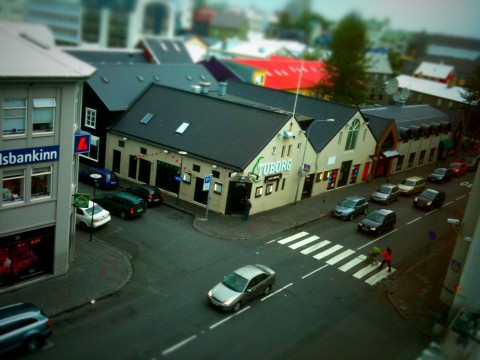
A Fake Miniature Photo Created with TiltShift Generator for iPhone

Overall

Name: TiltShift Generator
Developer: Art & Mobile
Compatibility: iPhone, iPod Touch, iPad. iOS 3.0 or later.
Price: £0.59||$0.99||€0.79
Vote: 5/5

TiltShift Generator - Fake Miniature - Art & Mobile

ShakeItPhoto: For The Greatest Fake Polaroid Fans

Everybody likes instant photography, especially on the iPhone. Most apps that promise to the user the same experience of an actual instant camera are as a matter of fact big letdowns.

ShakeItPhoto, a very basic replacement to the default iPhone camera, differently from other similar apps, gets very close to what it promises.

Main Features

  • Up to a resolution of 1016 x 1040 pixels;
  • Shake to speed up development.

Appotography Opinion

ShakeItPhoto is a very nice and simple app that will make die-hard fans of the original Polaroid camera happy. In fact, much more than the official app, ShakeItPhoto gets close to delivering the feel of Polaroid instant photography, from the truthfulness of the filters to the shaking motion required to develop the photos faster to the effects reproducing real instant cameras’ sounds. The success of this app depends mainly on the fact  ShakeItPhoto stays true to what it promises. First of all, it is very easy to use as it doesn’t offer any additional gadget or special feature to its basic function which is to take a photo – or change an existing one – adding to it a Polaroid-like filter and border. This means it will be excellent for iPhone camera users that usually prefer straightforward tools rather than gimmicky ones with gazillions of confusing variables, but it will also be a decent expansion  for those who often like to use more than one app to edit their photos.

ShakeItPhoto conveniently works both with photos taken on the spot and and with the camera roll. There’s space for improvements on higher resolution.

Overall

Name: ShakeItPhoto
Developer: Banana Camera Co.
Compatibility: iPhone, iPod Touch, iPad. iOS 2.2.1 or later.
Price: £0.59||$0.99||€0.79
Vote: 4/5

ShakeItPhoto - Banana Camera Co.

PictureShow: Lotsa Fun For iPhone Photograpers!

There are so many toy camera apps around that it has become a really tough job for developers to come up with anything still able to draw iPhone users’ attention. Some toy cameras in the App Store are nothing more than mere replicas of more popular apps, just with an interface slightly different.

PictureShow has features that despite obvious similarities with other apps still make a difference in the crowded panorama of toy cameras apps. Let’s take a closer look to see why.

Main Features

  • Full resolution available;
  • 28 photo styles (HolgaGraphy, LomoGraphy, Noir, Retro, Instant, PopArt, etc.);
  • Rich collection of frames, noise textures and light effects;
  • Vignetting on/off;
  • Color correction;
  • Brightness and contrast adjustment;
  • Built-in editor to add text to the photos;
  • Autosaving on/off;
  • Possibility to share the photos via Flickr, Twitter, Facebook, Blogger and email.

Appotography Opinion

We had, and are having, so much fun with PictureShow. Graf’s app made us feel the refreshing novelty of our first period of iPhone photographing, when exploration of various techniques offered constantly new amusement. Despite its reproduction of filters that are abundantly used in other apps, Picture Show grants originally designed results, successfully combining a clean interface with a variety of possibilities. In fact, you have quite a few choices in the filters department, and mixing the effects to obtain unexpected outcomes sometimes is really endearing. It’s possible to scroll among effects and examine the various results and in case of mistakes it’s possible to reset and start over. The only thing I don’t like in PictureShow – and in other apps as well – is having borders with the app’s name stamped over them, which gives a bit the feeling of using a free app.

Here are versions of the same photos obtained with the randomizer button, which offers a nice additional touch and might really come in handy in moments of shortage of ideas.

Picture Show iPhone

Picture Show iPhone

Picture Show iPhone

Picture Show iPhone

Picture Show iPhone

Picture Show iPhone

PictureShow works both with photos taken on the spot and and with those stored in the camera roll.

Overall

Name: PictureShow
Developer: Graf
Compatibility: iPhone, iPod Touch, iPad. iOS 3.1 or later.
Price: £0.59||$0.99||€0.79
Vote: 5/5

PictureShow - graf

Film Lab: A Great Film Simulator For Your iPhone Photography

Some of you have probably tried RetroCamera in its free or paid version at some point and thought, “what a nice app, too bad they didn’t provide higher resolution”. Yes, too bad.

Film Lab, an application by the same developer of RetroCamera, partly solves the issues with the previous app, as it does provide hi-res saving. It doesn’t provide other features included in the RetroCamera app though, like textures and borders, but it offers more variety in the film simulation area.

Main Features

  • Up to a resolution of 3200 pixels;
  • Film simulation: 350+ filters available;
  • Color operation: 18 operations available (multiply, invert, screen, overlay, etc.);
  • Restores previous session;
  • Tooltip  on/off;
  • Brightness and contrast adjustment;
  • Hue and saturation adjustment;
  • Blur and sharpness regulation;
  • Undo/redo.

Appotography Opinion

Film Lab is one of our favorite photography apps. Not only it features a wide collection of filters, but also one of the best. We are particularly pleased with sepia and black and white film simulation offered by Film Lab. Your photos won’t look like it happens with many other apps simply as color images converted in black and white, they will actually retain the feel of photos shot in black and white film. Since the list of available filters to choose from is so long, they are conveniently arranged by style and color (vintage, sepia, etc.) or by brand (AGFA, Ilford, Kodak, Daguerreotype, etc.). It is also possible to create a list of favorite or recently used  filters for quicker use. The interface is quite clear and easy to figure out, and if you make mistakes or change your mind while editing your picture, you can always undo. Film Lab works both with the camera and with photos stored in the camera roll.

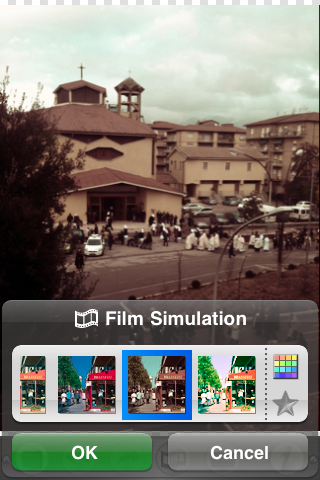
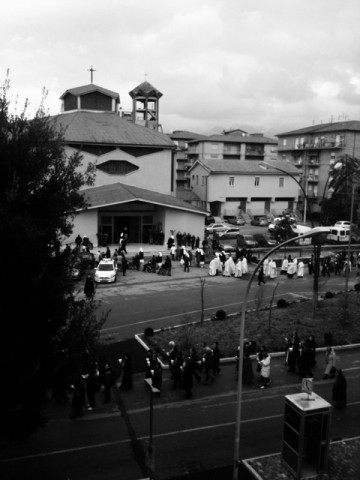
Film Lab iPhone

Here are just a few examples of what you can do. We are choosing filters at random to show the different effects. To obtain more original results, you can filter your photos as many times as you like.

Film Lab iPhone

Film Lab iPhone

Film Lab iPhone

Film Lab iPhone

Film Lab iPhone

In Appotography opinion, Film Lab is a must have app for iPhone photography lovers.

Overall

Name: Film Lab
Developer: CLBITZ Ubiquitous Communications Inc.
Compatibility: iPhone, iPod Touch, iPad. iOS 3.1.3 or later.
Price: £0.59||$0.99||€0.79
Vote: 5/5

FILM LAB - CLBITZ Ubiquitous Communications Inc.

CameraBag: A Bag Of Filters To Spice Your Photos Up In A Cinch

The name CameraBag suggests the notion of an app that is like a magic bag with several different cameras in it. Simulating the look of some famous vintage cameras, like Holga and Lomo, CameraBag for iPhone is a promise of photographic enjoyment for many to have always in their pocket.

Features

  • Full resolution available;
  • Thirteen filters to choose from: Helga, Colorcross, Lolo, Plastic, Magazine, Instant, Silver, Mono, 1962, 1974, Cinema, Infrared, Fisheye;
  • Borders on/off;
  • Cropping on/off;
  • Possibility to share the photos via email.

Appotography Opinion

CameraBag is a very intuitive and simple to use app for photo editing. It works both with the camera and with photos stored in the camera roll. The ready-made filters cover a variety of effects and all the user has to do is to scroll, choose among them and save. Some effects are very well done and effectively convey the feel of vintage cameras; some others perhaps don’t work quite as well. The Infrared filter, for instance, isn’t very convincing in its results. We’re not fans of fisheye simulators either, which often look like nothing more than vaguely distorted versions of an original that’s clearly not taken with an actual fisheye lens; the CameraBag Fisheye filter is not an exception. Some weaker filters may work better in combination with others, and in general it’s possible to experiment filtering photos again and again to look at sometimes unexpected results. At any rate, the CameraBag app, for its immediateness  of use and clear interface can be a good choice especially for those who don’t like to spend too much time playing with filters but still want to spice their otherwise plain photos up.

Overall

Name: CameraBag
Developer: Nevercenter Co. Ltd.
Compatibility: iPhone, iPod Touch, iPad. iOS 2.0 or later.
Price: £1.19||$1.99||€1.59
Vote: 3/5

CameraBag - Nevercenter Ltd. Co.

SepiaCamera: A Vintage Flavor To Your Photos

SepiaCamera is a very simple filter for iPhone. Sometimes you don’t need or want anything too complicated and you’re not willing to scroll through gazillion of other filters just to add that certain sepia styling to your shots.

Features

  • Full resolution available;
  • Zoom feature;
  • Vignetting on/off;
  • Square mode on/off;
  • Possibility to share the photos via email, Twitter and PhotoShare.

Appotography Opinion

There are tons of filters to add a sepia tone to your iPhone photos. SepiaCamera was one of the first apps for iPhone we got and we still think it’s one of those that delivers nicer results. SepiaCamera, like the other apps by the same developer, doesn’t do anything less than what it promises: adding a nice vintage flavor to your photos. Not to mention the app is free, so it’s definitely worth a try. Sepiacamera works only with the camera and won’t let you use photos stored in your camera roll.

SepiaCamera iPhone

Overall

Name: SepiaCamera
Developer: Art & Mobile
Compatibility: iPhone. iOS 3.0 or later.
Price: free!
Vote: 3/5

SepiaCamera - Art & Mobile