
 Hipstamatic 220 presents: Family Album – Share Your Adventures in Hipstaland.
Now you can create your own personalized albums and share them with friends and other Hipstamatic users. As soon as your prints are developed, you can select the “Send to Family Album” option to share them via this new feature.
There are three types of available albums that you can choose from:
- Shared Album‘s purpose is making it easier to share and have instant access to Hipstaprints of your friends and contacts. For example, you can create more shared albums to share content with different people.
- In Photo Album you can collect Hipstaprints you like: they can be your own, your friends’ and other Hipstamatic users’ as well.
- Magic Album can contain all sort of content, relating to people, things and places.
For each album type, you can set a name, add tags and specify other details, like a defined period of time and shooting location, so that you can keep track of everything and have your shared prints or prints you like neatly organized.
Through the main Family Album screen, you can browse all your shared prints, together with featured albums and latest uploads. Albums you create can be deleted at any time, while prints you have shared are not deleted with albums.
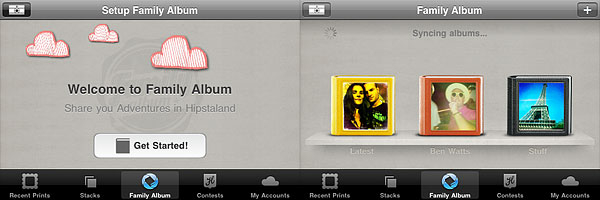
Lastly, you can now upload your prints to Twitter, Facebook and Tumblr at the same time.
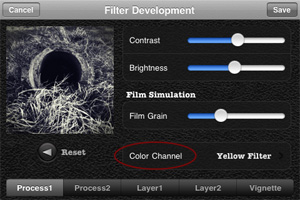 In Cameramatic 1.3.0 you will also find two new filters, Slide and Cross Processing 2. Slide is an addition to Cameramatic’s Standard filter collection, while Cross Processing 2 is included in the XPro selection.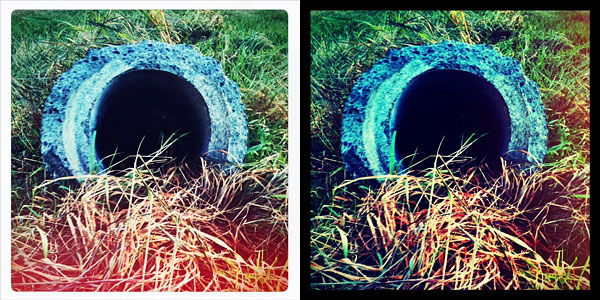
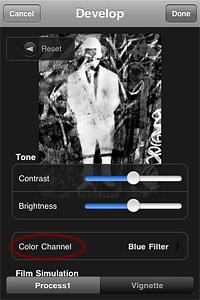 Monochromia 1.5 finally offers a color channel feature, for greater flexibility and better conversion from color to black and white. The possibility to apply filters for individual color channels makes a huge difference. From Monochromia’s developing area, you can now access the color channel settings. Other than red, green, blue, yellow, and orange filters, it’s possible to select normal grayscale and maximum channels.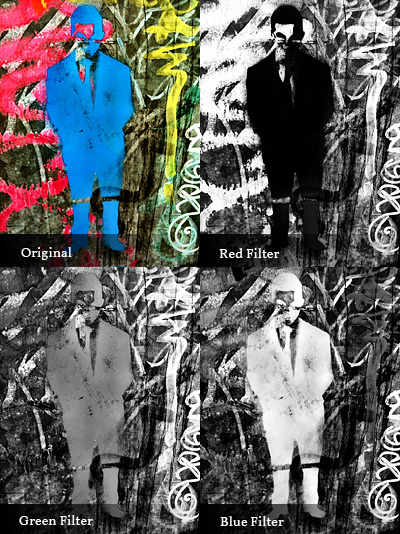


 With the update to version 2.1.0,
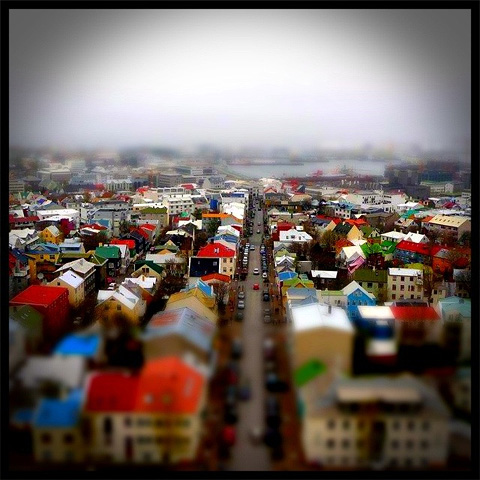
  TiltShift Generator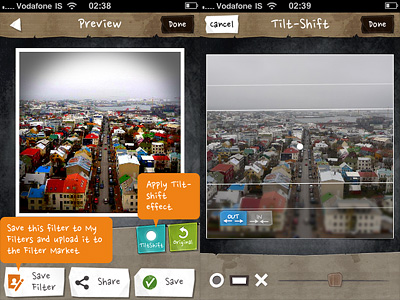
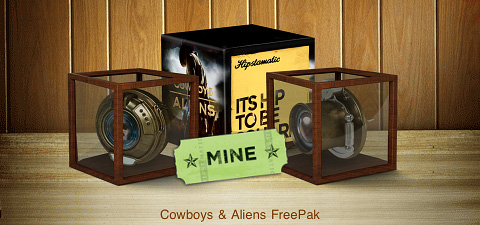

 The new addition to Hipstamatic’s lens collection was done in collaboration with photographer
 Trover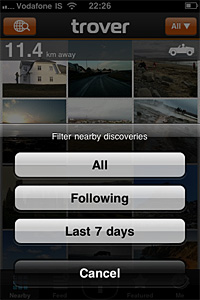
 TiltShift Generator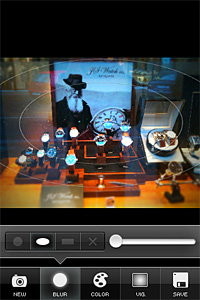

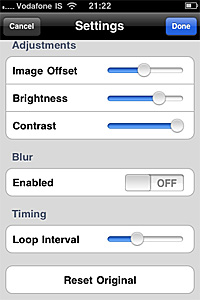
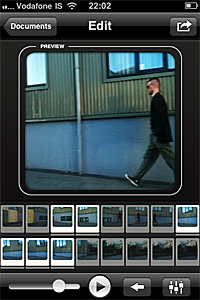 It’s now possible to edit GIFs by adjusting offset, brightness, contrast parameters, by adding blur and by setting loop interval. Reset is always possible for restoring the original.
 A few new sharing options were also added with the latest release: you can now share also on Tumblr, Imgur and Lockerz.