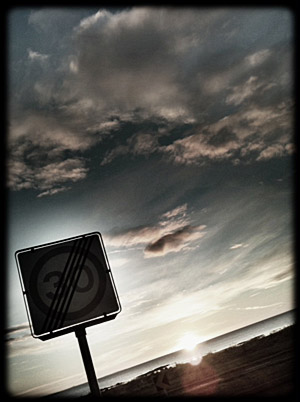
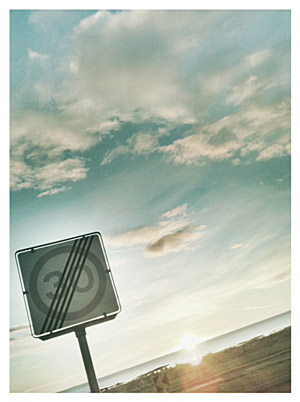
After a long wait, the updated version of 8mm Vintage Camera is now available in the App Store. Release 1.2 adds a few useful features to Nexvio’s 8mm camera, in addition to new film simulation and lens.
A pleasant surprise is the newly added possibility to process previously recorded videos by importing them from your device. In the older versions of 8mm Vintage Camera, you could only use videos taken from within the app; this limitation was one of the biggest concerns for the Nexvio’s app users. Unfortunately, previously taken videos are also saved in small resolution, just like videos taken in-app and processed in real time. This means that, if you process your HD videos within 8mm Vintage Camera, you will end up with a rather disappointing 480 x 360 resolution clip.
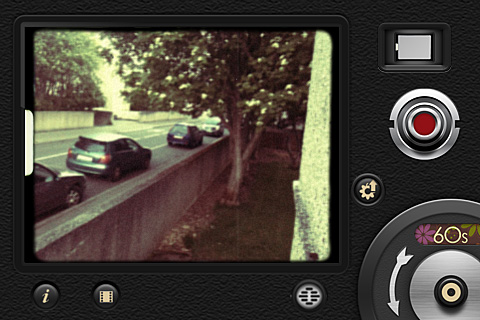
You can now combine projector sound with soundtrack recording and delete all your clips at once from My Reels gallery. Moreover, your videos can now be saved automatically to Camera Roll, other than to My Reels gallery.
Other relevant additions are the new lens, Super 8, and the two films, Noir and 60’s. 8mm vintage camera now comes with a total of 5 lens and 7 film effects. This short clip shows both Noir and 60’s film in combination with Super 8 lens.
Finally, AirPlay support was also added with this latest release.

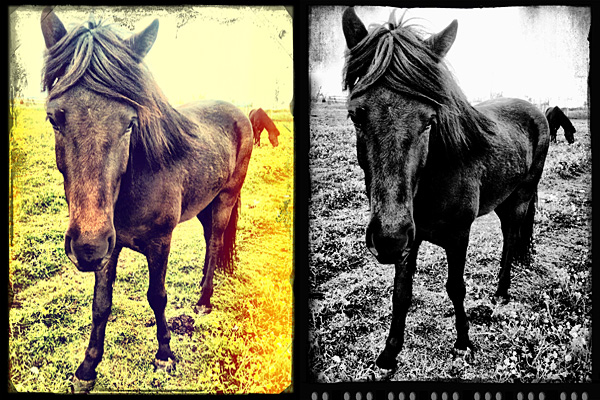 On a final note, developers informed their users that a reported bug concerning the White Balance and Exposure lock when recording video is iOS 4.3 related and that Apple seems to have fixed it in iOS 5.



 The new release of
 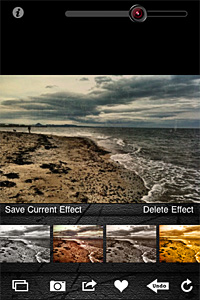 In version 1.3, sharing via email was also added and enhancements to the included effects were made.



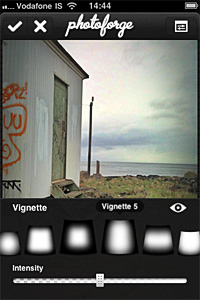
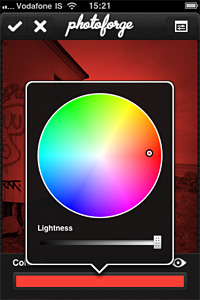
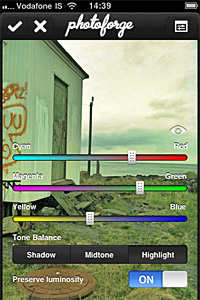

 Other changes include ability to turn off the intro screen and other various bug fixes.
 Bleach Bypass