Fotosyn recently released their Bleach Bypass for iPhone, an app exclusively focused on simulating skip bleach processed photography.
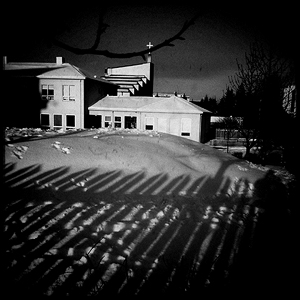
Bleach bypass is an incorrect color processing that consists in skipping the bleaching function in the developing of a color film. The skipping can be total or only partial. The result is an image characterized by desaturated tones, stronger dark areas, increased contrast and extreme grain. Bleach bypass is also known as skip bleach or silver retention, because the silver is retained in the emulsion along with color. Although renown and appreciated for artistic purposes — very famous is the case of Spielberg’s Saving Private Ryan, which makes use of this processing extensively — this technique is particularly costly due to equipment requirements needed to achieve it. It is however very easy to imitate digitally, so its popularity has greatly increased in the last years.
Main Features
- Full resolution available;
- 7 effects;
- 3 border styles;
- Vignette on/off;
- Auto-save on/off;
- Share via email.
Appotography Opinion
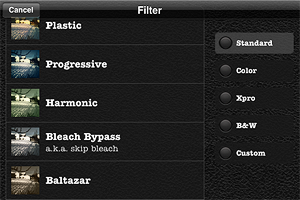
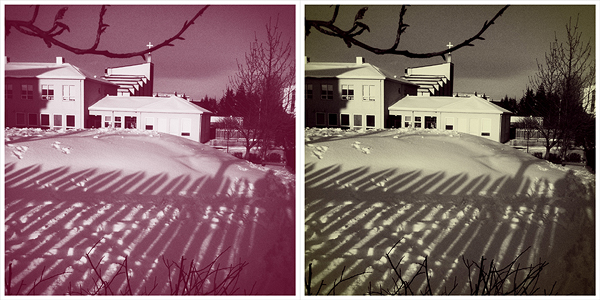
In Bleach Bypass, you can either load one of the photos in your Camera Roll or take shots with the built-in camera. After you have your picture to process, you can apply one of the seven filters available in combination with one of the three borders included. There are three standard effects — Cinematic, Extreme, Monohint — and four tint effects — Blush, Breeze, Verve, Nostalgia. You can pick your desired filter from the FX screen which you can access by tapping on the FX button, but you have to enable vignetting or choose a border from the settings panel, which is kind of nonsense in my opinion — since there are not many variables, I think it would be easier and less time-consuming to have all of them accessible from the FX screen. Once you have the right combination, you can save or send via email.
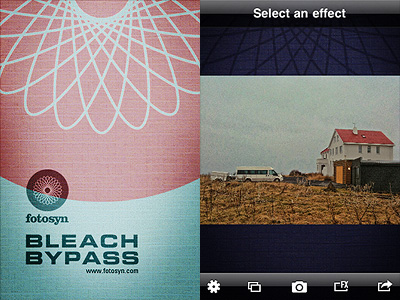
The processing takes place right away after you choose your effect, unlike other apps that first let you have a preview of the result and then actually process the image when you save it. This means it takes some time to switch to one effect to the other, but it also means saving the image is immediate.

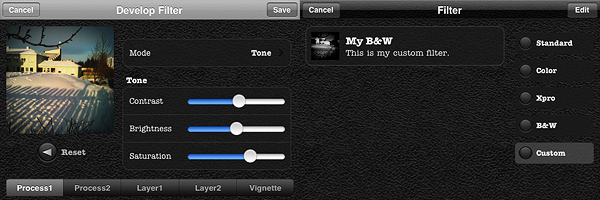
The effects are very nicely done, but definitely not outstanding: on the iPhone, I’ve seen many times convincing bleach bypass-like processing; there are several apps with similar filters that aren’t labeled as bleach bypass, for instance. A few of this app’s effects look almost identical, with just very slight differences in hues and contrast. Which is kind of disappointing, since there are very few choices to begin with. All in all, it feels like the effects in Bleach Bypass could have been a single filter with adjustable parameters instead of seven individual filters which you cannot adjust at all.
Overall
Name: Bleach Bypass
Developer: Fotosyn
Compatibility: iPhone, iPod Touch, iPad. iOS 4.2 or later.
Price: £0.59||$0.99||€0.79
Vote: 3/5

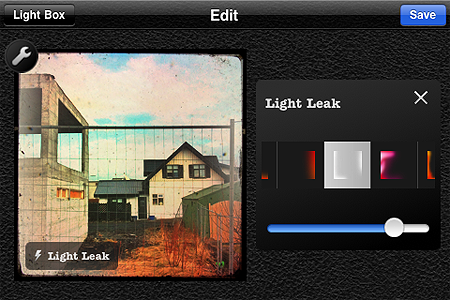
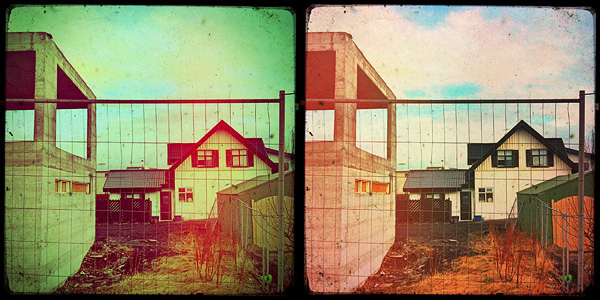

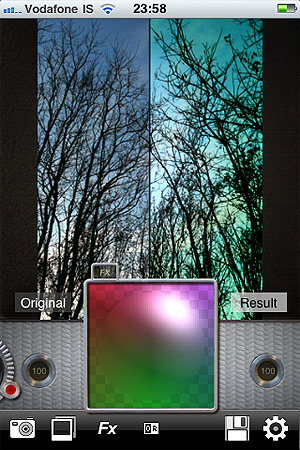

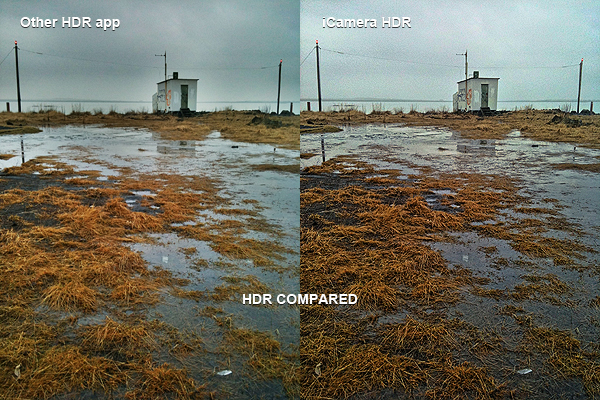


 Dynamic Light‘s newest release is 1.1.
 iSupr8 was also updated to version 1.2.2.
 Just a very brief update to notify that three of the apps we reviewed were updated in the last hours: