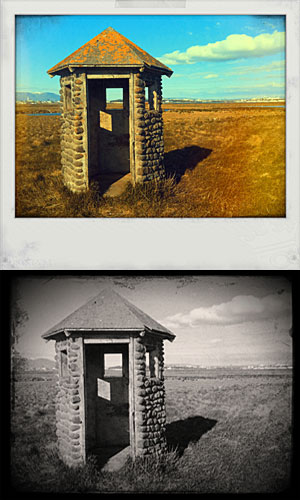
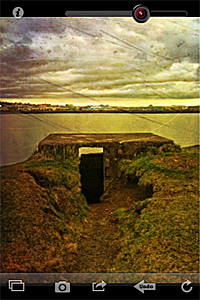
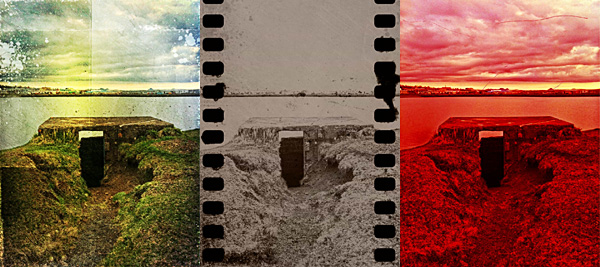
From the same developer of Cameramatic, Monochromia is an app focused on recreating photographic black and white effects on the iPhone.
Main Features
- Full resolution available;
- 15+ presets;
- Adjust brightness and contrast;
- Adjust vignette;
- Add grain;
- Send with email or share on Facebook and Twitter.
Appotography Opinion
Monochromia allows both taking pictures with the built-in camera and processing photos already stored in your device. Differently than in Cameramatic, you can choose to disable the square format restriction and therefore you can edit and save your photos in their original shape and size.
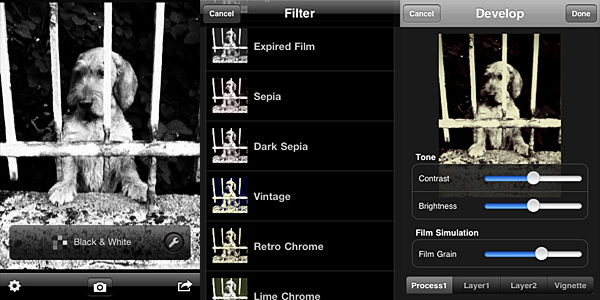 Once you load the photo into the working area, you can open the presets menu and choose one of the ready-to-use filters that come with the app. The selection is good enough, covering a range of possibilities between basic black and white to high contrast monochrome, passing through old photo effects like sepia and silver tone. The available presets, however, don’t cover everything. It’s here that the Develop feature comes in handy.
It’s possible to access the Develop area by tapping on the monkey wrench icon. Develop in Monochromia is very similar to Filter Development in Cameramatic: by playing with parameters, you can create your own monochrome filter. You can set brightness and contrast, add a tint and determine vignetting, opacity and width. When the editing is complete, you can save, email or share on Facebook and Twitter.
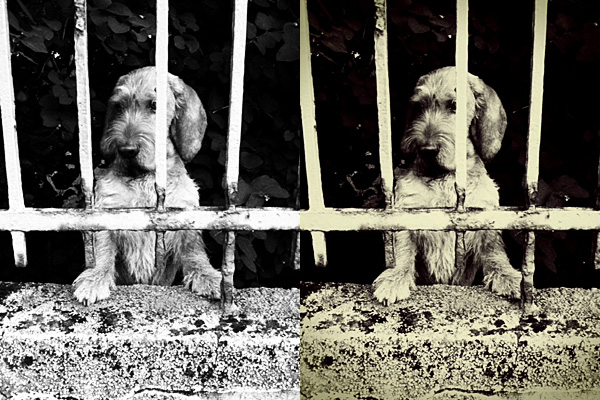
The lack of a channel mixer is probably the hardest thing to digest in Monochromia. Not that many other monochrome converters in the App Store have it, to be honest. However, a lot of other photo editing apps have recently started adding this and other sophisticated tools, making users question the actual usefulness of the average monochrome converter available in the App Store. Given the similarities with Cameramatic, Monochromia feels like a themed light version of its toy cam sibling. Not so “light” though: the price tag is exactly the same as Cameramatic. In theory, Cameramatic is less specialized, yet it’s by far more flexible, if you except the square format restriction: because of additional features, mainly, and because it is basically capable of doing the exact same things that Monochromia does.
Given these considerations, Cameramatic users will thus regard Monochromia as a clone only limited to monochrome photography of the better-known iPhone toy camera by the same developer. These users will not find any special use for Monochromia. Still, youthhr’s monochrome app is able to convert photos to black and white quickly and it allows fair customization. Achievable effects are definitely above the average black and white. Monochromia is perhaps not a must-have. Still, especially to non-Cameramatic users, it can be worth a try.
Overall
Name: Monochromia
Developer: youthhr
Compatibility: iPhone, iPod Touch , iPad. iOS 4.1 or later.
Price: £1.19||$1.99||€1.59
Vote: 4/5

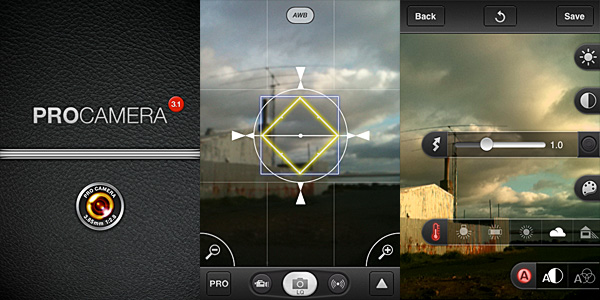 When you have taken your photo, you can make adjustments to it before saving or sharing. You can access three different editing modes: in Pro Lab, you can set brightness, contrast, white balance and saturation; in Pro Cut you can crop, flip or straighten images; for a quick edit or for a different final effect, you can use Pro FX, which offers a series of colored filters (sepia, black and white, bleach, etc.) and one-tap auto-adjustements. Differently from photos, videos cannot be processed and they are directly saved to the Camera Roll.
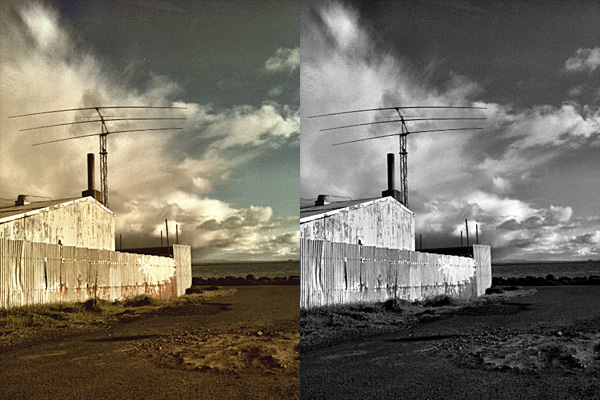 The strength of Procamera definitely resides in its wide array of camera features. Therefore, as a replacement to the native camera, the app works great, as it gives you all the necessary instruments to make the most out of iPhone’s limitations. Although getting to know all the included tools may appear overwhelming at first, especially to users with no previous experience with other — more basic — camera apps, using ProCamera is definitely rewarding on the long run. More control always means better results.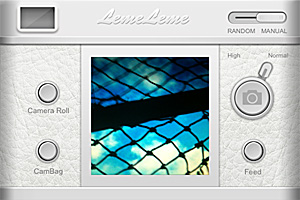
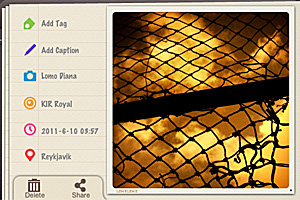 Leme Camera’s effects are very pretty, but handling them is a bother. With some cameras, you can only apply random filters. The feel you get when choosing different combinations of elements to create a final effect, is that of an extremely disorganized process. I couldn’t figure if disabling the app’s logo is possible or not: with some borders especially, that lame logo is terribly irritating, but honestly, after some time I gave up because I couldn’t care less anymore.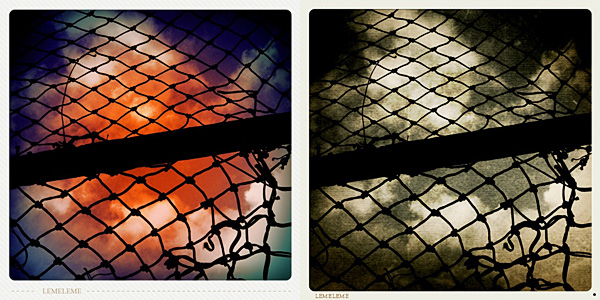
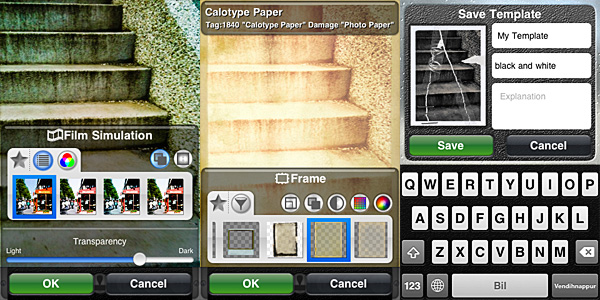 Other than film simulation, you can add textures, noise and frames. By applying them, you can imitate light leaks, scratched or damaged film, vignetting. You can also use the bokeh feature to digitally recreate depth of field or tiltshift effects or simply to add blur. Other than that, you can rotate and resize, set desired brightness, contrast, saturation, color and so on.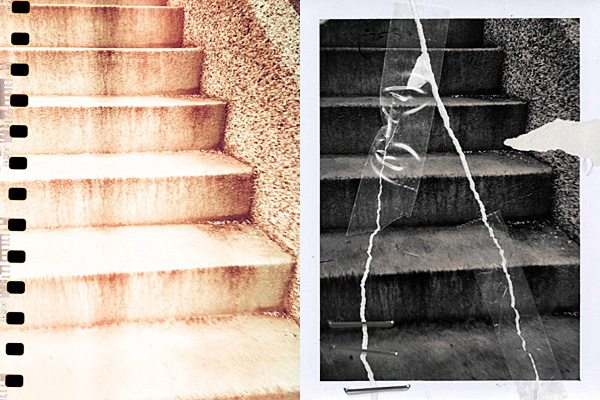
 One of the most amazing photography apps recently released to the App Store gets an amazing update.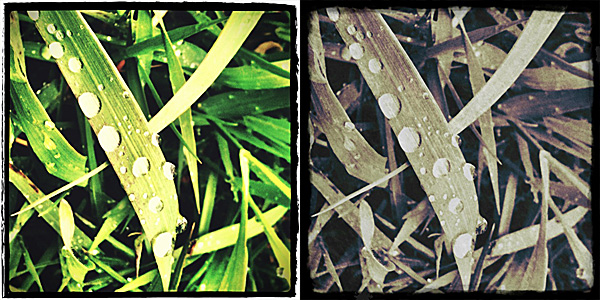
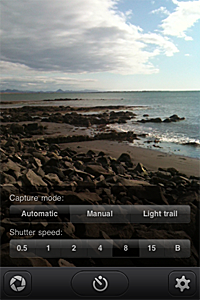 Manual mode helps you taking photos under difficult lighting conditions (low light, especially). The exposure can be compensated after the photo is taken and before saving the photo.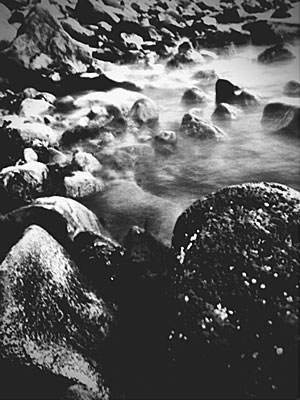
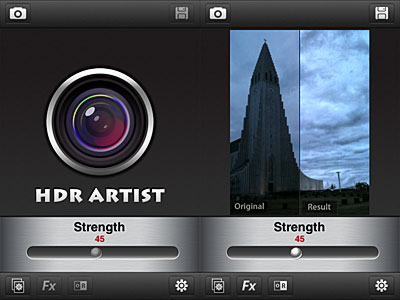 With a slider, you can adjust each effect’s intensity and enable original vs result view for comparison. When you are satisfied, you can save, send with email or share on Facebook and Flickr.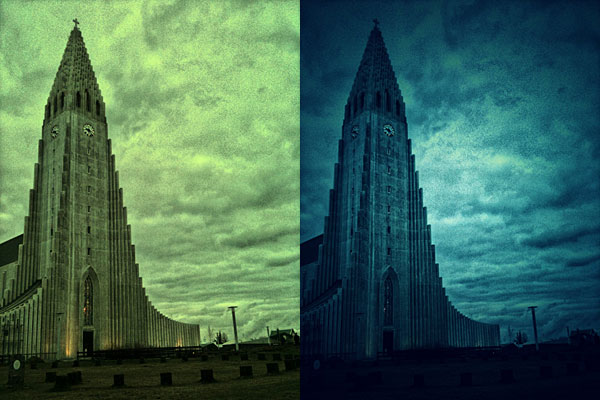
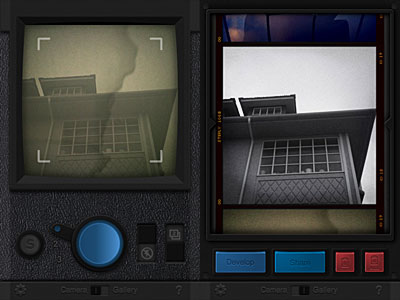 To activate the multi-exposure feature, you pull the switch and take another shot which will be superimposed over the previous photo. Multiple exposure in Fusioncam works only with the last photo taken, not with any photo in your gallery. The idea, I assume, is to make this feature work as closely as possible to multiple exposures obtained using roll of film without winding. This limitation, which I am sure many will find a drawback, can however be a catalyst to rethinking the whole process of taking photos with an iDevice. By using the multi-exposure feature, you can combine different filters together and create unique effects.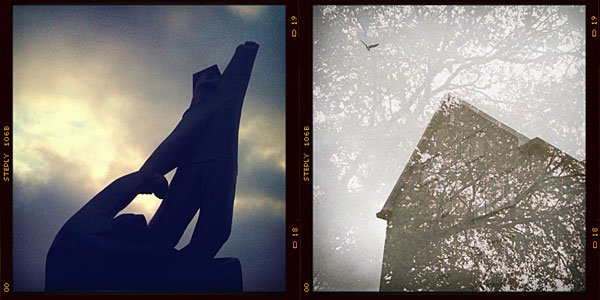
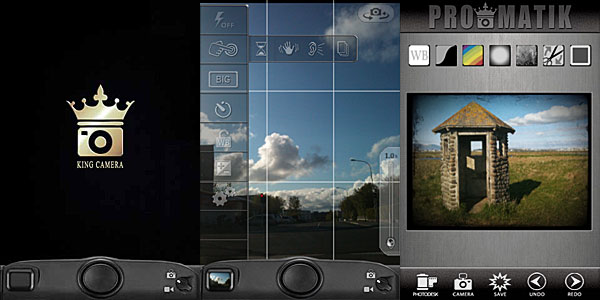 Once the photo is taken, it is stored directly into the Photo Desk area, the app’s gallery where all photos are neatly organized in stacks and thus easily browsable. You can also load photos from your device. Other than photo taking, King Camera also allows video recording. However, videos taken cannot be edited and processed within the app; unlike photos, they are directly sent to your Camera Roll.